How to Tell If Someone Unfollowed You on TikTok
Think someone unfollowed you on TikTok? Here are quick manual checks for one person, plus the reliable data-file method that shows everyone who left.
You have a feeling. A friend's videos still show up, but something is off, and you suspect they quietly unfollowed you on TikTok. How do you check without asking them and making it weird?
There are two situations, and each has its own best method: checking on one specific person, and finding everyone who unfollowed you. Let's do both.
Checking one specific person (30 seconds)
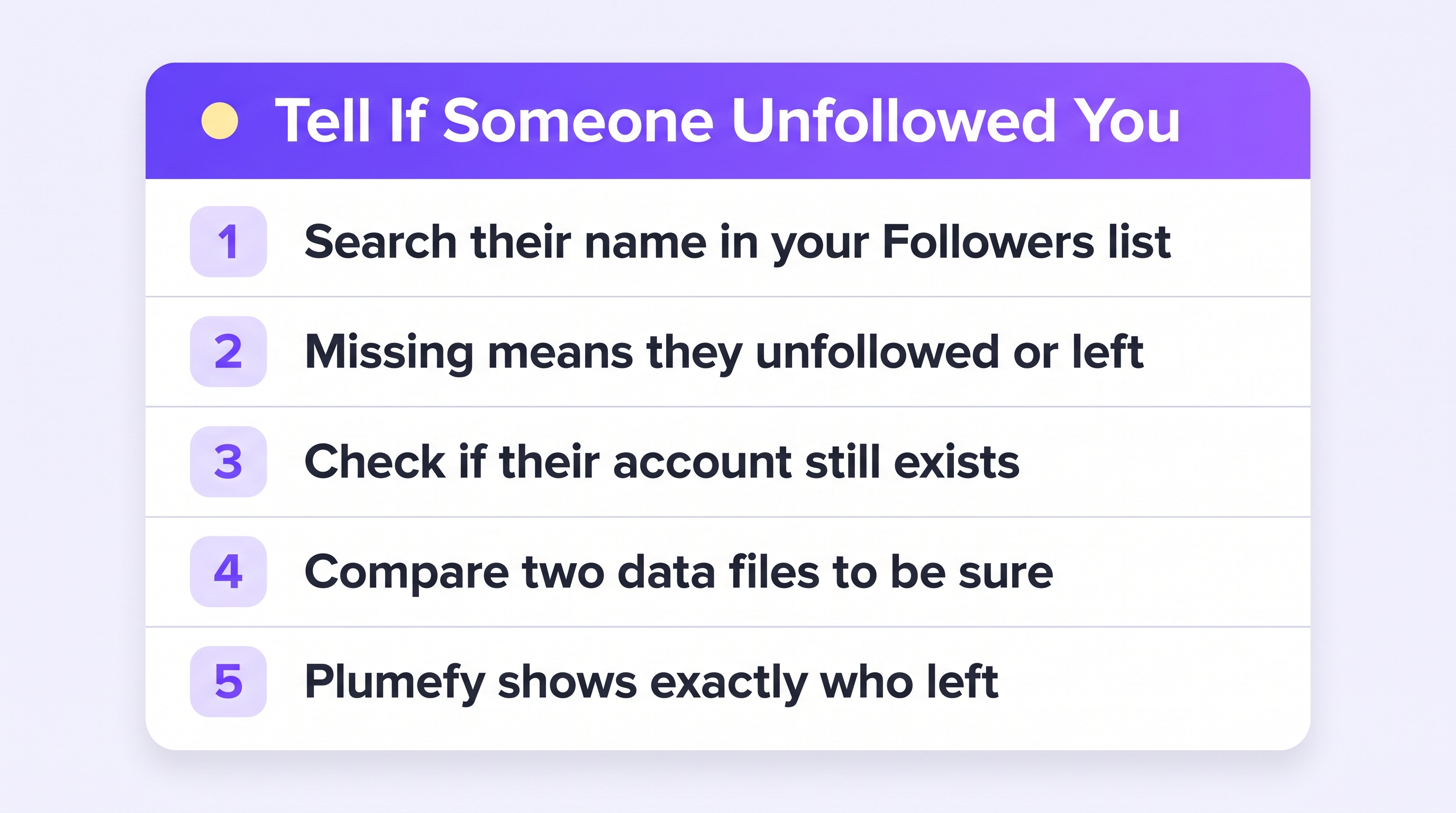
- Open your Profile and tap your Followers count.
- Type their name in the search bar at the top of the list.
- If they appear — relax, they still follow you.
- If they do not appear, one of three things happened: they unfollowed you, they deactivated or lost their account, or they blocked you.
How to tell those three apart:
- Visit their profile. If it loads normally, their account is alive — so they unfollowed.
- Profile missing entirely? Search their username from another account or a logged-out browser. If it exists for others but not for you, you have likely been blocked.
- Gone for everyone? They deactivated or were banned. Nothing personal at all.
Quiet reminder: people prune their following lists all the time, for reasons that have nothing to do with you.
Finding everyone who unfollowed you (the reliable way)
Manual checks work for one person, but they cannot tell you who else left, and TikTok has no unfollower list. The dependable method is to compare your follower list over time — using your own data.
- Download your TikTok data: Profile → menu → Settings and privacy → Account → Download your data, including your Activity data (step-by-step guide).
- Upload the ZIP to Plumefy's Unfollower tracker (choose TikTok). Plumefy instantly shows your followers, your following, and who does not follow you back.
- Upload a fresh file every few weeks. Plumefy compares snapshots and lists exactly who unfollowed you and who is new, name by name.
No password is involved at any point — Plumefy only reads the file TikTok gave you. That makes this the safe version of what those sketchy “who unfollowed me” apps pretend to do. (Why most of those apps are risky.)
What NOT to do
- Do not install password-based tracker apps. They risk your whole account for an answer your own data gives you safely.
- Do not unfollow-refollow to test them. Refollowing sends them a notification, and now it IS weird.
- Do not take one unfollow personally. Watch the trend, not the individual. If many people leave after a change in your content, that is a signal. One person leaving is just life.
Frequently asked questions
Can I see the exact moment someone unfollowed me?
No. Neither TikTok nor your data file records the time of an unfollow. Comparing two data files brackets it between two dates — that is as precise as it gets.
They are not in my followers but their profile loads fine. Did they unfollow?
Yes, that is the clearest sign: account alive, but missing from your follower list.
How do I know if I was blocked instead?
If their profile seems missing for you but exists when viewed from another account, that points to a block. If it is gone everywhere, the account is deactivated.
Is there a way to get notified when someone unfollows me?
Not in real time — TikTok does not expose that. A monthly data download compared in Plumefy is the practical rhythm: you see everyone who left, without watching numbers every day.
Check kindly, take it lightly, and let your own data — not your imagination — answer the question.
Post everywhere, once.
Start on the free plan — no card needed, upgrade when you need scheduling.
Start free