How to See Who Unfollowed You on TikTok
TikTok won't tell you who unfollowed you — but your own TikTok data download can. Upload it to Plumefy and see exactly who left. Safe, simple, no password.

You posted a fun video, checked your follower count, and saw it drop. That stings. It is normal to wonder who unfollowed you on TikTok. The good news: you can find clues without sharing your password or doing anything risky. Let me walk you through it in plain steps.
First, a quick truth. TikTok has no button that says "show me everyone who unfollowed me." But there are still smart, safe ways to spot who left. Let us go through them one by one.
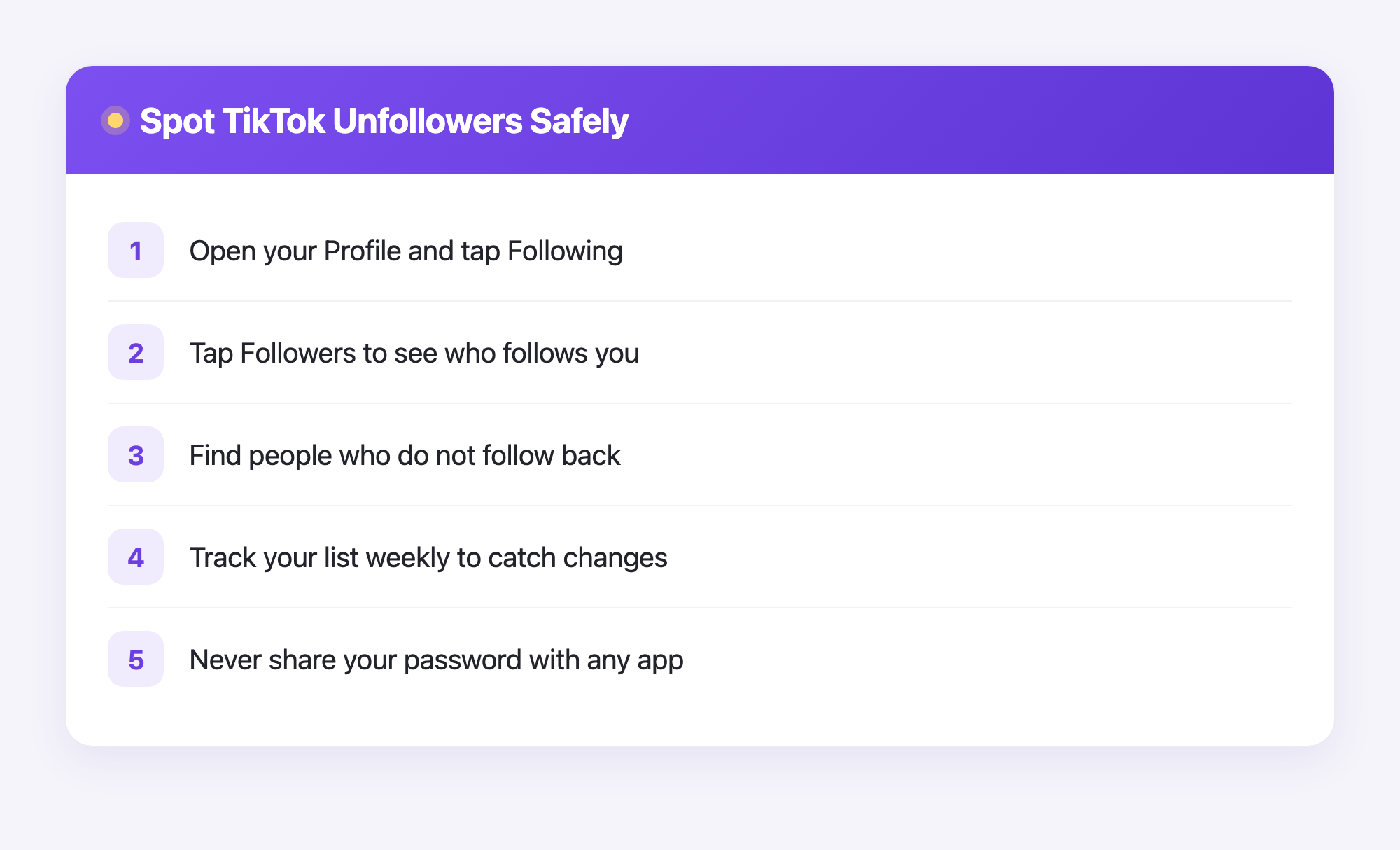
The easy way to check inside the TikTok app
TikTok keeps things simple, so you have to do a little detective work. Here is how to start.
- Open the TikTok app and tap Profile in the bottom corner.
- Tap your Following number to see everyone you follow.
- Tap your Followers number to see everyone who follows you.
- Look for people you follow who do not follow you back.
Want a faster trick? Use the search bar inside your Following list and type a friend's name. If they show up in your followers too, great. If not, they may have unfollowed you.
This works best for small or medium accounts. With thousands of followers, checking by hand is slow. That is where a tracking tool helps.
How to spot who unfollowed you on TikTok over time
The real secret is to track changes, not just look once. People unfollow quietly, so you need a way to compare your list today with your list last week.
Here are two honest methods.
Method 1: Keep your own notes. Once a week, write down your follower count and a few key names. When the number drops, scan your list and see who is missing. It is old-school, but it is free.
Method 2: Use a follower tracking app. Some apps connect to TikTok and show you new follows and unfollows. Be careful here. Only pick trusted tools, and never give your password to a random website. If an app asks you to enter your real TikTok password on a strange page, close it right away.
Stay safe while you check
Your account safety matters more than any follower count. Keep these rules in mind.
- Never type your password into a website that is not TikTok.
- Skip free apps that promise "secret follower lists" and ask for your login.
- Watch out for tools that want to post for you without asking.
- If something feels off, trust that feeling and back out.
A follower drop is rarely about you. People clean up their following lists, take breaks, or lose interest in a topic. It happens to everyone, even big creators.
See exactly who unfollowed you with Plumefy (no password)
Here is the good news. Plumefy can show you exactly who unfollowed you on TikTok, and it works the safe way: with your own TikTok data download. You never type your password anywhere except TikTok itself.
Here is how it works, step by step:
- In TikTok, tap Profile, then the menu in the top corner, then Settings and privacy.
- Tap Account, then Download your data.
- Include your Activity data — that is where your follower list lives — and pick JSON or TXT as the format. Both work.
- Tap Request data. TikTok prepares your file (it can take up to a day or two), then you download a small ZIP.
- Sign in to Plumefy, open the Unfollower tracker, choose TikTok, and upload the ZIP.
Plumefy reads the file and instantly shows your followers and who does not follow you back. Upload a fresh file again in a week or two, and Plumefy compares the two lists to show exactly who unfollowed you in between. The same trick works for Instagram, and Plumefy also helps you schedule posts and cross-post to many social apps at once. That means less time juggling apps and more time making videos people love.
See who unfollowed you on TikTok →
Growing back is easier than chasing who left. Post often, reply to comments, and try new ideas. A steady posting habit beats worrying about one missing follower.
Frequently asked questions
Can TikTok tell me exactly who unfollowed me?
No. TikTok does not send a notice or show a list of unfollowers. You can only compare your follower list over time to spot who is gone.
Are unfollower apps for TikTok safe?
Some are, but many are not. Never share your password on a non-TikTok page. Stick with well-known tools and avoid anything that promises free secret lists.
Why did my follower count drop suddenly?
It could be people unfollowing, or it could be TikTok removing fake or banned accounts. A small drop is normal and usually nothing to worry about.
Does Plumefy track TikTok unfollowers?
Yes. Upload your official TikTok data download (the ZIP, the user_data JSON, or the Follower/Following TXT files) and Plumefy shows who does not follow you back — and who unfollowed you between imports. No password and no TikTok login needed. It works for Instagram too.
How often should I check who unfollowed me?
Once a week is plenty. Checking too often can make you anxious. Spend that energy making good videos instead.
Knowing who left is helpful, but growing forward is what really counts. Track your followers safely, keep your password private, and let your posting do the heavy lifting. If you want one calm place to schedule everywhere and see your TikTok and Instagram unfollowers without a password, upload your data file and see for yourself.
Post everywhere, once.
Start your 7-day free trial — nothing charged today, cancel anytime.
Start free