Are TikTok Unfollower Apps Safe? What to Avoid
Thinking about a TikTok unfollower app? Most want your password — and that's a problem. Learn the red flags to avoid and the safe, no-password way to see who left.
Your TikTok follower count dropped, and now you are searching for an app that shows who left. Stop for one minute before you download anything. Many TikTok unfollower apps are not safe, and the risky ones all share the same tell: they want your TikTok password. This guide shows you the red flags to watch for, what can go wrong, and the safe way to get the same answer with no password at all.
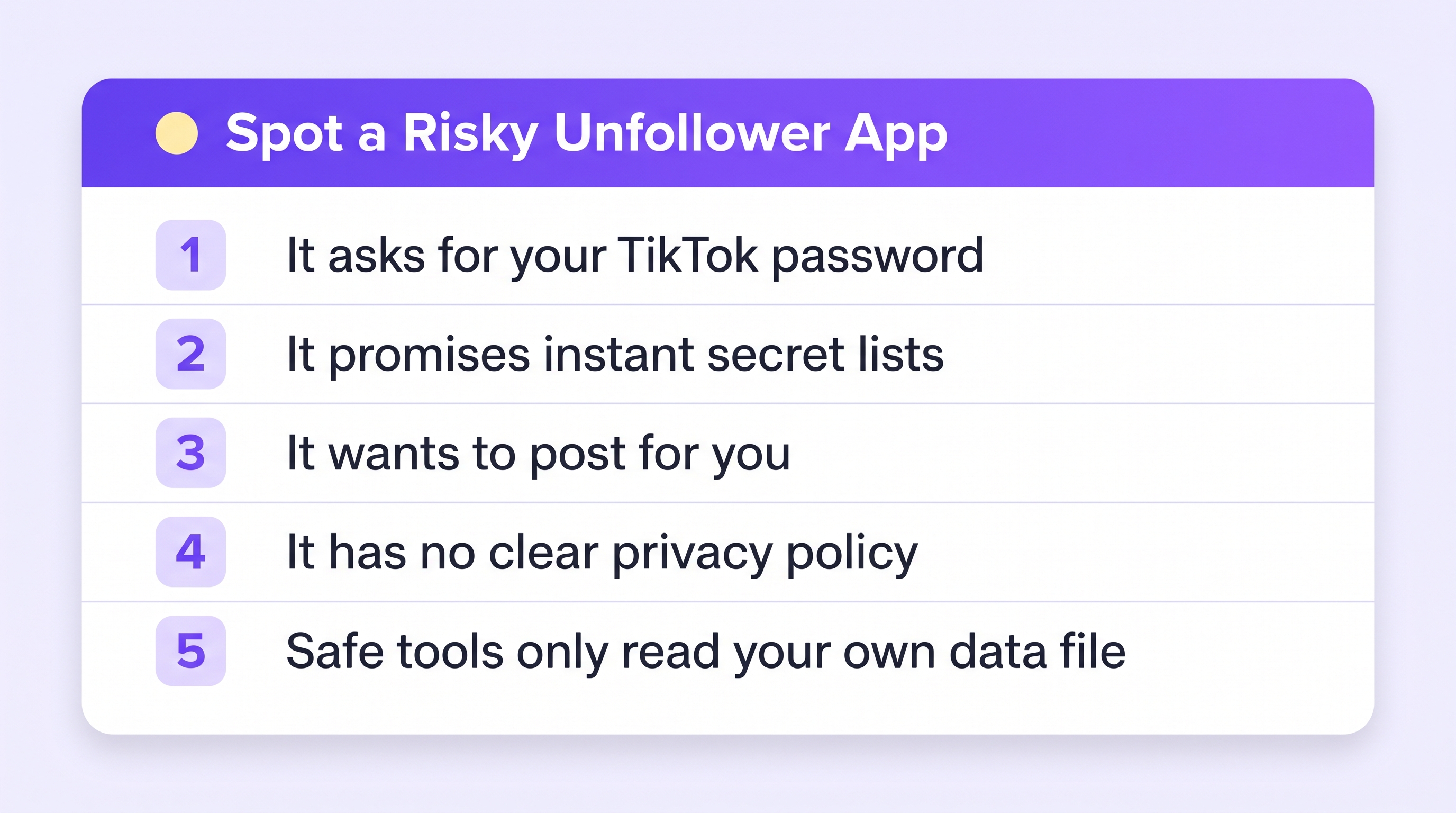
The 5 red flags of a risky unfollower app
1. It asks for your TikTok password. This is the big one. TikTok does not offer apps a follower-tracking login, so any app asking for your real password is going around the rules — with your keys in its hand.
2. It promises instant “secret” lists. Who blocked you, who viewed your profile, who talked about you. TikTok does not expose that data. Apps that promise it are guessing, or worse, making it up to keep you paying.
3. It wants permission to act as you. Some tools quietly follow, unfollow, or comment from your account to grow their own network. That behavior is exactly what gets accounts flagged and banned.
4. It has no clear privacy policy. If you cannot find who runs the app and what they do with your data, assume the worst.
5. It pushes a paid “premium” upgrade before showing anything. Fear is the product. A drop in followers is the hook, and the subscription is the trap.
Simple rule: never type your TikTok password anywhere except TikTok itself.
What can actually go wrong
- Your account gets stolen. With your password, someone can change your email and lock you out.
- Your account gets banned. TikTok's rules forbid automated logins and scraping. The app breaks the rules, but it is your account that pays.
- Your data gets sold. Sketchy apps make money on the back end — your info is the inventory.
- You pay for made-up numbers. With no real data access, some apps show plausible-looking lists that are simply fiction.
The safe way: your own data, no password
Here is the honest secret: you do not need any app to log into your account, because TikTok will hand you your own follower data for free. It is a built-in feature.
- In TikTok: Profile → menu → Settings and privacy → Account → Download your data. Include your Activity data and request the file (step-by-step guide).
- Download the ZIP when TikTok says it is ready.
- Upload it to Plumefy's Unfollower tracker (pick TikTok as the platform). Plumefy reads the file and shows who does not follow you back.
- Upload a newer file later, and Plumefy compares the two to show exactly who unfollowed you.
Plumefy never asks for your TikTok password and never logs into TikTok. It only reads the file you already own — which is why this method cannot get your account banned or stolen.
How to judge any follower tool in 30 seconds
Ask three questions:
- Does it need my password? If yes, close it.
- Where does its data come from? If the answer is not “a file you download yourself” or an official API, be suspicious.
- Who runs it? A real company page, a privacy policy, and a support email are the minimum.
Frequently asked questions
Are all TikTok unfollower apps dangerous?
No, but the safe ones share one trait: they never ask for your password. Tools that read your own TikTok data download are safe, because they only see a file you chose to share.
Can TikTok ban me for using an unfollower app?
If the app logs into your account or automates actions, yes — that breaks TikTok's rules. Using your own data download breaks nothing; it is a feature TikTok built for you.
How does Plumefy show unfollowers without my password?
You download your own data from TikTok, then upload that file to Plumefy. It compares your follower lists across uploads and shows who left. Your password never enters the picture.
I already gave an app my password. What now?
Change your TikTok password right away, remove the app, and turn on two-factor login in Settings. Do it today.
You deserve the answer without the risk. Use your own data, keep your password where it belongs, and let a safe tool do the reading.
Post everywhere, once.
Start on the free plan — no card needed, upgrade when you need scheduling.
Start free