UTM Tracking for Social Media, Explained Simply
UTM tracking in plain English: how to build tagged links, pick naming conventions that scale, read the results, and set up a smarter link-in-bio strategy.

Your platform analytics can tell you a post was seen, liked, and clicked. Then the person lands on your website and the trail goes cold. Did that sale come from Instagram? The newsletter? A friend's text? Without tracking, your traffic reports just say "social" or, worse, "direct," and you are left guessing which posts actually earn their keep.
UTM tags fix this. They are small labels you add to the end of your links so your website analytics can tell you exactly where each visitor came from. No code, no developer, no budget. Just tidier links.
If you can copy and paste, you can use UTMs. Here is the whole system, in plain English.
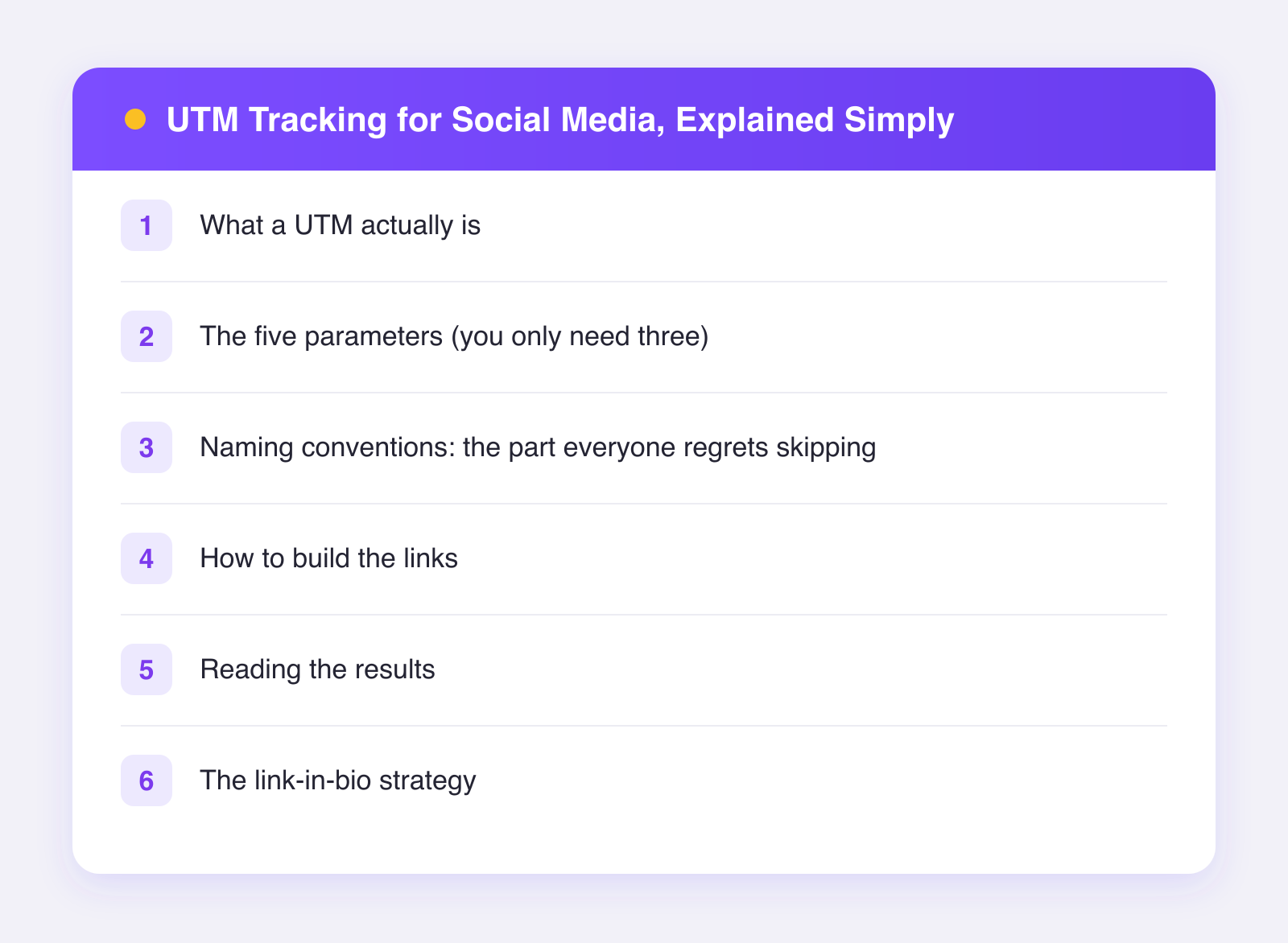
What a UTM actually is
A UTM is just extra text after a question mark in your URL. This link:
yoursite.com/course?utm_source=instagram&utm_medium=social&utm_campaign=spring-launch
goes to exactly the same page as yoursite.com/course. The visitor barely notices the difference. But your analytics tool reads those labels and records: this person came from Instagram, via social, during the spring launch push. Multiply that by every visitor, and you get a truthful map of which platforms and posts send you people who act.
The five parameters (you only need three)
| Parameter | What it answers | Example |
|---|---|---|
utm_source | Which platform? | instagram, tiktok, linkedin |
utm_medium | What kind of traffic? | social, bio, email |
utm_campaign | What effort or push? | spring-launch, evergreen |
utm_content | Which specific post or link? | reel-jul-05, bio-link-2 |
utm_term | Which keyword? (mostly for paid search) | usually skip it |
Source, medium, and campaign are the essential three. Add utm_content when you want to compare individual posts or multiple links in the same place. Skip utm_term unless you run search ads.
Naming conventions: the part everyone regrets skipping
UTMs are case-sensitive and literal. Instagram, instagram, and IG show up as three different sources, and your tidy report becomes soup. Decide your rules once, write them in a doc, and never improvise:
- All lowercase, always.
instagram, neverInstagram. - Hyphens between words.
spring-launch, notspring launch(spaces break links) orspringlaunch(unreadable). - One name per platform. Pick
instagramorigand stick with it forever. - Campaign names you will understand in a year.
q3-course-launchbeatsnew-push-2.
Keep a small spreadsheet of every tagged link you create: the destination, the full tagged URL, and the date. Future you will send thanks.
How to build the links
You can type UTMs by hand, but a builder avoids typos. Google's free Campaign URL Builder is the standard: paste your URL, fill in source, medium, and campaign, and copy the result. For links you reuse often, build them once and store them in your spreadsheet.
Two practical tips: long tagged links look clumsy in some contexts, so use a link shortener on top when appearance matters — the UTMs survive the redirect. And never UTM-tag internal links between pages of your own site; that overwrites the visitor's true origin and corrupts your data.
Reading the results
In Google Analytics or any similar tool, look for traffic acquisition or campaign reports. Filter by source, medium, or campaign, and the labels you created become rows. Three questions worth asking monthly:
- Which platform sends the most visitors? Compare
utm_sourcerows. This often disagrees with follower counts — a smaller audience can out-click a bigger one. - Which platform sends visitors who act? Look past sessions to conversions: signups, purchases, time on page. Volume and value are different rankings.
- Which specific posts drove clicks? That is
utm_contentdoing its job.
Pair this with your platform-side numbers — reach, engagement, follower growth — for the full picture. Our guide to social media metrics that matter covers which of those platform metrics deserve your attention. Plumefy handles that half of the equation too, with combined analytics for every account in one dashboard, so you can line up "what happened on the platform" against "what happened on my site" without ten tabs.
The link-in-bio strategy
Bio links deserve special care because on several networks they are your only clickable link, and untagged bio traffic usually gets logged as "direct" — which quietly hides how much your social content actually drives.
- Tag your bio link with
utm_medium=bioso it is never confused with feed or story links:?utm_source=instagram&utm_medium=bio&utm_campaign=evergreen. - If you use a link-in-bio page, tag each button separately with
utm_content—utm_content=newsletter-button,utm_content=shop-button— so you learn which offer people came for. - When you point a post at your bio link, update the campaign tag if it is part of a push, so launches are measurable as launches.
If you post across many networks, tag each platform's bio link with its own source. When you cross-post with Plumefy to multiple networks, keeping one tagged link per platform in your spreadsheet takes minutes and pays off every month afterward — try Plumefy free if you want the posting side of that workflow handled in one place.
FAQ
Do UTM links hurt reach or look spammy?
Platforms do not penalize UTM parameters — they are a standard part of the web. If the long URL bothers you visually, put a link shortener in front of it.
Can people see my UTM tags?
Yes, in the address bar after they click. That is normal and harmless. Just keep the labels professional, since anyone can read them.
What analytics tool do I need?
Any mainstream one. Google Analytics reads UTMs automatically, and most alternatives (Plausible, Fathom, Matomo) do too. The links themselves are tool-agnostic.
Should I tag links in DMs and email too?
Yes — anywhere you share a link, a tag adds truth. Use utm_medium=email for newsletters and something like utm_medium=dm for direct shares, and those channels stop hiding inside "direct" traffic.
Post everywhere, once.
Start on the free plan — no card needed, upgrade when you need scheduling.
Start free