How to Track Your TikTok Follower Growth Over Time
Learn how to track TikTok follower growth the smart way: monthly data snapshots that show exactly who joined and who left — not just a number going up or down.

Your TikTok follower count is one number — and one number cannot tell a story. 10,000 followers could mean 10,000 loyal fans, or 12,000 people who came and 2,000 who quietly left. If you are serious about growing, you want to track your TikTok follower growth over time: who joins, who leaves, and what makes each happen. Here is a simple system that takes ten minutes a month.
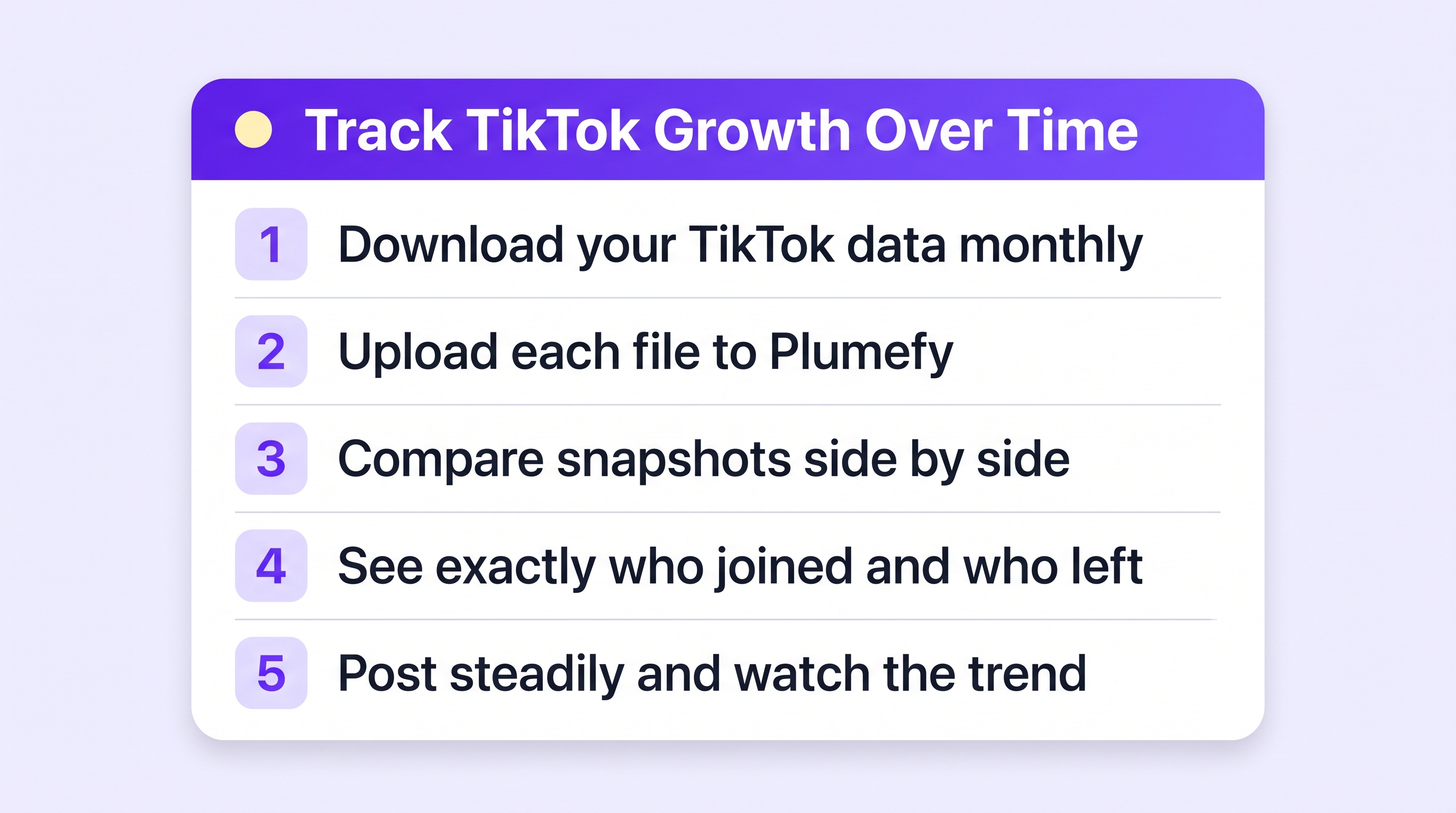
Step 1: Start with TikTok's own analytics
If you have a Business or Creator account, TikTok gives you the basics for free: Profile → menu → TikTok Studio → Analytics. Look at Followers to see your net growth chart, plus when your audience is online. This tells you how many — the shape of the curve, spikes after certain videos, dead weeks.
What it never tells you: who. TikTok shows no names for gains and none for losses.
Step 2: Take a monthly snapshot of your actual list
This is the move most creators miss. TikTok lets you download your full follower and following lists — your own data, free, no password shared anywhere:
- Profile → menu → Settings and privacy → Account → Download your data.
- Include your Activity data, pick JSON or TXT, request the file. (Full walkthrough here.)
- When the ZIP is ready (up to a day or two), download and save it. Name it by month —
tiktok-2026-09.zip— and keep them in one folder.
Each file is a frozen picture of your audience on that day. Two pictures make a movie.
Step 3: Let Plumefy compare the snapshots
Upload each month's ZIP to Plumefy's Unfollower tracker (choose TikTok). From your second upload onward, Plumefy shows, name by name:
- New followers since the last snapshot — your growth, with faces.
- Unfollowers — exactly who left between uploads.
- Not following back — accounts you follow who do not follow you.
No password, no risky third-party login — Plumefy only reads the files you downloaded yourself. Suddenly your growth chart has names attached: you can see whether a viral video brought fans who stayed or tourists who left within the month.
Step 4: Read the story in the numbers
Each month, ask three questions:
- Net change — did the audience grow overall? (TikTok Studio tells you this.)
- Churn — how many left? If you gained 500 and lost 400, your content attracts people but does not keep them. That points at consistency or topic focus.
- Who left — scan Plumefy's unfollower list. Mostly bots and empty accounts? That is healthy cleanup. Real people in your niche? Read it as feedback.
Healthy growth is not zero unfollows. It is gains that outpace losses, month after month, with real accounts on the gains side.
Step 5: Feed what works
Match your snapshot dates against what you posted. A month where you posted three times a week and gained 600 real followers beats a viral month that churned. Keep a steady rhythm — batching and scheduling your posts makes consistency much easier, and Plumefy can schedule to TikTok and your other platforms from one place.
Frequently asked questions
How often should I take a follower snapshot?
Monthly is the sweet spot. Weekly works during a big push. Daily is stress, not insight.
Does TikTok Studio show who unfollowed me?
No — only counts. Names come from comparing your own data downloads, which is what Plumefy automates.
Is downloading my TikTok data against the rules?
Not at all. It is an official TikTok feature, built so you can have a copy of your own information.
What is a normal TikTok growth rate?
It varies wildly by niche and posting rhythm. The more useful benchmark is your own trend: aim for each month's net growth to hold or beat the last, with churn below your gains.
One number tells you nothing. Two snapshots tell you everything. Start this month, and by next month you will know your audience better than most creators ever do.
Post everywhere, once.
Start on the free plan — no card needed, upgrade when you need scheduling.
Start free