Plan a Month of Content in 30 Minutes With AI
Plan a full month of social content in one 30-minute session. Use AI for the rough draft calendar, your content pillars for direction, and a human edit pass.

Monthly content planning has a reputation as an all-day ordeal: a wall of sticky notes, a spreadsheet with forty tabs, and a creeping feeling that you are inventing thirty ideas from nothing.
AI changes the economics of that session, but not in the way the hype suggests. AI does not know your audience, your offers, or your voice. What it does brilliantly is generate volume against a structure you provide. So the trade is: you bring the structure, AI brings the rough draft, and you spend your judgment on selection and scheduling instead of generation.
Done this way, a real monthly plan takes about thirty minutes. Here is the session, minute by minute.
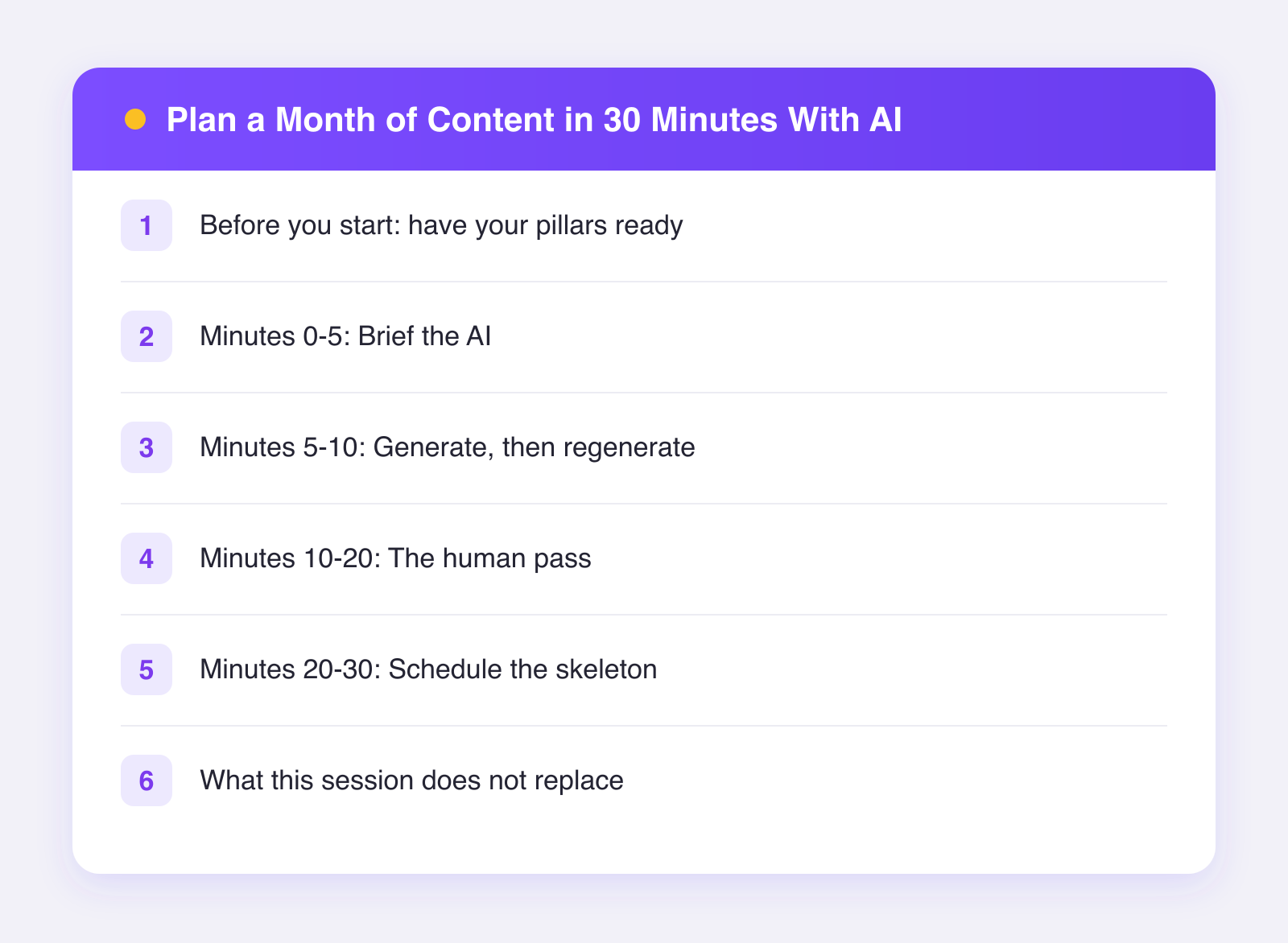
Before you start: have your pillars ready
This is the one prerequisite. Content pillars are the three to five themes your account always returns to. A fitness coach might use: training technique, nutrition myths, client stories, and behind-the-scenes. If you do not have pillars yet, take fifteen minutes once to define them; they are the structure that makes everything below work, and they persist for months.
You will also want your calendar context for the month: launches, promotions, seasonal moments, anything with a date.
Minutes 0-5: Brief the AI
Open your AI tool and write one solid brief. Include:
- Who you are and who your audience is, in two sentences
- Your pillars, listed
- Your posting cadence, e.g. "5 posts per week"
- The month's fixed events and dates
- What worked recently: your two or three best posts from last month
Then the ask: "Generate a table of post ideas for the month. Columns: date, pillar, one-sentence idea, format (video, carousel, text). Spread pillars evenly. Work around the fixed events." That last month's winners detail matters more than it looks; it points the ideas toward what your audience already proved it wants.
Minutes 5-10: Generate, then regenerate
The first output will be maybe forty percent usable, and that is fine; it cost you seconds. Now push back like an editor. "Rows 3, 7, and 12 are generic, replace them with more specific angles." "Give me five more ideas under the myths pillar." "Make week three build up to the launch."
Two or three rounds of this gets you a draft calendar with more raw material than you need. Volume is the point: selecting from thirty ideas is much easier than inventing twenty.
Minutes 10-20: The human pass
Now close the generation loop and open your judgment. Go through the draft calendar and:
- Kill the filler. Anything you would scroll past yourself, cut without mercy. Expect to cut a third.
- Sharpen what survives. Turn topics into claims. "Post about protein" becomes "Three protein myths my clients still believe." Specificity now saves writing time later.
- Add what AI cannot know. Your actual client story from last week. The behind-the-scenes moment from yesterday. These become your best posts, and no model can propose them.
- Check the rhythm. No two heavy-production posts back to back, pillars actually rotating, promo posts spaced so you are not selling three days straight.
This pass is the difference between a calendar that looks full and a calendar you are excited to execute.
Minutes 20-30: Schedule the skeleton
Move the surviving calendar into your scheduler. You are not writing final captions in this session; you are placing the month's skeleton so each writing session has a slot and a brief waiting.
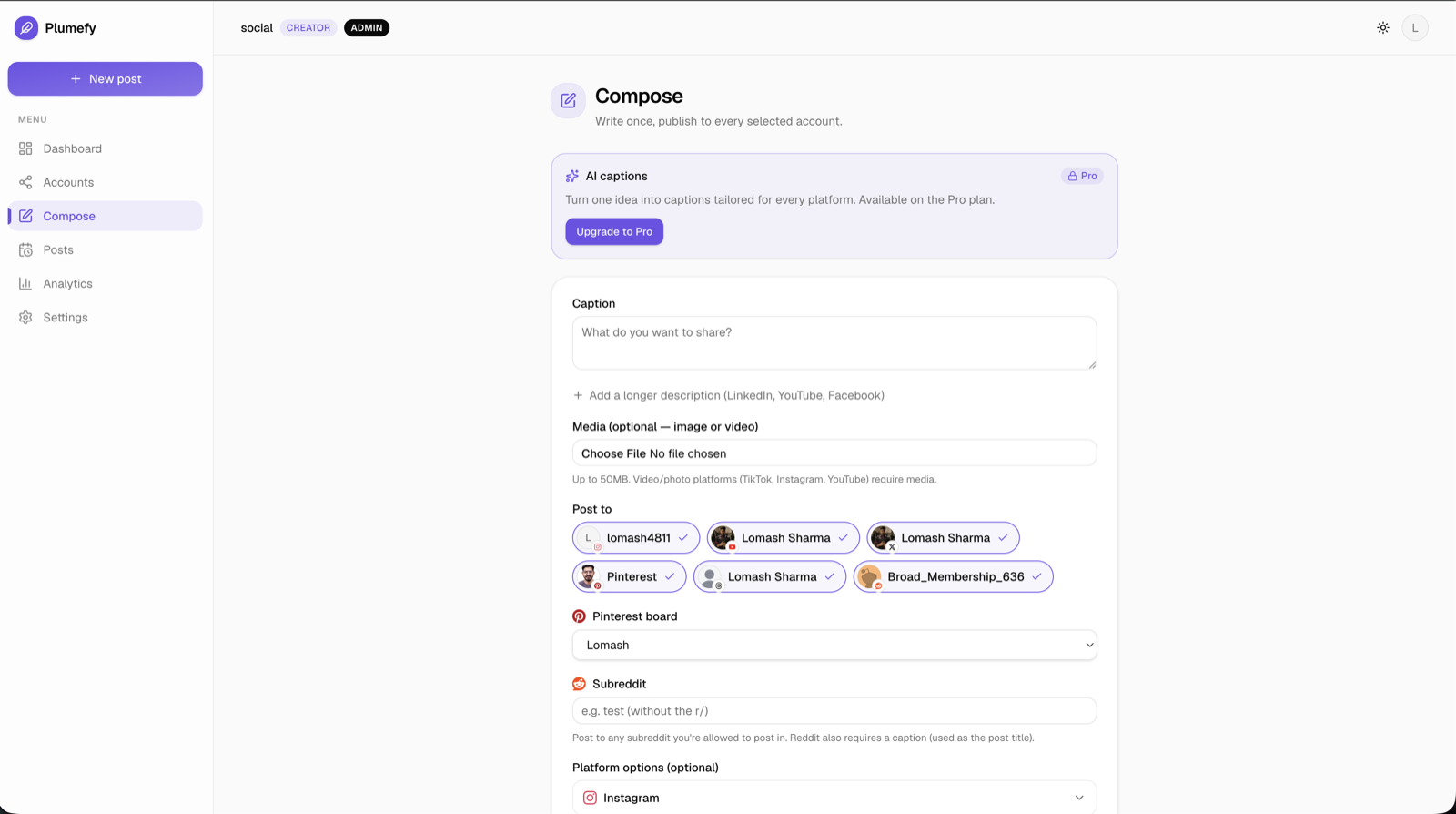
This is where a multi-network tool earns its keep. In Plumefy you can schedule across 11 networks from one screen, and when you get to writing, the AI drafts captions fitted to each network's tone and length, with you editing before anything posts. Plan once, distribute everywhere. If you want to run this exact session, you can try Plumefy free with the free plan's 2 accounts and 10 posts to trial the flow.
Prefer a structured template for the skeleton? Grab our social media content calendar template and let the AI fill that structure instead.
What this session does not replace
Honesty time. Thirty minutes gets you a planned month, not a finished month. You still need writing sessions, ideally batched weekly, and you still need daily minutes for comments and conversation. The plan also should not be a straitjacket: when something timely happens mid-month, post about it and push the queue back a day. The calendar serves you, not the reverse.
What the session does eliminate is the worst part of content work: the recurring blank page. Every writing session for the next month starts with a specific, pre-approved idea instead of an empty box. That alone is worth thirty minutes.
FAQ
Does this work if I have no idea what my pillars are?
Do the pillar exercise first; it is a one-time fifteen-minute job. Look at your last twenty posts, group them into themes, keep the three to five groups that got the best response and that you can talk about forever. Those are your pillars.
Which AI tool should I use for the generation step?
Any capable chatbot handles the idea-table step well; it is a text-structuring task, which is their strength. The scheduling and per-network captioning steps are where a purpose-built tool like Plumefy fits better. We compare the two categories honestly in ChatGPT for social media: pros and cons.
Thirty minutes seems too fast. What is the catch?
The catch is the prerequisite: pillars and a sense of what worked last month. Without those, expect your first session to run an hour while you build them. Sessions two onward hit the thirty-minute mark, and many people get faster.
How far ahead should I actually schedule?
Plan the month, but consider scheduling captions only a week or two out. It keeps your posts responsive to what you are learning, while the monthly skeleton protects you from ever facing an empty week.
Post everywhere, once.
Start on the free plan — no card needed, upgrade when you need scheduling.
Start free