ChatGPT for Social Media: The Honest Pros and Cons
What general chatbots like ChatGPT do well for social media, where they fall short, and when a purpose-built tool makes more sense. A fair comparison.
If you manage social media, you have probably pasted something into ChatGPT. Maybe a caption draft. Maybe a request for thirty post ideas. General chatbots are the Swiss Army knives of writing, and they are genuinely useful for social content.
But a Swiss Army knife is not a full toolbox. There are jobs where a general chatbot shines and jobs where it quietly wastes your time. This post is an honest map of both, so you can use the right tool for each part of your workflow.
No hype in either direction. Chatbots are not magic, and they are not useless. They are good at some things.
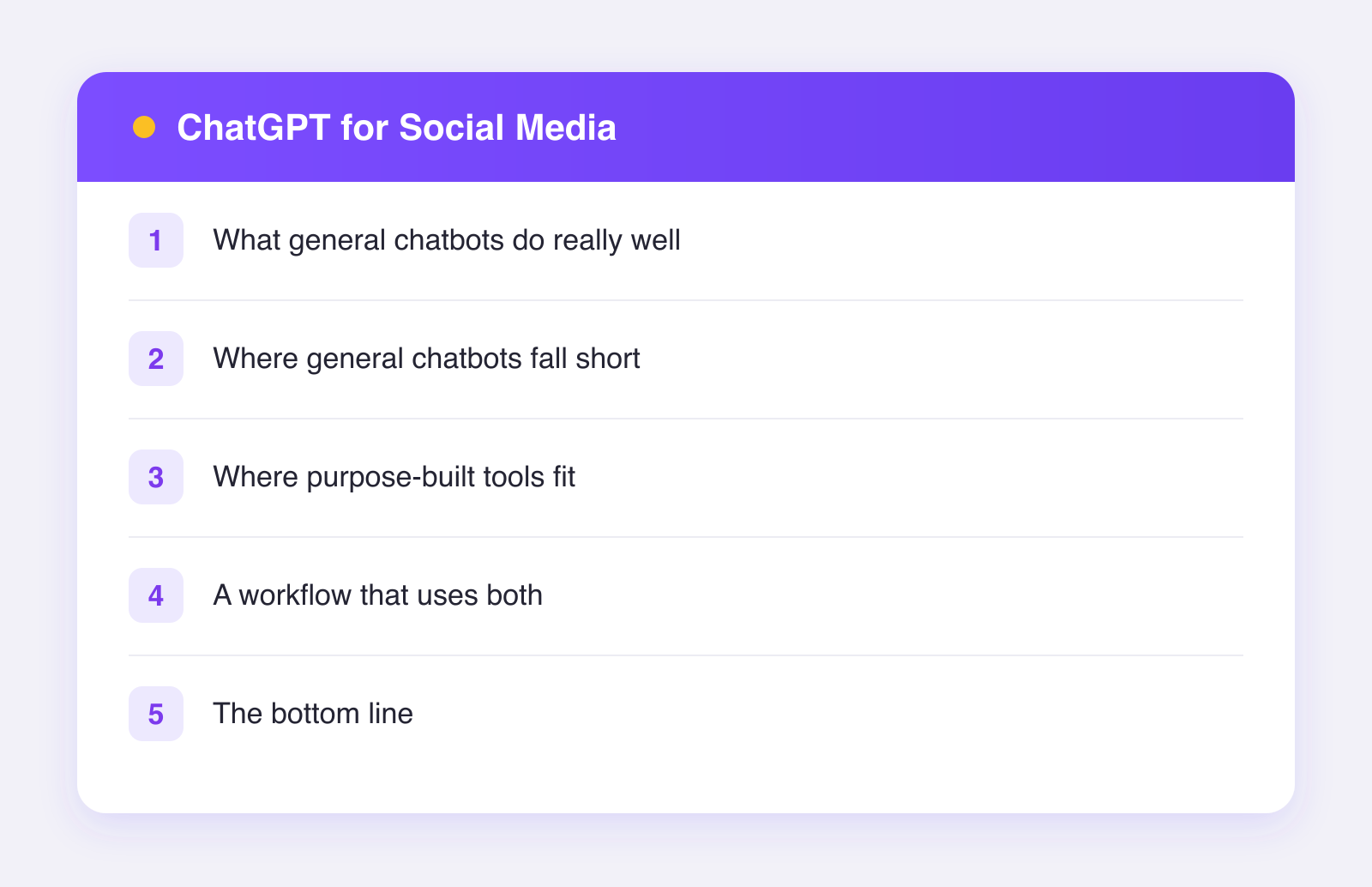
What general chatbots do really well
Brainstorming and ideation
This is the killer use case. Ask for twenty angles on one topic and you will get twenty in seconds. Most will be mediocre, three will be good, and one might be great. That is a fantastic trade for thirty seconds of your time. Blank-page paralysis is real, and a chatbot ends it instantly.
First drafts
Chatbots turn a rough idea into structured sentences fast. The draft will need your edit, but editing is easier than starting. If you have ever stared at an empty caption box, you know the value here.
Rewriting and reformatting
Paste a long paragraph and ask for a tighter version, a friendlier version, or a bulleted version. Chatbots are excellent at transformation tasks because you supply the substance and they only handle the shape.
Thinking out loud
Use the chat like a sparring partner. "Here is my content plan for March. What is missing?" You will not get genius strategy, but you will get a decent checklist reaction that catches obvious gaps.
Where general chatbots fall short
They do not know your platforms
A chatbot writes one block of text. It does not know that your X post needs to be short, your LinkedIn post can breathe, your TikTok caption should set up the video rather than repeat it, and your Pinterest description should be searchable. You can prompt for all of that, but you have to do it manually, every time, for every network.
They do not publish anything
This sounds obvious, but it defines the workflow. After the chatbot writes, you still copy, paste, format, upload media, and schedule across every platform by hand. The writing was ten percent of the job. The other ninety percent is still on you.
They forget your context
Unless you maintain custom instructions or reusable prompts, every session starts near zero. Your brand voice, your banned phrases, your posting history: you carry all of it in your head and re-explain it constantly. Our guide on keeping your brand voice with AI covers how to reduce that repetition.
No calendar, no analytics, no accounts
A chatbot cannot tell you what you posted last Tuesday, what performed well, or whether your Thursday slot is already full. Social media management is mostly logistics, and chatbots do not do logistics.
Where purpose-built tools fit
Purpose-built social tools exist to close exactly those gaps. Here is a fair comparison:
| Job | General chatbot | Purpose-built tool |
|---|---|---|
| Idea generation | Excellent | Varies |
| Long-form drafting | Excellent | Limited |
| Per-platform caption fitting | Manual prompting each time | Built in |
| Scheduling and publishing | Not possible | Core feature |
| Multiple accounts in one place | Not possible | Core feature |
| Performance analytics | Not possible | Built in |
Take Plumefy as one example of the category. You describe your post once, and on the Pro plan the AI writes a caption fitted to each of the 11 networks it supports, matching each platform's tone and length. You edit, then schedule everything from one screen, with combined analytics afterward. The AI part is narrower than ChatGPT, and that is the point: it is wired directly into publishing, so the draft does not die in a chat window.
A workflow that uses both
You do not have to choose. Plenty of teams run a hybrid:
- Ideate in a chatbot. Generate angles, outlines, and hooks. Keep the good ones.
- Draft the core message yourself or with the chatbot, using your voice doc and examples.
- Adapt and schedule in a social tool. Fit the message to each network, set the times, and let it run.
- Review analytics weekly and feed what you learn back into step one.
The chatbot handles open-ended thinking. The social tool handles repetition and logistics. Each does what it is best at. If you want to test the second half of that workflow, you can try Plumefy free with two connected accounts and see how the pieces fit before paying anything.
The bottom line
General chatbots are the best brainstorming partner social media managers have ever had, and a solid first-draft machine. They are a poor scheduling system, a nonexistent analytics tool, and a per-platform formatter only if you push them hard every single time.
Use a chatbot for thinking. Use a purpose-built tool for shipping. And keep your own judgment in charge of both, because neither one knows your audience the way you do.
FAQ
Is ChatGPT good enough for a small brand's social media?
For writing help, yes. You will still schedule and post by hand, which is fine at low volume. Once you post more than a few times a week across multiple networks, the copy-paste overhead usually costs more than a scheduling tool does.
Do I need both a chatbot and a scheduler?
Not necessarily. If your tool includes AI captioning, that may cover most of your writing needs. Many people keep a chatbot around for long-form thinking and use the scheduler's AI for post-level work.
Will a chatbot post to my accounts?
No. General chatbots draft text; they do not connect to your social accounts or publish. Anything that offers to log into your accounts and post for you deserves careful scrutiny before you hand over access.
Which one is better for brand voice?
Whichever one you feed better. Both approaches sound generic without your examples and edits. The difference is that a purpose-built tool lets you fix voice once per post instead of once per platform.
Post everywhere, once.
Start on the free plan — no card needed, upgrade when you need scheduling.
Start free