Pinterest Marketing for Small Business Owners
Pinterest is a search engine, not a social feed. Learn how small businesses use boards, keywords, and simple pin design to earn evergreen traffic.
Most small businesses treat Pinterest like another social feed. Post something, hope for likes, get discouraged, quit. That is a shame, because they are playing the wrong game on the right platform.
Here is the mental shift that changes everything: Pinterest is a search engine that looks like a mood board. People do not come to chat with friends. They come to plan things: a kitchen remodel, a wedding, a dinner party, a rebrand. They type what they want, and they save what they find.
That means a good pin does not fade in 48 hours like an Instagram post. It can bring visitors to your website for months, sometimes years. Slow, steady, evergreen traffic. If that sounds better than chasing a daily algorithm, keep reading.
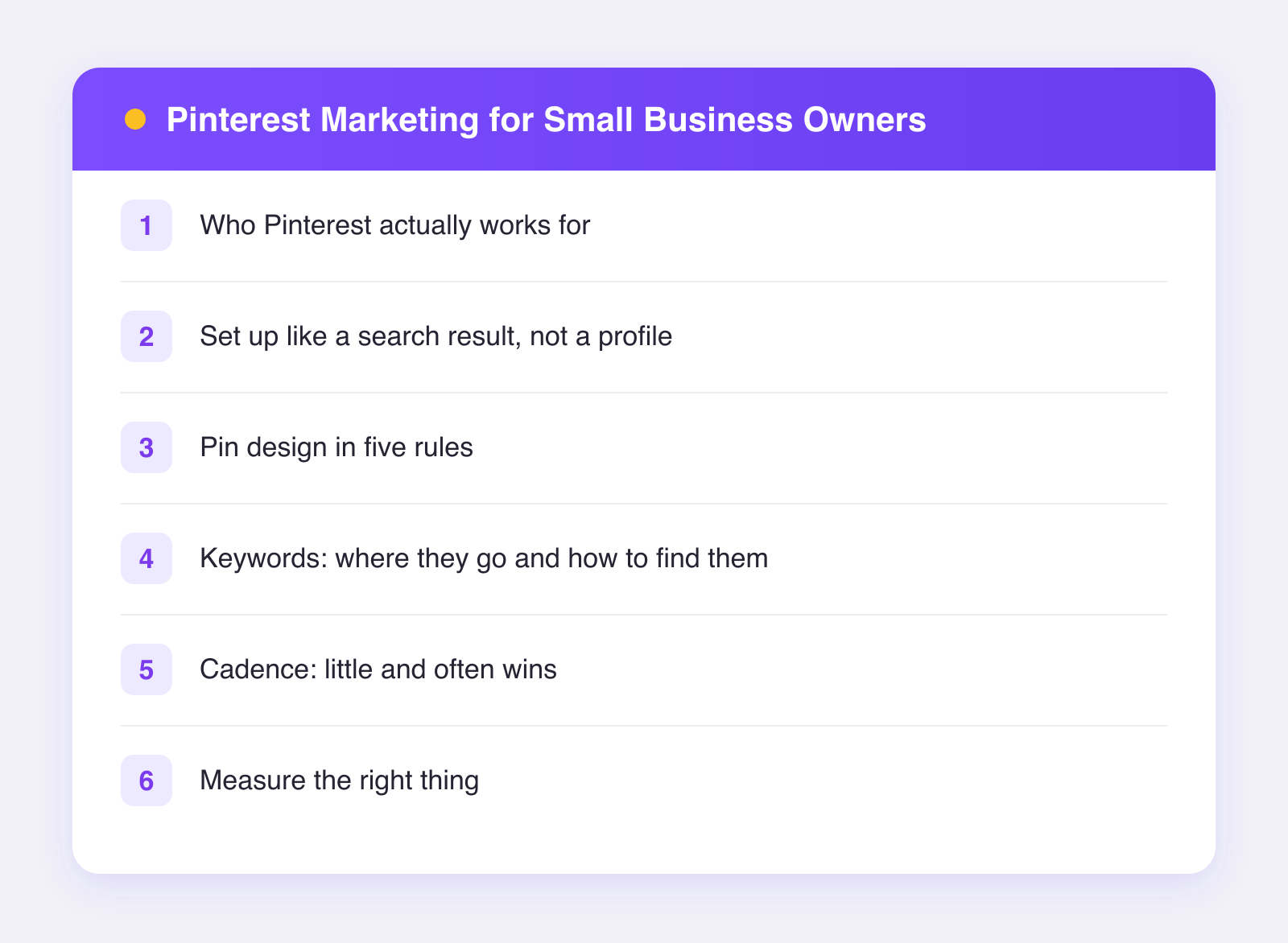
Who Pinterest actually works for
Be honest with yourself first. Pinterest rewards businesses whose customers plan and search visually. It is strong for:
- Home, garden, and interior businesses
- Food, recipes, and hospitality
- Weddings, events, and photography
- Fashion, beauty, and handmade goods
- Anything DIY, craft, or how-to shaped
- Services with visual results: landscaping, bakeries, salons, designers
If you sell B2B software to enterprises, Pinterest is probably not your first move. For almost anyone selling to consumers, it deserves a real try.
Set up like a search result, not a profile
Because Pinterest is search, your setup is closer to SEO than to social:
- Get a free business account. It unlocks analytics and lets you claim your website, so your pins link back to you properly.
- Write a keyword-rich bio. Not clever, clear. "Custom cakes and dessert tables in Austin" beats "Making sweet moments magical."
- Create 5 to 10 boards named the way people search. Board names are keywords. "Small Bathroom Ideas" will be found; "Splish Splash Inspo" will not.
- Write a two-sentence description for every board, naturally using words your customers would type.
Think of each board as a landing page for one search topic your business can own.
Pin design in five rules
You do not need a designer. You need consistency and legibility:
- Go vertical. A 2:3 ratio, like 1000 by 1500 pixels, is the standard and fills the most screen.
- Put text on the image. Most pins that earn clicks have a short text overlay: "15-Minute Weeknight Pasta" or "Small Patio Makeover Under $500." People skim images, not captions.
- Make text readable at thumbnail size. Big, bold, high contrast. Squint test everything.
- Use your colors and fonts every time. After ten pins, people should recognize yours without reading your name.
- Show the outcome. The finished cake, the styled room, the plated dish. Outcomes get saved; process shots support them.
A simple template you reuse forever beats a new design every week. Tools like Canva make this a 10-minute job once the template exists.
Keywords: where they go and how to find them
Finding keywords on Pinterest is refreshingly easy: type a phrase into the Pinterest search bar and read the suggestions. Those suggestions are real searches. Type "backyard" and you might see "backyard ideas on a budget," "backyard wedding," "backyard landscaping." Each one is a board or pin idea.
Then place keywords in four spots:
- Pin title. Lead with the search phrase.
- Pin description. Two or three natural sentences. Write for a human who searched that phrase.
- Board name and description. As covered above.
- Your website page. The pin links somewhere; that page should deliver exactly what the pin promised.
No keyword stuffing. Pinterest is decent at understanding natural language, and stuffed descriptions read as spam to actual people.
Cadence: little and often wins
Pinterest rewards fresh pins over time, not bursts. A sustainable rhythm:
- 3 to 5 new pins per week is a solid start for a small business.
- One piece of content can become several pins. A single blog post about patio makeovers supports three different pins with different images and titles. This pairs perfectly with a repurposing workflow, where one core asset feeds every channel.
- Spread pins out. Five pins across five days beats five in one hour.
The boring secret is that Pinterest pays off on a delay. Expect little for the first two or three months, then a slow climb that keeps climbing. Plan for a six-month experiment, not a two-week one.
This is exactly the kind of steady drumbeat that scheduling makes painless. With Plumefy you can batch a month of pins in one sitting and schedule them to Pinterest alongside your other networks, all from one calendar. If you plan your content ahead, our content calendar template slots Pinterest in neatly. You can try Plumefy free with 2 accounts and 10 posts to test the routine.
Measure the right thing
Ignore followers on Pinterest; they matter less here than anywhere. Watch these instead:
- Outbound clicks. People landing on your site. This is the money metric.
- Saves. A save means your pin will keep circulating.
- Top pins over 90 days. Make more pins like your winners.
Check monthly, not daily. Evergreen traffic moves in months.
FAQ
How long until Pinterest sends traffic?
Usually two to four months before you see a real trend, because pins gain distribution as they collect saves and clicks. The upside is the curve keeps rising while social posts die in days.
Do I need to pin every day?
No. A few fresh pins a week, kept up for months, beats daily bursts that burn you out. Consistency over volume.
Should I repin other people's content?
A little is fine for filling out boards early on, but fresh pins linking to your own site are what drive your traffic. Prioritize those.
Can I schedule Pinterest pins?
Yes. Pinterest supports scheduled publishing through its API, and tools like Plumefy let you queue pins weeks ahead next to your other social content.
Post everywhere, once.
Start on the free plan — no card needed, upgrade when you need scheduling.
Start free