How to See Who Unfollowed You on Twitter (X)
Want to know who unfollowed you on Twitter (X)? Learn safe, beginner-friendly ways to track lost followers, plus how Plumefy helps with Instagram and scheduling.

Losing followers stings a little, and it is normal to wonder who unfollowed you on Twitter (X). The good news: you can find out without any sneaky tricks, without sharing your password, and without breaking any rules. This simple guide shows you the safe, beginner-friendly ways to spot lost followers, plus a few honest warnings so shady apps cannot trick you.
Take a breath. This is easier than it looks, and we will go one small step at a time.
Why People Unfollow (and Why It Is Okay)
People press unfollow for all kinds of reasons. Maybe they are cleaning up their feed. Maybe they followed you for one post and moved on. Maybe they just stopped using the app. Most of the time, it has nothing to do with you.
Numbers go up and down for everyone, even huge accounts. A small dip is not a sign you did anything wrong.
So the goal here is simple: get the facts, stay calm, and keep making posts you enjoy.
How to Find Out Who Unfollowed You on Twitter (X)
Twitter (X) does not hand you a neat "these people left" list. But you can still figure it out. Here are the honest ways, from easiest to most thorough.
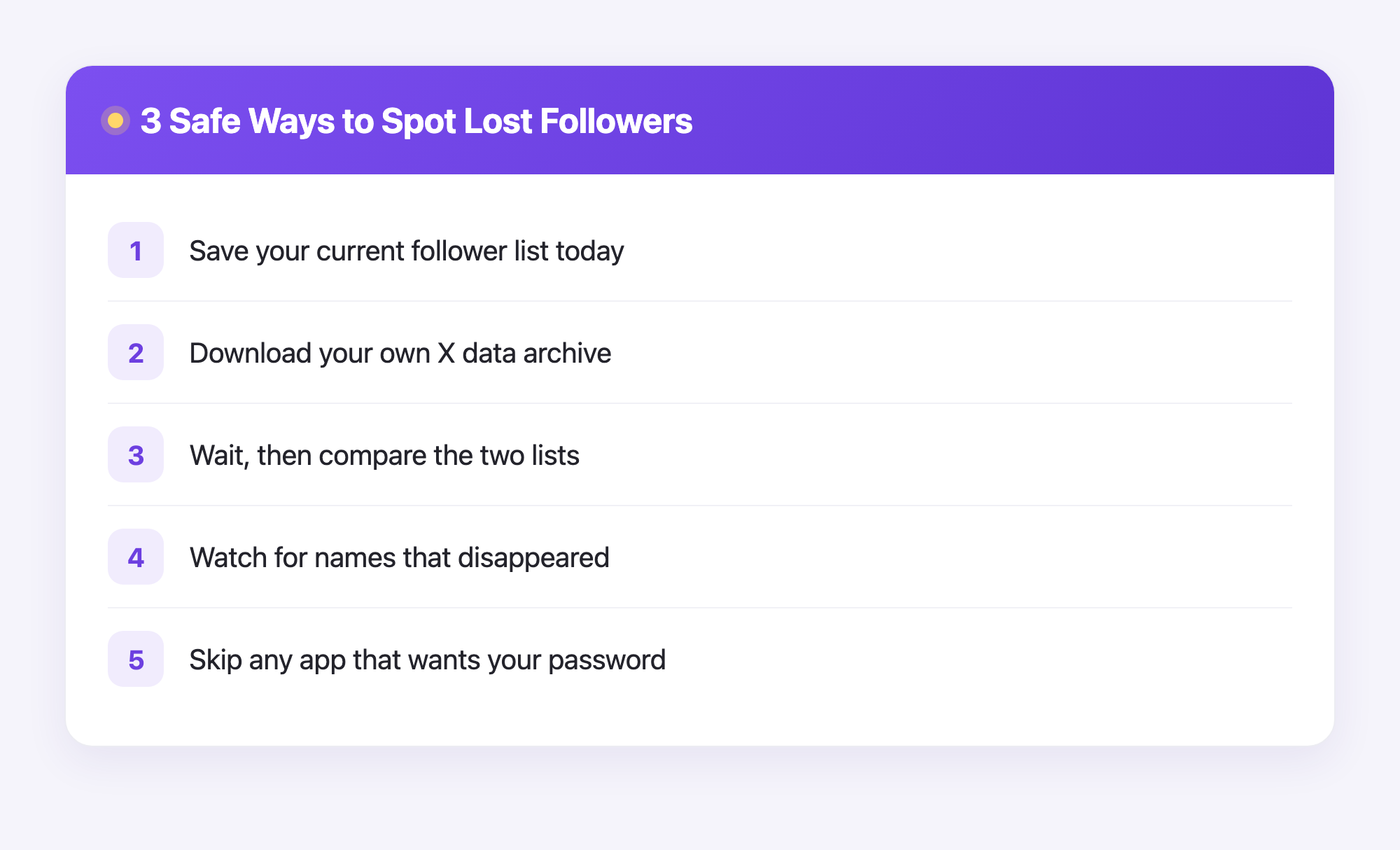
1. Compare your followers over time (the manual way)
This is free and needs no extra apps.
- Open your profile and tap your Followers list.
- Write down or screenshot the names you care about today.
- Wait a week or two, then check the same list again.
- Anyone missing from the new list has unfollowed you.
This works best when you only want to watch a few specific people, not thousands.
2. Use your X data download
Twitter (X) lets you download a copy of your own data. This is the same idea Plumefy uses for Instagram: your data, your download, no password sharing.
- Go to Settings, then Your account, then Download an archive of your data.
- Confirm it is you. X will email you a download link, which can take a while to arrive.
- Open the file and find the followers list inside.
- Save it. Next time you download, compare the two follower lists to see who is gone.
It takes patience, but it is safe and uses only information that already belongs to you.
3. Be careful with "who unfollowed me" apps
You will see lots of apps that promise an instant unfollower list. A few are fine, but many ask you to log in with your X password or pay for shady "premium" tracking. Please be careful.
- Never hand your password to a random app.
- Avoid anything that asks for full control of your account.
- If it sounds too magical, it probably wants your data or your money.
Where Plumefy Fits In (the Honest Version)
Here is the truthful part. Plumefy's unfollower tracking is for Instagram only, not Twitter (X). We will not pretend otherwise.
For Instagram, Plumefy works the safe way: you download your own data from Instagram, then upload that file to Plumefy. No password. No logging into Instagram. Plumefy reads your export and shows you who unfollowed you, clearly and gently.
For Twitter (X), use the manual or data-download methods above to track unfollowers. And no matter which platform you grow on, Plumefy can still help you schedule and cross-post your content to many social networks at once, so you spend less time posting and more time creating.
A Kinder Way to Think About Followers
Chasing every lost follower can wear you out. Try this instead:
- Post things you are proud of.
- Reply to the people who show up for you.
- Check your numbers once in a while, not every hour.
Followers come and go. The folks who stay are the ones who matter, and steady, friendly posting brings more of them over time.
Frequently Asked Questions
Can I see exactly who unfollowed me on Twitter (X)?
Not in one click. X does not show a "lost followers" list, but you can compare your follower list over time or use your X data download to spot who left.
Is it safe to use unfollower-tracker apps?
Some are, many are not. Skip any app that wants your X password or full account access. Sticking to your own data download is the safest path.
Does Plumefy track Twitter (X) unfollowers?
No. Plumefy's unfollower tracking is Instagram-only. For X, use the manual or data-download methods in this guide.
How does Plumefy track Instagram unfollowers without my password?
You download your own data from Instagram and upload that file to Plumefy. Plumefy reads it and shows your unfollowers. No password and no Instagram login needed.
How often should I check for unfollowers?
Once every week or two is plenty. Checking too often just adds stress and rarely changes anything useful.
Will posting more often help me lose fewer followers?
Often yes, as long as you enjoy the posts and your followers like them. Consistent, friendly posting tends to keep people around.
Finding out who left does not have to feel scary or sneaky. Use your own data, stay away from password-grabbing apps, and keep posting with confidence. When you are ready to save time across all your platforms, and track Instagram unfollowers the safe way, Plumefy has your back. Try Plumefy free →
Post everywhere, once.
Start your 7-day free trial — nothing charged today, cancel anytime.
Start free