How to See Who Unfollowed You on Threads
Want to know who unfollowed you on Threads? This beginner guide shows free native ways, the data-export method, and honest, safe tips. No password needed.

Have you ever opened Threads and noticed your follower count slipped? It is a little confusing, and you start to wonder who walked away. Wanting to know who unfollowed you on Threads is super common. The good news: you can get a clear answer with a few simple, safe steps. The catch: Threads will not hand you a neat list. So let me walk you through it slowly, like a friend.
What Threads Actually Shows You
Threads is made by Meta, the same company behind Instagram. Today, Threads has no button that says "see who unfollowed me." So no one can give you an instant list without some effort. Anyone who promises a magic list is probably not being honest.
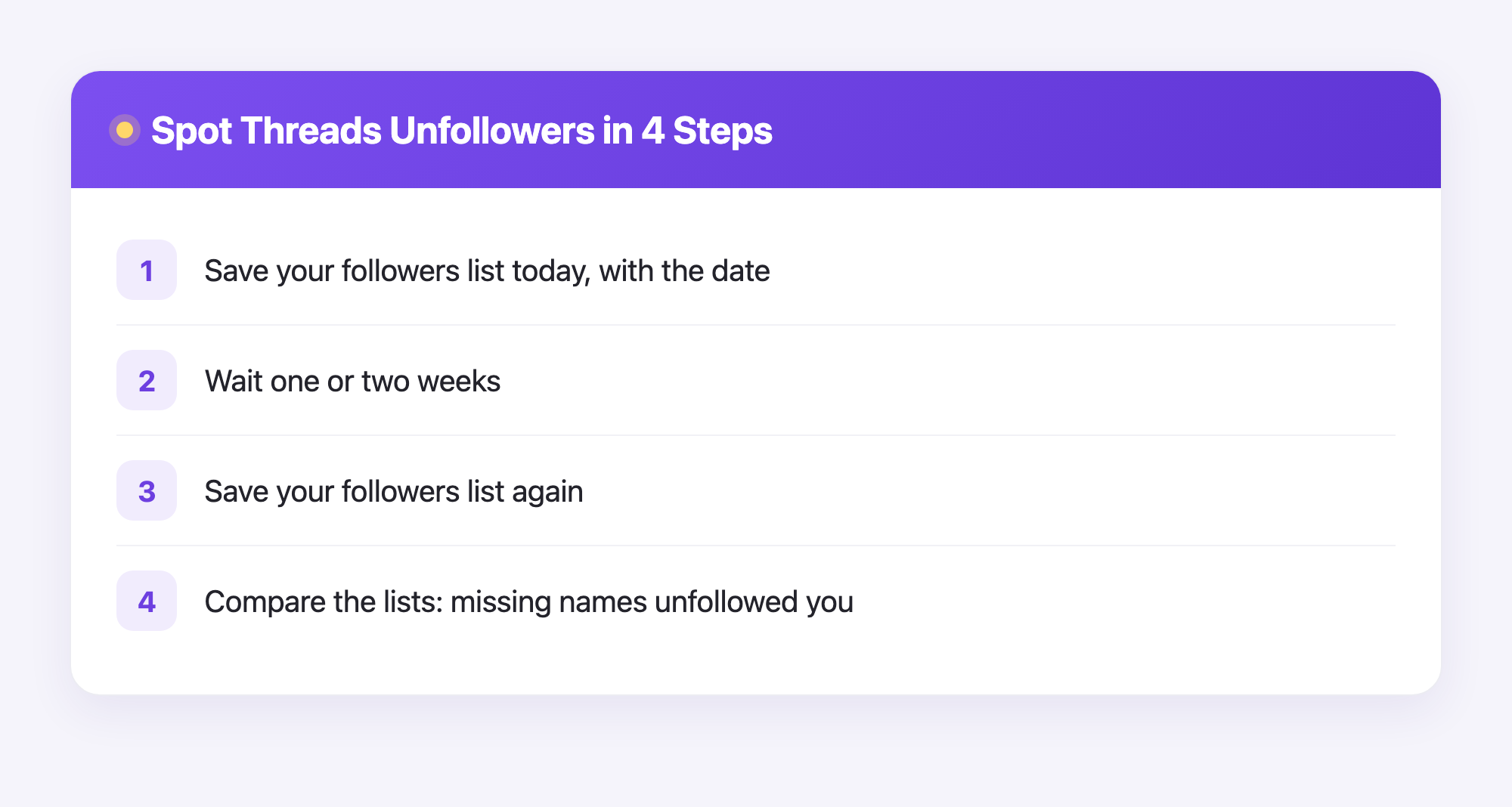
But you are not stuck. You can track changes yourself, and the idea is easy. You write down who follows you today. You check again later. Any name that was there before but is gone now is an unfollow. That is the whole trick.
The Free Native Way to Track Unfollowers
This method uses only the Threads app. It is free and safe, because you never share your password with anyone.
- Open Threads and tap your profile picture.
- Tap your followers count to open the list.
- Scroll slowly to the very bottom so every name loads.
- Type the names into a notes app, or take screenshots as you scroll.
- Write the date next to your list so you know when you checked.
Now wait a week or two. Repeat the same steps and compare the two lists. Any name that disappeared is someone who unfollowed you. It takes a little patience, but it works, and it costs nothing.
Tip: Check on the same day each week, like every Sunday. A steady habit makes changes easy to spot.
The Data-Export Method (More Accurate)
If all that scrolling sounds like too much, Meta lets you download your own data. This gives you cleaner records, and it never asks for your password on some other website.
- Open your account settings inside the app.
- Find Accounts Center, then choose the option to download your information.
- Ask for your followers and following data. Pick a format you can read.
- Wait for the email. Meta sends a file you can open and save.
- Name each file with the date, like threads-followers-june.zip.
When your next export arrives, compare it to the old one. The names missing from the new file are the people who left. Because it is your own data, this method is private and follows the rules.
A Friendly Note About Plumefy
Here is the honest part. Plumefy has an unfollower tracker, but right now it works for Instagram, not Threads. With Instagram, you download your own data export and upload it to Plumefy. No password sharing, no logging into your account. Plumefy reads your file and shows you who unfollowed you in a clean, simple view.
So if Instagram matters to you too, Plumefy can do the heavy lifting there. And no matter which app you use, Plumefy also helps you schedule posts and share them across many platforms at once, which saves a ton of time. For Threads unfollowers today, the two methods above are your best bet.
Things to Remember
- No tool can show Threads unfollowers unless you keep records first.
- Never give your password to an app that promises a secret list. That is a real safety risk.
- Small follower drops are normal. People come and go, and that is okay.
- Posting good stuff regularly grows your audience far more than worrying about who left.
Frequently Asked Questions
Can I See Who Unfollowed Me on Threads Instantly?
Not instantly. Threads has no built-in unfollower list, so you save your followers now and compare later to spot who left.
Are Apps That Promise a Threads Unfollower List Safe?
Be careful. Any app that asks for your Threads or Instagram password can put your account at risk. Use your own data export instead.
Does Plumefy Track Threads Unfollowers?
Not yet. Plumefy unfollower tracking is for Instagram only, using your own data export. It also helps you schedule and cross-post to many platforms.
How Often Should I Check for Unfollowers?
Once a week or once every two weeks is plenty. Pick a regular day so comparing your lists stays quick and easy.
Is Losing Followers a Bad Sign?
Usually no. Followers shift all the time. Focus on posting things you enjoy, and your loyal fans will stick around.
Tracking who unfollowed you on Threads takes a little patience, but now you have two safe, honest ways to do it. Keep simple records, skip the sketchy password apps, and keep posting what you love. When you are ready to track Instagram unfollowers and schedule posts everywhere in one place, give Plumefy a spin. Try Plumefy free
Post everywhere, once.
Start your 7-day free trial — nothing charged today, cancel anytime.
Start free