Google Business Profile Posts: A Simple Guide
Google Business Profile posts are free local marketing. Learn the post types, how they help local SEO, and a simple cadence any small business can keep.
When someone searches for a plumber, a bakery, or a yoga studio near them, the first thing they see is not a website. It is the map pack: a few Google Business Profiles with photos, reviews, and hours. That little panel decides who gets the call.
Most businesses set up their profile once and never touch it again. That is the opportunity. Google Business Profile (GBP) lets you publish posts, small updates that show up right on your profile, and almost nobody in your town is using them.
This guide covers what GBP posts are, why they quietly help your local visibility, what to post, and a cadence you can keep without hiring anyone.
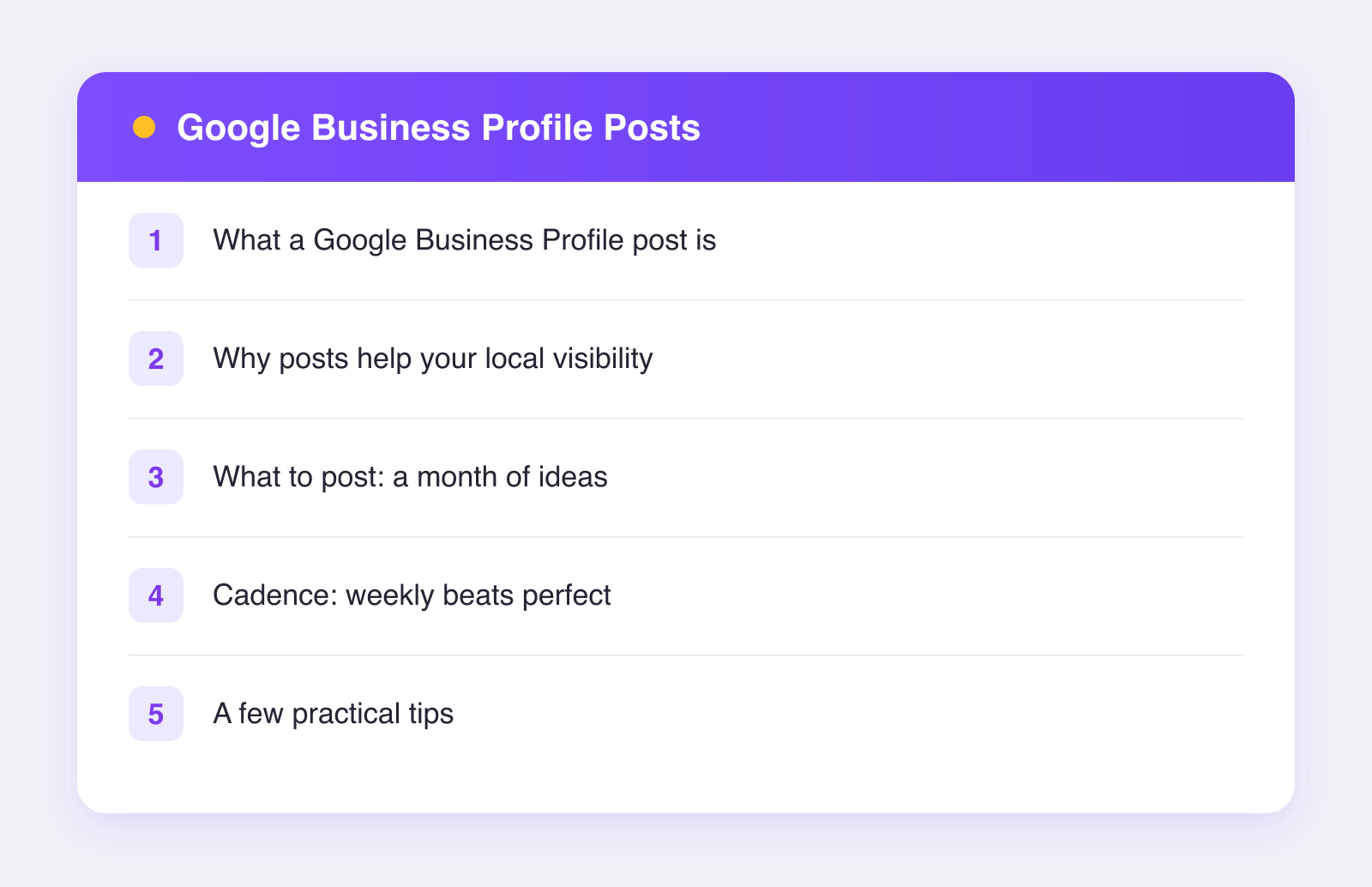
What a Google Business Profile post is
A GBP post is a short update, usually a photo plus a paragraph and a button, that appears on your business profile in Google Search and Maps. As of 2026, the main types are roughly:
- Updates. General news: a new product photo, a finished project, a tip, a behind-the-scenes shot. The everyday workhorse.
- Offers. A deal with a start and end date, like "10% off first cleaning in July." These get a distinct look and can include a coupon code.
- Events. Anything with a date and time: a workshop, a tasting, a sale weekend.
Each post can include a call-to-action button such as Learn more, Call, or Book, linking wherever you want. Posts are short; a couple of sentences and one good photo is the format.
Why posts help your local visibility
Let's be careful here, because the internet is full of overclaims. Google has not published exactly how, or whether, posts affect local rankings. What we can say honestly:
- An active profile signals a living business. Fresh posts, fresh photos, and answered reviews all show Google and customers that you are open and paying attention.
- Posts make your profile bigger and more clickable. A profile with a current offer and recent photos simply wins more clicks than a bare one sitting next to it. More clicks and calls from your profile are the outcome you actually want, rankings aside.
- Offers give people a reason to choose you today. The map pack shows three or four businesses side by side. A visible "free estimate this month" is a tiebreaker.
So treat posts as conversion fuel first and a possible ranking nudge second. Either way, the cost is ten minutes a week.
What to post: a month of ideas
You do not need a content strategy. You need a rotation. Here is a simple four-week loop almost any local business can run:
- Week 1: Show your work. A photo of a finished job, a new dish, a fresh haircut, a completed project. Before-and-after shots are gold.
- Week 2: Answer a question you hear all the time. "How often should gutters be cleaned?" Two sentences of genuinely useful answer builds trust fast.
- Week 3: An offer or seasonal reminder. A small discount, a holiday booking reminder, a "we now carry X."
- Week 4: People and place. Introduce a team member, show the shop, celebrate a milestone or a kind review.
Repeat forever. Write like you talk to customers at the counter. No jargon, no press-release voice.
Cadence: weekly beats perfect
A good target is one post per week. Here is why that number:
- Older posts get buried quickly on your profile, and offers and events expire on their end dates, so a months-old last post makes the profile look asleep.
- Weekly is frequent enough to always have something current showing, and light enough that you will actually keep doing it.
The trick is to stop treating it as a weekly chore. Batch four posts in thirty minutes at the start of the month, schedule them, and be done. This is the same batching-plus-schedule approach that works on every other platform, applied to the least glamorous, highest-intent one.
Google Business is one of the 11 networks Plumefy publishes to, which means your GBP post can ride along with the same update you are already sending to Facebook and Instagram. Write it once, soften the hashtags for Google, schedule the month, done. If you manage several locations or clients, bulk scheduling turns this into an hour a month. You can try Plumefy free with 2 connected accounts to see the workflow.
A few practical tips
- Always attach a photo. Posts without images look like terms and conditions. Real photos from your phone beat stock every time.
- One idea per post. A post is a sticky note, not a newsletter.
- Use the button. Every post should have a next step: call, book, learn more.
- Avoid phone numbers in the text. Google's guidelines frown on them; use the call button instead.
- Keep offers honest and dated. Set real end dates so expired deals do not linger.
FAQ
Are Google Business Profile posts free?
Yes. Posting to your profile costs nothing. It is one of the few free placements left on the most valuable search page in your town.
Do GBP posts directly improve my ranking?
Google has not confirmed a direct ranking effect, so be skeptical of anyone promising one. What posts clearly do is make your profile more active and more clickable, which drives more calls from the visibility you already have.
How long do posts stay visible?
Updates remain on your profile but get buried as newer ones arrive, and only the most recent posts are prominent. Offers and events disappear from prominence after their end date. Practically, assume a post works hard for about a week, which is why a weekly cadence fits.
Can I schedule GBP posts?
Yes, through tools that use Google's API. Plumefy supports Google Business alongside 10 other networks, so you can queue a month of posts in one sitting.
What if I run multiple locations?
Each location has its own profile and benefits from its own posts. A scheduling tool with multiple accounts per platform in one workspace saves serious time here; that is a core Plumefy feature.
Post everywhere, once.
Start on the free plan — no card needed, upgrade when you need scheduling.
Start free