Does TikTok Notify When You Unfollow Someone?
Wondering if TikTok sends a notification when you unfollow someone? Short answer: no. Here's exactly what people can and can't see, plus how to track your own list.
You want to unfollow someone on TikTok — an old friend, a creator you have outgrown — but you are worried they will get a ping. So, does TikTok notify when you unfollow someone?
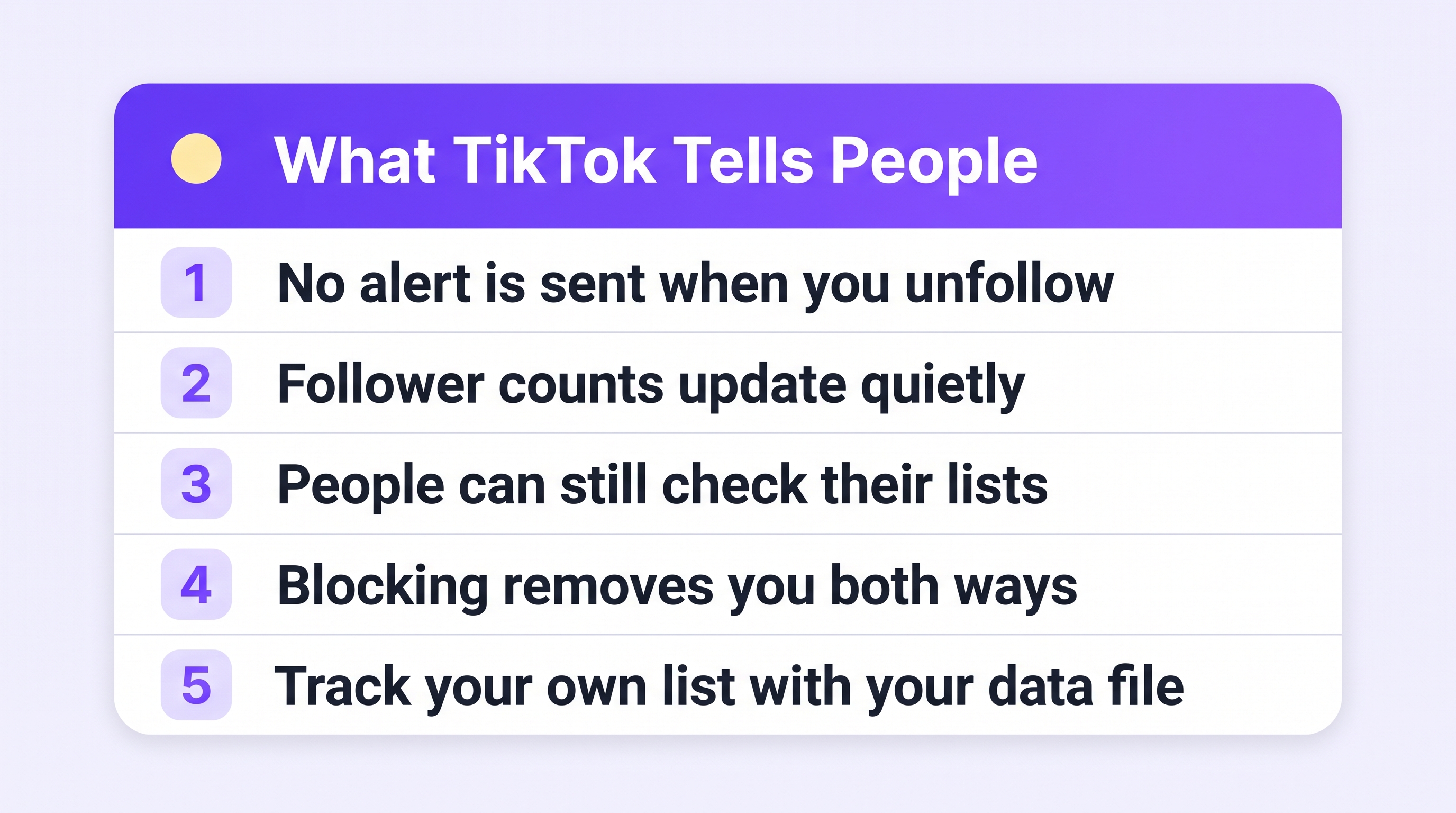
No. TikTok sends no notification when you unfollow someone. There is no alert, no message, and no announcement. Their follower count simply goes down by one, quietly.
That is the short answer. The longer answer is worth two more minutes, because there are a few ways people can still notice — and a few myths worth clearing up.
What the other person can and cannot see
They cannot see:
- A notification that you unfollowed them.
- A list of “people who unfollowed me” anywhere in TikTok.
- When exactly you unfollowed.
They can still notice, if they go looking:
- Their follower list. If they search your name in their followers and you are gone, they know.
- Their follower count. A person watching their numbers closely may spot the dip and investigate.
- Tools that compare lists over time. Anyone can track their own followers by downloading their TikTok data and comparing files — that is a built-in TikTok feature, and it is how you can see who unfollowed you, too.
So: no alarm bells, but no invisibility cloak either. A determined person can figure it out.
Common myths, cleared up
“If I unfollow and refollow quickly, they get two notifications.” They get one new follower notification when you refollow — follows do notify. So the quick unfollow-refollow trick is more visible, not less.
“Blocking is the same as unfollowing.” No. Blocking removes you from each other's lists both ways and stops them from seeing your content. It is a much bigger step, and people notice a block far more often.
“Third-party apps can tell them I unfollowed.” Only if that person tracks their own list with their own data. No app can watch your actions from the outside.
“TikTok punishes unfollowing.” Cleaning up who you follow does not hurt your account. Mass unfollowing hundreds of accounts in an hour can look bot-like, though — space it out.
Want to know who unfollowed YOU?
The same quiet rules apply in your direction: TikTok will never tell you who left. But your own data will.
- Download your TikTok data (Profile → menu → Settings and privacy → Account → Download your data — full guide).
- Upload the ZIP to Plumefy's Unfollower tracker.
- Upload a fresh file every few weeks. Plumefy compares them and shows exactly who unfollowed, who is new, and who does not follow you back.
No password, no risky apps — just your own file, read for you.
Frequently asked questions
Does the person know immediately when I unfollow them on TikTok?
No. TikTok sends nothing. They would only find out by checking their own follower list or tracking it with their own data.
Does TikTok notify someone when I remove them as a follower?
No notification is sent for that either. They would only notice that your account no longer appears in their Following list.
Do follows send notifications?
Yes. Following someone does notify them — which is why unfollow-refollow games are more visible than people think.
Can I see who unfollowed me on TikTok?
Not inside TikTok. But you can compare your own data downloads over time — Plumefy does that comparison for you and shows exactly who left.
Unfollow freely. TikTok keeps it quiet, and now you know exactly how quiet.
Post everywhere, once.
Start on the free plan — no card needed, upgrade when you need scheduling.
Start free