Do People Get Notified When You Unfollow Them?
Do people get notified when you unfollow them on Instagram? No. Learn what really happens, who can still find out, and how to track unfollowers safely.
You hit unfollow. Then a small worry pops up: will they know? It is the question so many people ask, do people get notified when you unfollow them? The short, happy answer is no. Instagram does not send a "someone unfollowed you" alert. Let's walk through what really happens, who can still find out, and why you can relax.
What actually happens when you unfollow someone
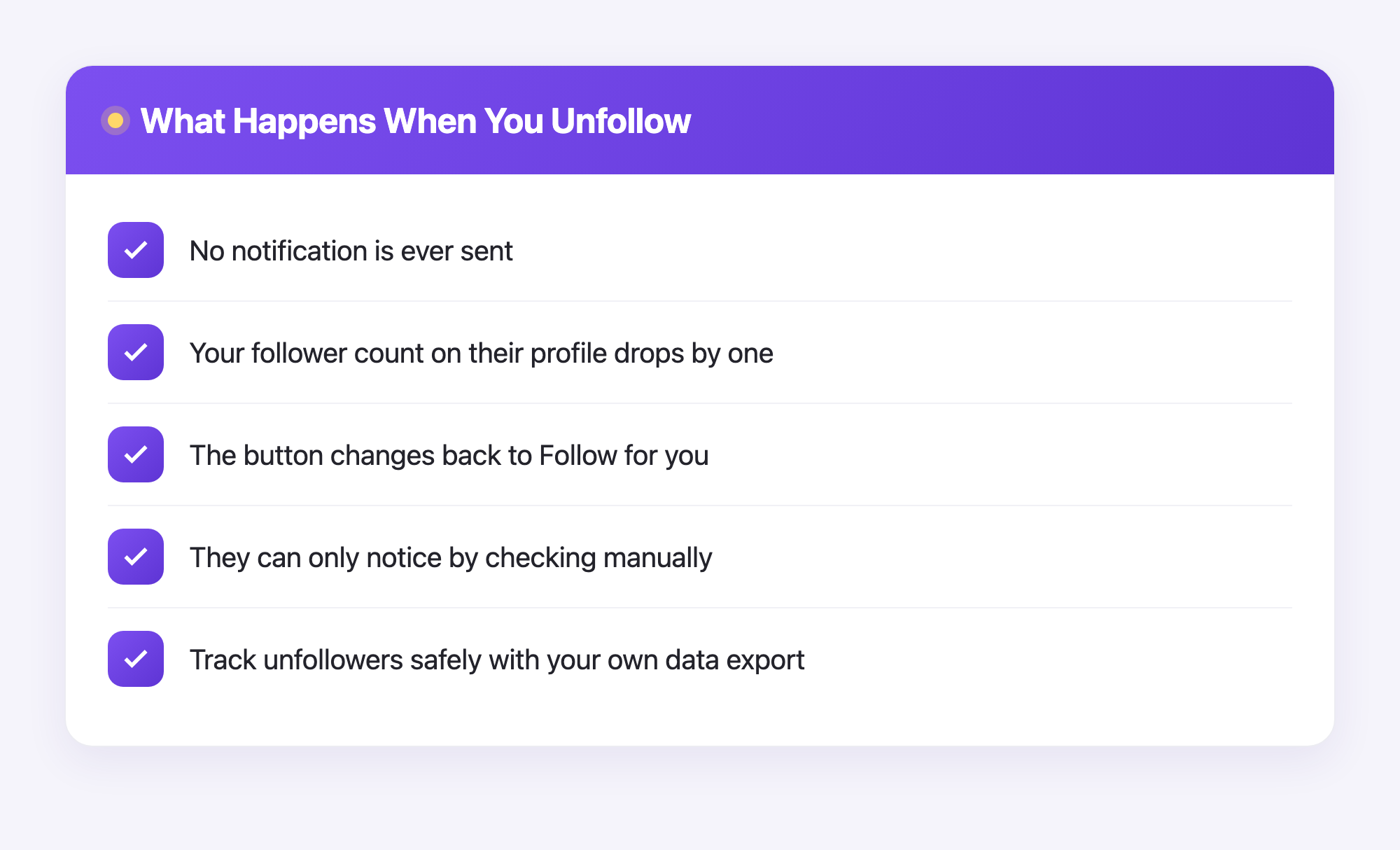
When you tap unfollow, a few small things change behind the scenes:
- Their posts stop showing up in your feed.
- Your name drops off their follower count by one.
- The button on their profile switches from "Following" back to "Follow" for you.
That is it. No buzz, no banner, no email. Instagram just removes the link quietly.
Unfollowing is private by design. Instagram never pings the other person to say you left.
Do people get notified when you unfollow them?
No. This is true on Instagram, and it works the same way on TikTok, X (Twitter), and Facebook. None of these apps send a "you lost a follower" message.
But "no notification" does not mean "totally invisible." Here is the honest part: someone can still figure it out if they look. Let's cover how.
How someone might still notice
Even without an alert, a person can find out you unfollowed them. The common ways:
- They visit your profile. If the button says "Follow" again, they know you are not following.
- They watch their follower count. If they track their numbers closely, a small drop is a clue.
- They use a tracking app. Some apps compare an old follower list to a new one.
So if you unfollow someone who pays close attention, they might notice on their own. They just will not get a phone alert about it.
What about blocking or restricting?
Blocking is different from unfollowing, but it is just as quiet. When you block someone:
- They do not get a notification.
- You both vanish from each other's profile and search.
Restricting is even gentler. The other person has no idea, and their messages move to a separate request folder. Again, no alert. The pattern is always the same: these actions happen in silence.
The other side: who unfollowed you?
Here is the question that may have brought you here next. If no one gets notified when someone unfollows, how do you find out who left your account? Instagram will not tell you. There is no built-in list of people who unfollowed you.
This is where many people get tricked. They download a shady app, type in their Instagram password, and hope for the best. Please do not do that. Handing your password to a random app can get your account stolen or banned.
There is a safe way instead, and it uses your own data.
A safe way to track unfollowers with Plumefy
Instagram lets you download a copy of your own data. It is called a data export, a file full of your account info, including who you follow and who follows you. You ask Instagram for it, they email you a link, and you download the file.
Plumefy uses that file. Here is how it works:
- You request your data download from Instagram's settings.
- Instagram sends you a file (usually a followers_and_following folder inside a zip).
- You upload that file to Plumefy.
- Plumefy reads it and shows you who does not follow you back, then tracks changes over time.
Plumefy never asks for your Instagram password and never logs into your account. It only reads the file you choose to upload.
That is the difference: no password, no risky login. Just your own data, used safely.
Plumefy also helps on the posting side. You can schedule posts and share the same content to many platforms at once, so you spend less time copying and pasting and more time creating.
Frequently asked questions
Do people get notified when you unfollow them on Instagram?
No. Instagram does not send any notification when you unfollow someone. The action is private, though a person can still notice if they check your profile or their follower count.
Will they know if I unfollow and follow again quickly?
There is no alert either way. If they happen to be looking at your profile right then, they could see the button change. Most people never notice.
Does unfollowing remove my likes and comments?
No. Your past likes and comments stay where they are. Unfollowing only stops their posts from showing in your feed and breaks the follow link.
Can an app tell me who unfollowed me without my password?
Yes, and that is the safe way. Tools like Plumefy read the data file you download from Instagram yourself, so you never share a password or log in through them.
Is downloading my Instagram data safe?
Yes. It comes straight from Instagram to you. You are simply getting a copy of your own information, which you can then upload to a trusted tool.
So you can unfollow with a clear mind. No one gets pinged, no drama is triggered, and you stay in control of your own account.
Post everywhere, once.
Start your 7-day free trial — nothing charged today, cancel anytime.
Start free