The Social Media Client Onboarding Checklist for Agencies
A complete agency onboarding checklist for social media clients: account access, a brand voice doc, goals, a cadence agreement, and the first-month plan.
The first two weeks with a new social media client decide the next twelve months. Onboard well and you look organized, set expectations you can actually meet, and start publishing fast. Onboard badly and you spend month one chasing passwords and month three arguing about things nobody wrote down.
Most onboarding failures are not skill failures. They are checklist failures: something obvious, like admin access or approval expectations, simply never got handled.
Here is the checklist we recommend, in the order that avoids the classic traps.
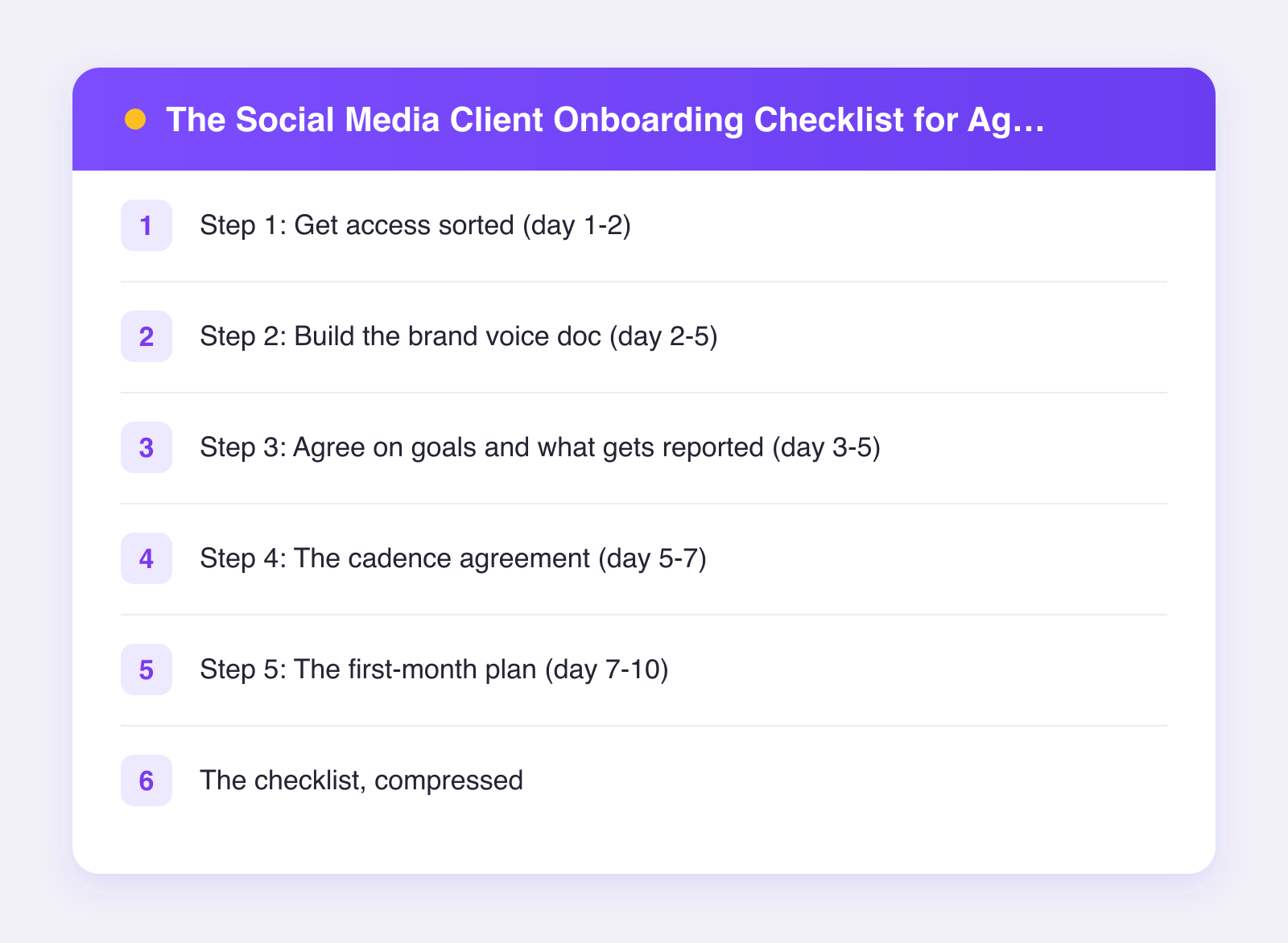
Step 1: Get access sorted (day 1-2)
Access is the number one source of onboarding delay, so start here before anything else.
- List every account in scope. Platform, handle, and who currently controls it. You will regularly discover accounts the client forgot existed.
- Get proper access, not passwords. Use each platform's business tools or partner access where available. For your own tooling, connect accounts once into a shared workspace instead of collecting logins in a spreadsheet.
- Confirm two-factor ownership. Make sure 2FA codes go somewhere the client controls, not to a former employee's phone. This one check has saved more agency-client relationships than any strategy deck.
- Document what you got. A simple access log: account, access level, date granted.
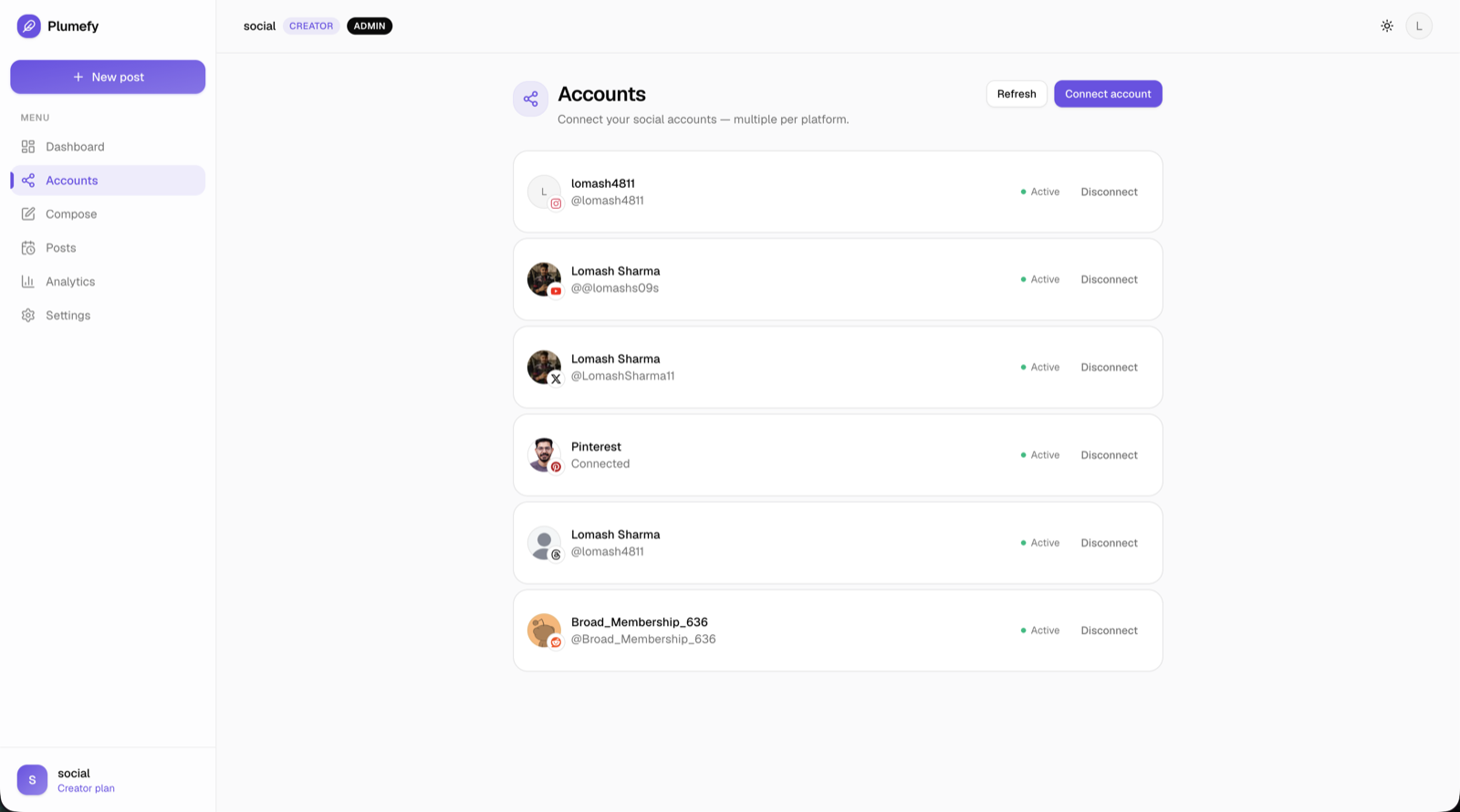
With Plumefy, this step gets structurally easier: you create a workspace per client, connect all of that client's accounts into it, and give your team members roles (owner, admin, editor, viewer) instead of credentials. When a client relationship ends, you close off one workspace instead of rotating a pile of passwords. Our guide to managing client accounts as an agency covers the full setup.
Step 2: Build the brand voice doc (day 2-5)
You cannot write as someone else without a written definition of how they sound. Keep the doc to two pages:
- Three adjectives for the voice, each with a "this, not that" example. "Confident, not boastful."
- Vocabulary rules. Words they love, words they ban, how they refer to their own product.
- Formatting habits. Emoji policy, hashtag policy, how formal punctuation gets.
- Real examples. Three past posts the client loves and two they hate, with a sentence on why.
The fastest way to fill this doc is a 30-minute voice interview on the kickoff call. Clients struggle to describe their voice in the abstract but are instantly decisive when reacting to examples.
Step 3: Agree on goals and what gets reported (day 3-5)
Vague goals become disappointment with your name on it. Pin down three things:
- The primary goal. Awareness, leads, community, or support deflection. Pick one as primary; the rest are secondary.
- The metrics that represent it. Agree on the two or three numbers you will report monthly, and what "good" looks like by quarter, not by week.
- What you will not be judged on. Say it out loud: organic social is a slow-compounding channel, and month one follower counts are not the scoreboard.
Write the agreed goals into the same doc as the voice guide. One source of truth per client.
Step 4: The cadence agreement (day 5-7)
This is the contract behind the content calendar. Agree, in writing:
- Volume: posts per week, per platform.
- Mix: rough split of educational, promotional, and personality content.
- Approval flow: who on the client side reviews, and their turnaround window. One named person, one business day, is the healthy default.
- Materials flow: what the client owes you (photos, product news, launch dates) and when.
The approval turnaround clause matters most. Without it, the client's silence becomes your missed posting schedule, and you get blamed for both.
Step 5: The first-month plan (day 7-10)
Now, and only now, plan content. For month one:
- Weeks 1-2: safe, on-voice posts drawn from the client's proven topics. You are calibrating voice with real feedback.
- Weeks 3-4: introduce your own angles and one format experiment.
- Batch and schedule everything. Load the month into the client's workspace so the calendar is visible to them from day one. If you run multiple accounts per platform for several clients, multi-account support is what keeps this sane.
Send a short kickoff summary: goals, cadence, calendar link, first review date. Onboarding ends with the client knowing exactly what happens next.
The checklist, compressed
| Days | Milestone |
|---|---|
| 1-2 | All accounts inventoried, access granted and logged |
| 2-5 | Brand voice doc drafted and approved |
| 3-5 | Goals, metrics, and reporting agreed in writing |
| 5-7 | Cadence and approval agreement signed off |
| 7-10 | First month planned, batched, and scheduled |
FAQ
How long should client onboarding take?
Two weeks from signed contract to first scheduled post is a healthy target. Faster usually means access shortcuts that bite later; slower usually means the voice doc turned into a novel.
Should I start posting before onboarding is complete?
Resist it unless there is a live campaign. One well-prepared launch week beats two improvised ones, and clients remember early mistakes far longer than a short quiet period.
What if the client will not name a single approver?
Treat it as a red flag and solve it in the kickoff call. Committee approval is the top predictor of a painful engagement. Offer a compromise: one approver, with a monthly strategy review where everyone else gets their say.
What tools do I need on day one?
A scheduler with per-client workspaces, roles for your team, and combined analytics for reporting covers the core. Plumefy's Pro plan includes 20 seats, which fits most agency teams; you can try Plumefy free and set up your first client workspace before the kickoff call.
Post everywhere, once.
Start on the free plan — no card needed, upgrade when you need scheduling.
Start free