AI Tools for Creators: What Actually Helps
A practical tour of AI tools for creators: what genuinely helps with writing, repurposing, and ideation, and what you can safely skip. No hype, just workflow.
Every week brings a new list of "47 AI tools every creator needs." You do not need 47 tools. Most creators who use AI well lean on two or three, pointed at the specific bottlenecks in their workflow, and ignore the rest.
This is a tour of the AI use cases that actually help, organized by the job they do rather than by product names. For each one: what it is genuinely good at, where it disappoints, and how to slot it into a real week. And where something is overhyped, we will say so.
The theme throughout: AI helps most at the edges of creation, before you make the thing and after you make the thing. The middle, the part where you say something worth hearing, stays yours.
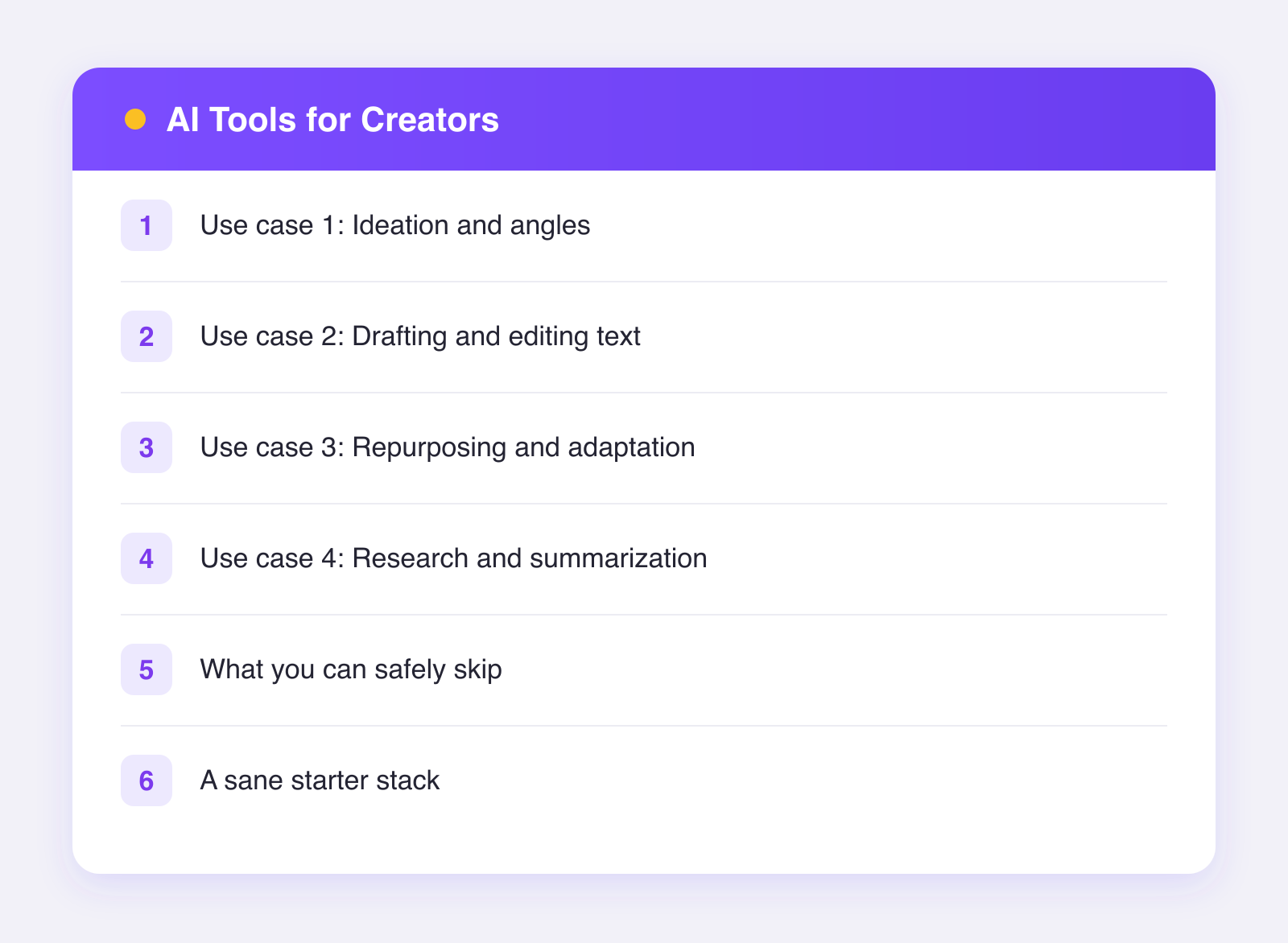
Use case 1: Ideation and angles
What it is good at: volume on demand. Twenty angles on one topic, ten hook options for one video, five objections your audience might raise. AI is a tireless brainstorming partner, and ending blank-page paralysis is worth the price of admission alone.
Where it disappoints: originality. The ideas are recombinations of what already exists, so the genuinely novel angle still comes from you. Treat AI ideation as a net that catches the obvious ideas quickly so your brain can hunt past them.
Workflow slot: the start of a planning session. Generate wide, pick ruthlessly, then sharpen the survivors yourself. Done weekly or monthly, this pairs naturally with a planning routine like the one in plan a month of content in 30 minutes with AI.
Use case 2: Drafting and editing text
What it is good at: first drafts from a clear brief, and transformations of text you supply: tighter, friendlier, shorter, restructured. Give it your voice via examples and constraints, and drafts land surprisingly close.
Where it disappoints: anything shipped without a human pass. Unedited AI text has a recognizable beige quality, and audiences are getting sharper at spotting it. The edit is not optional; it is where your post becomes yours.
Workflow slot: your batch writing session. AI drafts, you edit line by line, sixty seconds a post. If captions are your bottleneck, this alone can cut writing time by half or more.
Use case 3: Repurposing and adaptation
What it is good at: this may be the single most reliable AI use case for creators, because adaptation is transformation of material that already exists, and transformation is what models do best. Turning a video script into a text post, a long post into a thread, one caption into eleven platform-fitted versions.
Where it disappoints: knowing which platform gets what. A general chatbot needs you to specify every platform's norms in every prompt. Purpose-built tools bake that knowledge in. Plumefy's AI captions are a case in point: describe your post once, and it drafts a caption tuned to each network's tone and length across the 11 networks it posts to, with you editing before anything ships. For the strategy behind multiplying one piece of content, see how to repurpose content across platforms.
Workflow slot: immediately after creating your core piece each week. Make one thing, then spend a fraction of that effort adapting it everywhere.
Use case 4: Research and summarization
What it is good at: digesting material for you. Summarizing a long report you want to reference, pulling themes out of your own comment sections, turning your analytics export into plain-language takeaways.
Where it disappoints: facts. Models state wrong things with total confidence, so anything factual that goes in front of your audience needs verification from a real source. Never outsource your credibility.
Workflow slot: prep work. Ten minutes of AI-assisted digestion before you write can make the writing meaningfully better.
What you can safely skip
A few categories earn more hype than results:
- Fully automated posting pipelines that generate and publish without human review. This is how accounts turn beige. Every serious workflow keeps a human between the model and the publish button.
- AI engagement tools that comment and DM on your behalf. Audiences spot them, platforms prohibit most of them, and the relationships they build are worth exactly what they cost you in attention: nothing.
- Tool stacking. Adding a ninth subscription rarely fixes a workflow problem. Master the two or three use cases above first.
A sane starter stack
If you are starting from zero, this covers most creators:
| Need | What to use |
|---|---|
| Ideation, research, long drafts | One general chatbot |
| Platform-fitted captions, scheduling, analytics | One social media tool |
| Everything else | Skip until you feel the specific pain |
Two tools, clear jobs. On the social side, Plumefy's free plan (2 accounts, 10 posts) is enough to test the repurposing workflow end to end, and you can try Plumefy free before deciding whether the AI captioning on Pro earns its keep for your volume.
The mindset that makes any of this work
AI rewards creators who already know what they are trying to say and punishes creators hoping it will figure that out for them. Point it at your bottlenecks: the blank page, the eleven-platform copy problem, the analytics you never read. Keep the core creative act, the opinion, the story, the taste, firmly in human hands. Used that way, these tools do not change what you make. They change how much of your week you get back.
FAQ
How much should a creator budget for AI tools?
Many creators run well on free tiers while testing, then pay for one or two tools once a specific bottleneck justifies it. If a tool does not obviously save you hours or improve output within a month, drop it.
What is the first AI use case a new creator should try?
Ideation. It is the lowest-risk, highest-relief use case: nothing AI-generated reaches your audience directly, and it kills the blank page. Drafting with a human edit pass is the natural second step.
Do AI tools work for video creators, not just writers?
The use cases here all apply: ideation for concepts and hooks, drafting for scripts, repurposing for turning one video into posts everywhere, research for prep. The camera work stays yours, but everything around it benefits.
How do I keep AI from flattening my style?
Feed it your voice, then edit everything. Concretely: keep a short voice doc, include your best real posts as examples in prompts, and add one detail only you know to every draft. Our guide on keeping your brand voice with AI covers the full setup.
Post everywhere, once.
Start on the free plan — no card needed, upgrade when you need scheduling.
Start free