How to Keep Your Brand Voice When You Write With AI
Use AI to write faster without losing your voice. Build a voice doc, feed real examples into your prompts, and run a quick edit pass before posting.

AI writing tools are fast. Really fast. You can go from a blank box to a finished caption in ten seconds. But there is a catch, and you have probably felt it. The words come out smooth, polite, and completely forgettable. They could belong to any brand on earth.
That is not a reason to skip AI. It is a reason to steer it. AI writes generic stuff when you give it generic instructions. Give it your voice, and it will use your voice. This guide shows you how, in three steps: a voice doc, examples in the prompt, and a quick edit pass.
None of this takes long to set up. An hour of work now saves you from months of bland posts later.
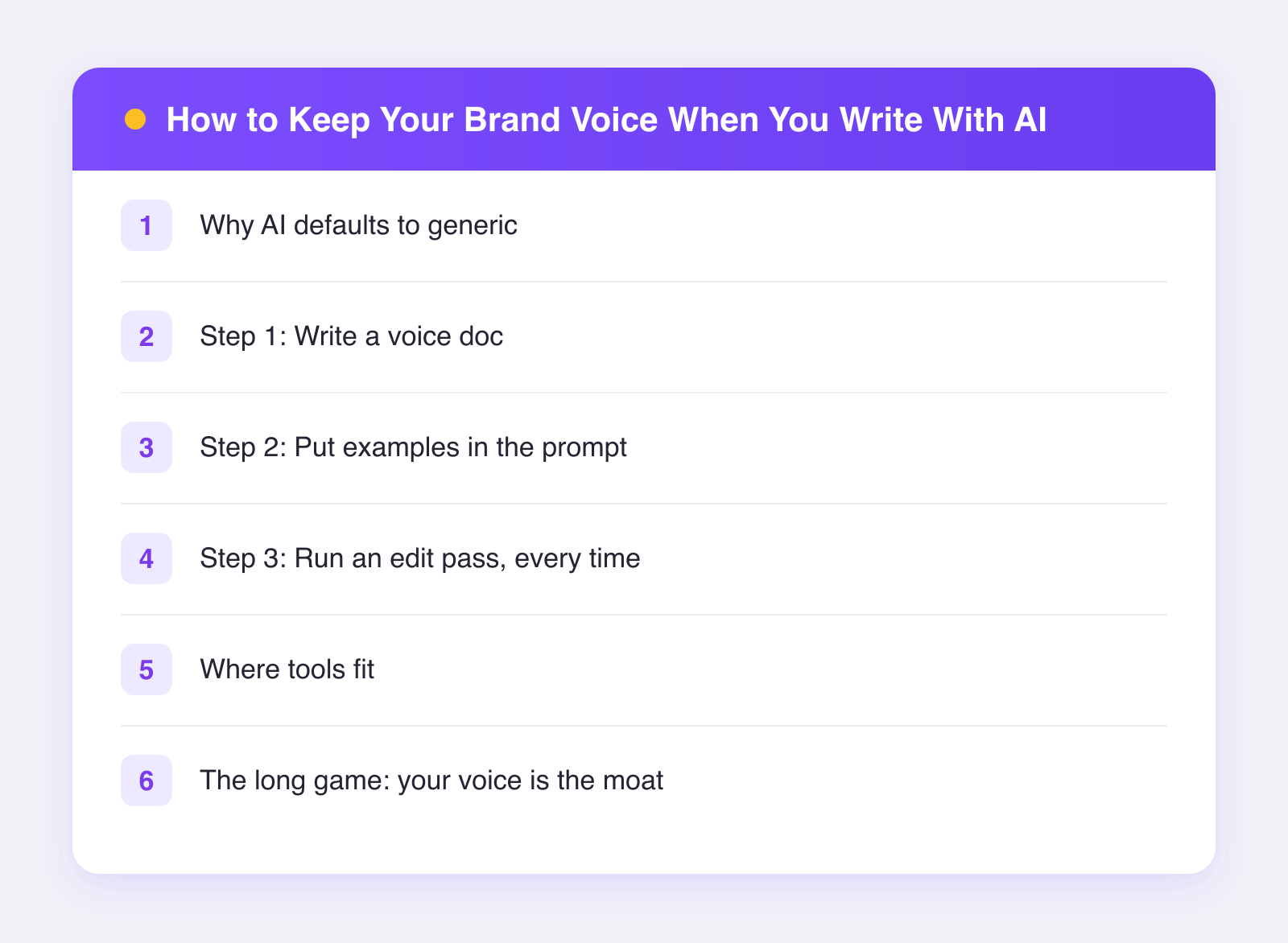
Why AI defaults to generic
AI models learn from a huge pile of writing. When you ask for "a caption about our new coffee blend," the model averages everything it has seen about coffee captions. The result is the middle of the road: safe words, familiar phrases, an exclamation point or two.
The middle of the road is exactly where you do not want to be on social media. Your feed competes with a thousand other posts. The only thing that makes someone stop is a voice that sounds like a real person with a point of view.
So the job is simple to state: move the AI off the average and onto you. Here is how.
Step 1: Write a voice doc
A voice doc is a short document that describes how your brand talks. Not your mission statement. Not your values deck. Just the way you actually sound.
Keep it under one page. If it is longer, you will never paste it into a prompt.
What goes in a voice doc
- Three adjectives. Pick words like "blunt," "warm," or "nerdy." Then add one line for each explaining what it looks like in practice.
- We say / we never say. List five phrases you love and five you ban. If you never say "game-changer," write that down.
- Sentence style. Short or long? Contractions or not? Emoji or never? Questions or statements?
- How you talk about the reader. "You" or "our customers"? Casual or respectful?
- A one-line vibe check. Something like: "We sound like a smart friend explaining things over coffee, not a company making an announcement."
Write it once, then treat it as a living file. Every time you catch the AI producing a phrase that makes you wince, add that phrase to the banned list.
Step 2: Put examples in the prompt
Here is the single most effective trick in AI writing: show, don't tell. Adjectives help, but examples work better. Models are imitation machines. Give them three posts that sound like you, and they will pattern-match your rhythm, your word choices, even your punctuation habits.
A solid prompt structure looks like this:
- Role: "You write social captions for a small-batch coffee roaster."
- Voice doc: paste your one-pager.
- Examples: paste two or three of your best real posts, labeled "examples of our voice."
- Task: describe the specific post you need.
- Constraints: length, platform, no hashtags, whatever applies.
Pick your examples carefully. Choose posts that performed well and that you are proud of. If you feed the AI your laziest posts, it will happily write more lazy posts.
Rotate the examples now and then. Your voice evolves, and your prompt should evolve with it. For more on structuring prompts like this, see our guide to caption prompts that work and the honest breakdown in do AI captions actually work.
Step 3: Run an edit pass, every time
Even with a great prompt, treat AI output as a first draft. The edit pass is where your voice locks in, and it usually takes under a minute per post.
Run through this checklist:
- Read it out loud. If you would not say it to a friend, rewrite that sentence.
- Cut the first line if it is throat-clearing. AI loves warm-up sentences. Your audience does not.
- Swap one generic word for one specific word. "Delicious" becomes "tastes like burnt caramel in the best way."
- Check the banned list. Delete any phrase from your "we never say" column.
- Add one detail only you would know. A number, a behind-the-scenes fact, a small confession. That detail is what makes the post yours.
The edit pass is not busywork. It is the difference between content that fills a slot and content that builds a relationship.
Where tools fit
A workflow helps here too. If you cross-post to several networks, you do not want to run this process eleven separate times. In Plumefy, you describe your post once and the AI drafts a caption fitted to each network's tone and length, with every draft editable before anything goes out. Your edit pass happens in one screen instead of eleven tabs, and nothing publishes until you approve it. You can try Plumefy free and test the flow on your next post.
The same principle applies whatever tool you use: AI drafts, you decide. Keep a human between the model and the publish button.
The long game: your voice is the moat
As more brands use AI, average writing gets cheaper and more common. That raises the value of a distinct voice, because it is the one thing a competitor cannot copy from a prompt. Your voice doc, your examples, and your editing instincts compound over time. The AI gets you eighty percent of the way faster. The last twenty percent is where you win.
FAQ
How long should a voice doc be?
One page or less. The goal is a document short enough to paste into every prompt. If it grows past a page, trim the parts you never reference.
How many example posts should I include in a prompt?
Two or three is the sweet spot. One example is too little signal. Ten examples bloat the prompt and dilute the pattern. Pick your best, not your most recent.
Can AI learn my voice without examples?
Not reliably. Adjectives like "witty" or "warm" mean different things to different models. Examples remove the guesswork because the model imitates what it sees.
What if my brand voice is still changing?
That is normal, especially for newer brands. Update your voice doc monthly. The act of writing down what changed will actually sharpen your voice faster than posting alone.
Post everywhere, once.
Start on the free plan — no card needed, upgrade when you need scheduling.
Start free