AI Caption Prompts That Actually Work (With Examples)
Caption prompts that actually work: role, audience, format, examples, and constraints, plus before-and-after rewrites you can copy for your own posts today.
Most people prompt AI the way they would search Google: "write an Instagram caption about my new product." Then they get something bland and conclude AI captions are overrated.
The model is not the problem. The prompt is. A caption prompt is a creative brief, and a three-word brief gets you intern work. Give a real brief and the output changes completely.
This guide covers the five parts of a prompt that works, with before-and-after examples you can adapt today. Nothing here requires technical skill. It is closer to learning how to delegate.
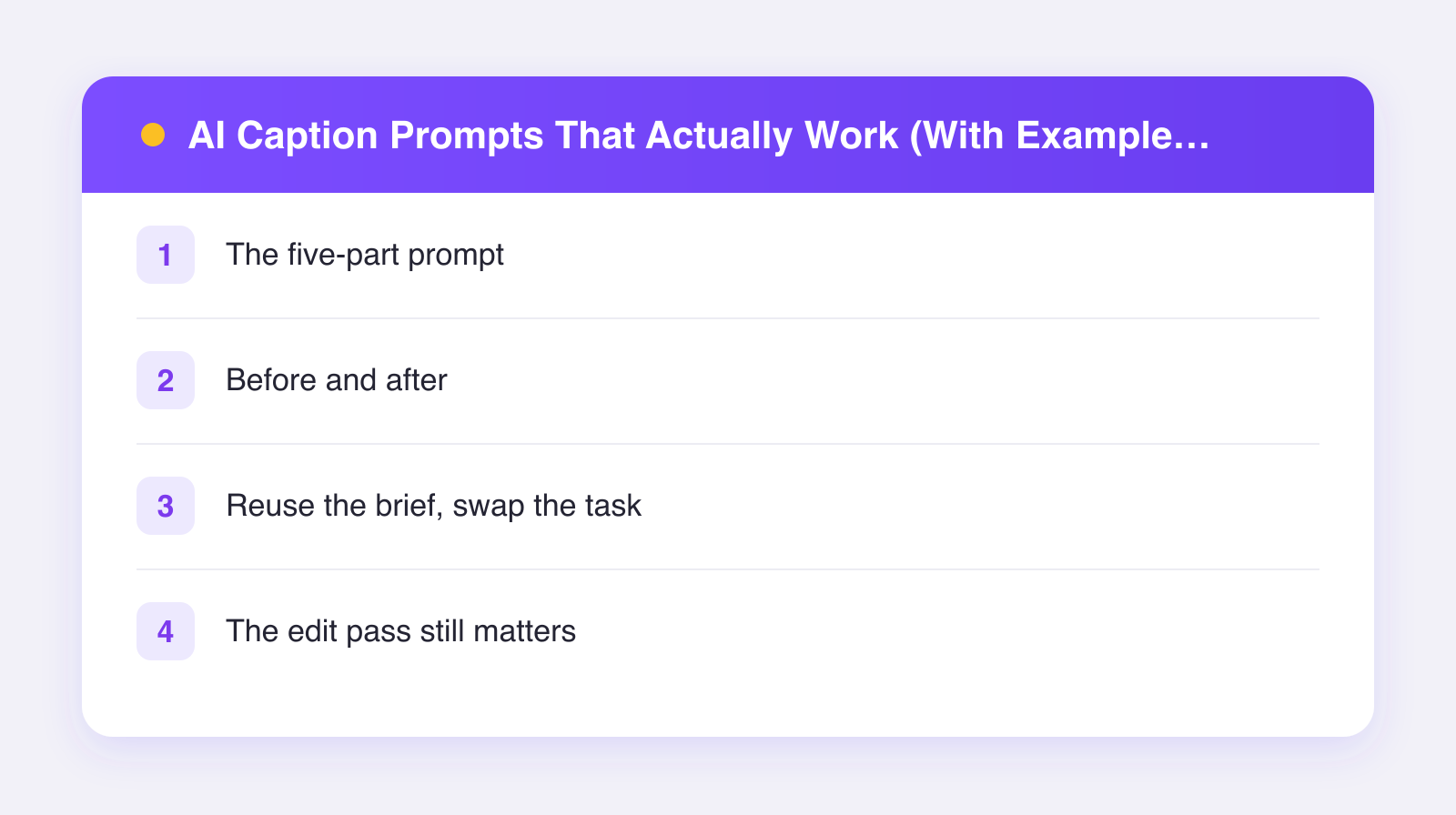
The five-part prompt
Every strong caption prompt answers five questions. Miss one and the model fills the gap with its best guess, which is always the generic guess.
1. Role: who is writing?
Tell the model who to be. "You write captions for a scrappy home-fitness brand that talks like a supportive gym buddy, not a drill sergeant." Role sets the entire register of the output, and it costs you one sentence.
2. Audience: who is reading?
"Our audience is beginners in their 30s and 40s who feel intimidated by gym culture." Now the model knows what to avoid (jargon, guilt) and what to lean on (encouragement, small wins). Without this, it writes for a generic everyone, which lands with no one.
3. Format: what shape should it take?
Be concrete. "Two short paragraphs, then a one-line question to spark comments. No hashtags. Under 120 words." Format instructions are the easiest wins because models follow them almost perfectly.
4. Examples: what does good look like?
Paste one or two real captions in your voice, labeled as examples. This is the highest-impact component of the five. Models imitate patterns far better than they follow adjectives. If you skip everything else in this post, do not skip this.
5. Constraints: what must be true or avoided?
Banned words, required details, things that must be accurate. "Never say 'crush your goals.' Mention that the program is 15 minutes a day. Do not promise weight loss." Constraints keep the draft out of trouble and on brand.
Before and after
Here are two examples we wrote to show the gap. The products are invented for illustration.
Example 1: a product launch
Weak prompt: "Write an Instagram caption about our new candle."
Typical output: "Exciting news! Our brand new candle is finally here. Cozy vibes guaranteed. Treat yourself today! #candles #cozy #selfcare"
Strong prompt: "You write captions for a small candle studio with a dry, understated voice. Audience: people who find most candle marketing too precious. Format: three short lines, then the scent notes as a plain list, no hashtags. Constraint: never use the words 'vibes' or 'treat yourself.' Example of our voice: 'We made a candle that smells like a used bookstore. You either get it or you don't.' Task: launch caption for a candle called Night Train, scented with cedar, black tea, and smoke."
Typical output: "Night Train is here. It smells like the last car of an overnight train, in a good way. We're quite proud of this one.\n\nNotes: cedar, black tea, smoke."
Same model, unrecognizable difference. Every improvement traces back to one of the five parts.
Example 2: a tip post
Weak prompt: "Write a LinkedIn post with freelancing tips."
Strong prompt: "You write for a solo designer who shares blunt lessons from ten years of freelancing. Audience: newer freelancers who undercharge. Format: a one-line hook, then a short story, then one takeaway. Under 150 words. Constraint: no motivational clichés, no emoji. Task: a post about the first time I doubled my rate and lost zero clients."
The strong version produces a specific story-shaped draft you can fix in one pass, instead of a listicle of advice the reader has seen a hundred times.
Reuse the brief, swap the task
Here is the efficiency trick: parts one, two, four, and five barely change between posts. Save them as a template and only rewrite the task line. Your prompt goes from a chore to a fill-in-the-blank. This template is essentially the voice doc we describe in how to keep your brand voice with AI, pointed at a specific post.
A purpose-built tool can carry even more of this for you. In Plumefy, you describe the post once and the AI drafts captions fitted to each network's tone and length, so the per-platform formatting knowledge, the part of the brief most people forget, is handled. You still edit every draft before it posts, which is exactly as it should be. If you post to more than two or three networks, that per-platform fitting alone is worth testing; you can try Plumefy free and compare its drafts against your chatbot workflow.
The edit pass still matters
A great prompt gets you a strong draft, not a finished post. Spend sixty seconds on each draft: cut the throat-clearing opener, swap one generic word for a specific one, and add a detail only you know. That last step is the one no prompt can replace, and it is where the post stops sounding like everyone else's. For the fuller argument on when AI captions earn their keep, read do AI captions actually work.
FAQ
Do I really need all five parts every time?
For your saved template, yes. Per post, you only write the task line, so the overhead is nearly zero after the first setup. If you must cut something, cut role before you ever cut examples.
How long should a caption prompt be?
Usually 100 to 250 words including your pasted examples. Shorter starves the model of signal. Much longer usually means you are including material the model does not need for this specific post.
Why do I get different results with the same prompt?
Models are probabilistic; some variation is normal. If outputs swing wildly in quality, your prompt is underspecified somewhere, most often in format or examples. Tighten those and the variance narrows.
Can I ask the AI to write the prompt for me?
Yes, and it is a decent shortcut: describe your brand and ask the model to draft a reusable caption brief, then correct what it gets wrong. Editing a wrong guess is faster than staring at a blank template.
Post everywhere, once.
Start on the free plan — no card needed, upgrade when you need scheduling.
Start free