How Long Should Captions Be? A Per-Platform Guide
How long should captions be on each platform? A simple guide to caption length for TikTok, Instagram, X, LinkedIn, and more, plus how to adapt one caption fast.
You wrote a caption you love. Then you pasted it into another app and it got cut off mid-sentence. Or worse, it posted fine but felt completely wrong for the room, like wearing a suit to a beach party.
Caption length is not really about character limits. It is about what readers on each platform expect. A LinkedIn audience will read paragraphs. A TikTok audience will not. Let me give you the practical numbers and, more importantly, the feel of each platform, so you can write once and adapt fast.
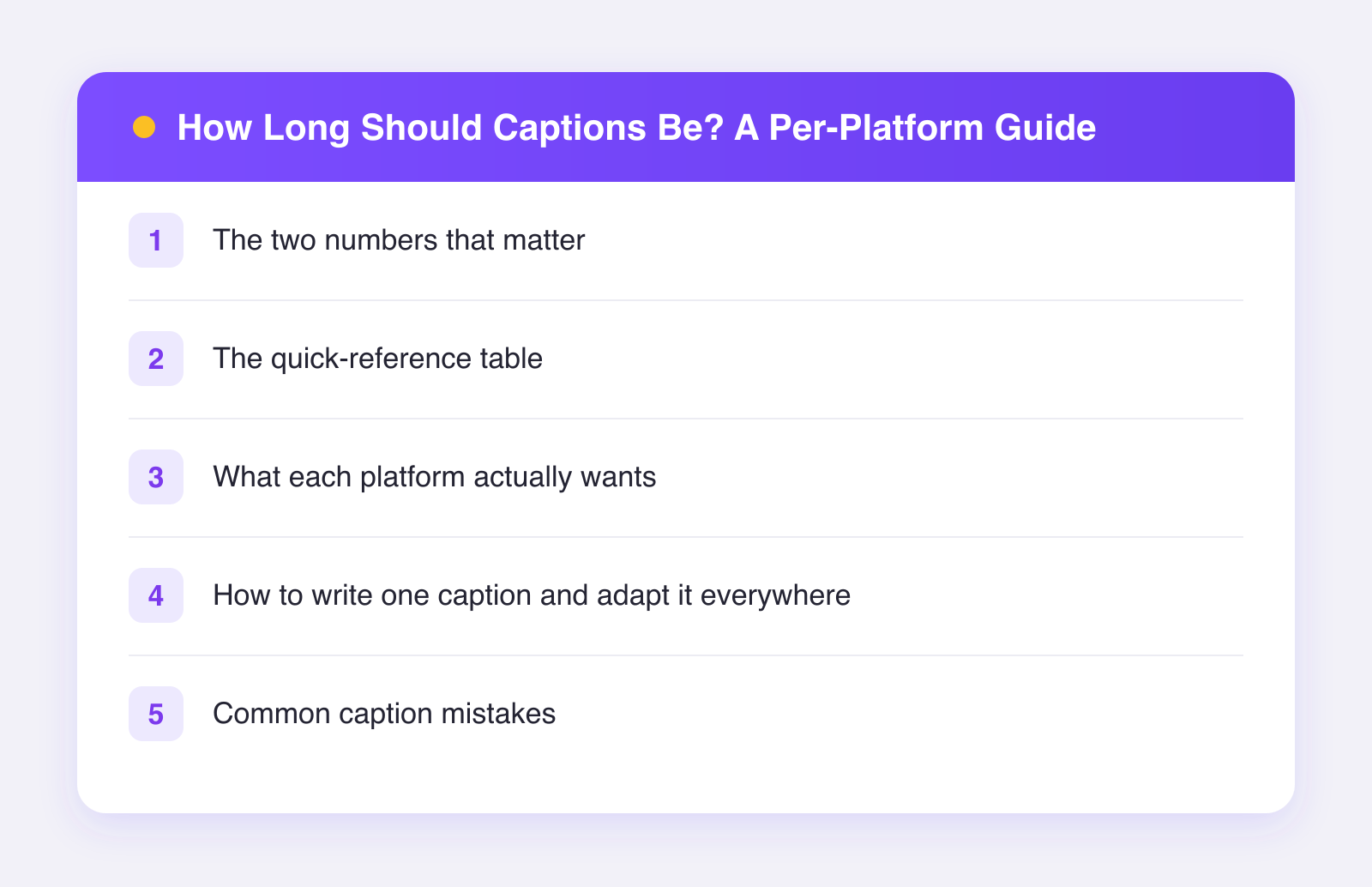
The two numbers that matter
For every platform, there are two different numbers:
- The hard limit. The most characters the platform will accept.
- The truncation point. Where the platform cuts your caption off with a "more" link in the feed.
The second number is the one that matters. Whatever appears before the fold is all most people will ever read. Your first line has to earn the tap.
The quick-reference table
These figures are approximate as of 2026, and platforms adjust them without much notice. Use them as guardrails, not gospel.
| Platform | Rough hard limit | What actually works |
|---|---|---|
| ~2,200 characters | Short hook first line; 1-3 short paragraphs if the story earns it | |
| TikTok | ~4,000 characters | One or two punchy lines; the video does the talking |
| X (Twitter) | ~280 (more for premium) | The whole post is the caption; make every word count |
| ~3,000 characters | Longer is fine; the first two lines decide if anyone expands | |
| Very high (tens of thousands) | Short posts tend to travel further in feed | |
| YouTube (description) | ~5,000 characters | First lines show in search; front-load keywords |
| ~500 characters | Descriptive and keyword-rich; Pinterest is a search engine | |
| Threads | ~500 characters | Conversational one-liners |
| Bluesky | ~300 characters | Same energy as X, a bit more casual |
| Google Business | ~1,500 characters | Clear, factual, first sentence carries the message |
What each platform actually wants
Instagram: hook, then optional depth
Only the first line or so shows before the fold. Write that line like a headline. After the fold, you have room for a mini-story, a how-to, or context that makes people save the post. Long captions work on Instagram when they are structured: short paragraphs, line breaks, maybe a list.
TikTok: get out of the way
TikTok raised its caption limit years ago, but the culture never changed. The video carries the message. A caption on TikTok is a punchline, a bit of context, or a question that bait comments. One or two lines. Keywords in your caption do help TikTok search, so name the topic plainly: "easy meal prep for beginners" beats "yum."
X and Bluesky: the caption is the content
There is no video to lean on unless you attach one. Every character is doing work. Cut your first draft in half, then cut it again. If your idea will not fit, it might be a thread, or it might belong on another platform.
LinkedIn: earn the "see more"
LinkedIn readers will genuinely read 200 words, but only if your first two lines create a reason. State a surprising claim or a specific outcome up top. Then deliver with short paragraphs and white space. Corporate word salad gets skimmed and skipped.
Pinterest and YouTube: write for search
These two are search engines wearing social costumes. Describe your content the way a stranger would search for it. Natural keywords in the first sentence, no hashtag spam, no clever wordplay that hides the topic.
How to write one caption and adapt it everywhere
Here is the workflow that keeps this from eating your day:
- Write the long version first. Usually the Instagram or LinkedIn take, with the full story.
- Pull the hook line out. That first line, standing alone, is usually your X, Threads, and Bluesky post.
- Compress to one casual line for TikTok.
- Rewrite the first sentence around a search phrase for Pinterest and YouTube.
This takes five minutes once it becomes habit, and it is the difference between cross-posting that grows accounts and cross-posting that looks like spam. We go deeper on this in how to tailor posts per platform.
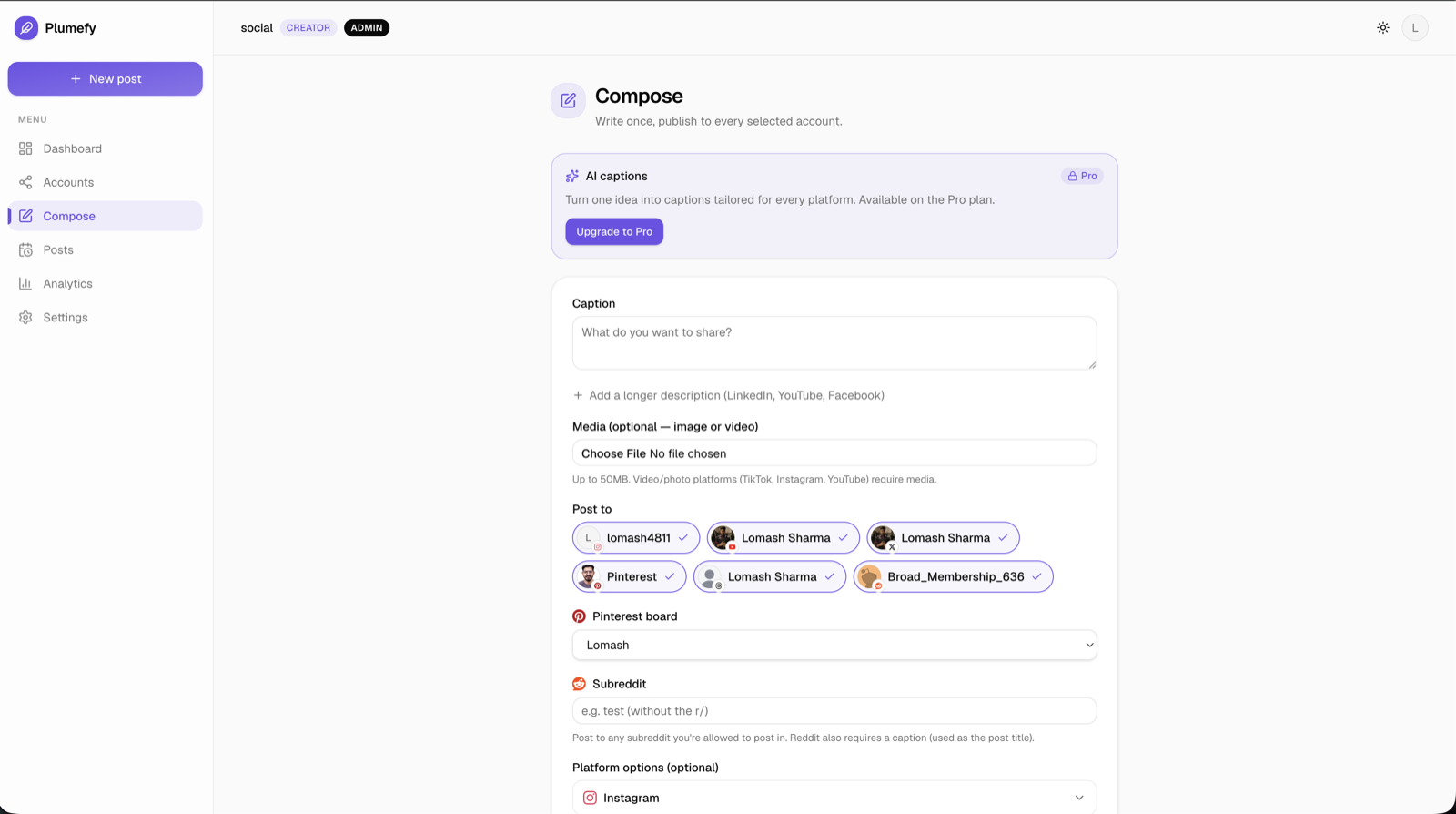
If even five minutes is more than you have, this is a spot where AI genuinely helps. Plumefy's Pro plan drafts platform-tuned captions from your one master caption, so you edit instead of rewriting nine times. And because Plumefy posts to all 11 networks from one screen, you see every version side by side before anything goes out. Curious whether AI captions are actually good? We tested that question honestly in do AI captions work.
Common caption mistakes
- Burying the point. If your best line is in the middle of the caption, nobody sees it. Lead with it.
- Same hashtag block everywhere. Hashtags work differently per app, and a wall of them looks automated. Pick a few relevant ones per platform or skip them.
- Writing for yourself. "So excited to announce" is about you. "Here is what this means for you" is about the reader. The second one gets read.
- Filling space because the limit allows it. A limit is not a target. Say the thing, then stop.
FAQ
Is there an ideal caption length for engagement?
No single number holds up. What holds up is the pattern: a strong first line everywhere, brevity on fast-scroll platforms, and depth only where readers expect it, like LinkedIn and Instagram.
Do longer captions hurt reach?
Not by themselves. A long caption nobody reads does nothing, good or bad. A long caption that keeps people on the post can actually help, since time spent is a signal most platforms care about.
Should I put hashtags in the caption or the comments?
In the caption is the safe default as of 2026. The hashtags-in-first-comment trick comes and goes in fashion, and there is no solid evidence it beats the normal way.
Can I really just automate all of this?
You can automate the formatting and the posting. You should not automate the judgment. Write the core message yourself, let tools handle the resizing and scheduling. Try Plumefy free and see how much of the busywork disappears.
Post everywhere, once.
Start on the free plan — no card needed, upgrade when you need scheduling.
Start free