Turn One Podcast Episode Into a Week of Social Posts
Turn one podcast episode into a week of clips, quotes, and text posts. A simple repurposing system that works across every platform you post on today.
You spent an hour recording a podcast episode. Maybe more, counting prep and editing. And then it went out to your subscribers, got its day of downloads, and sank into the archive. That hour of your best thinking deserves a longer life.
Here is the reframe that changes everything: a podcast episode is not one piece of content. It is a content mine. Inside a single good conversation there are five clips, a dozen quotable lines, a story, a hot take, and at least one genuinely useful list. Your job is not to create more; it is to extract what you already made.
This guide turns one episode into a full week of posts across your platforms, in about an hour of extraction work.
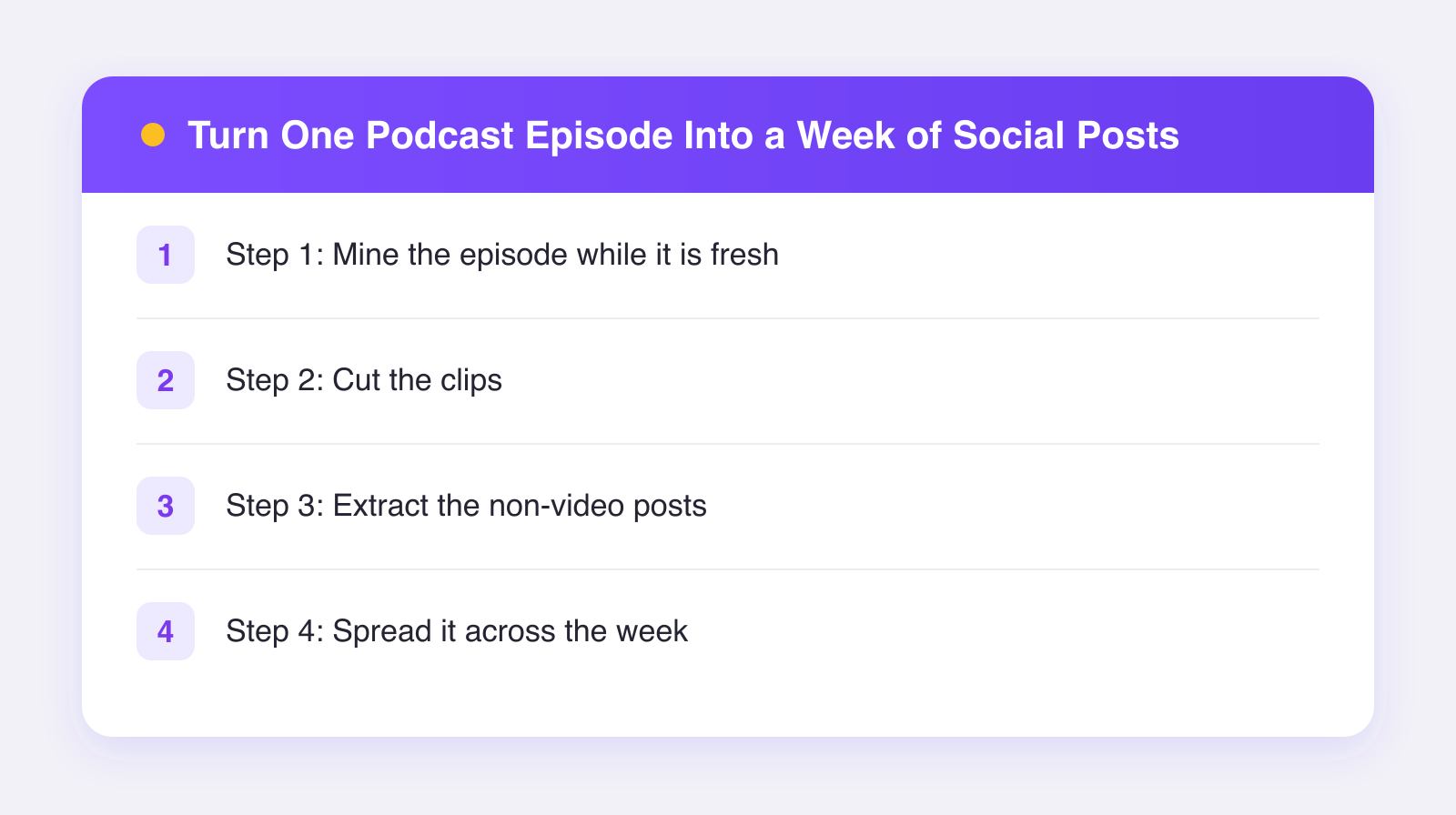
Step 1: Mine the episode while it is fresh
Do this right after recording or editing, when you still remember the good parts. Listen back at high speed, or read the transcript if you have one, and mark timestamps in four categories:
- Moments with a spike. Anywhere you or your guest got animated, laughed, disagreed, or said "wait, really?" Emotion clips well.
- Self-contained explanations. A point that makes sense without hearing the rest of the episode. These are your clips; a clip that requires context dies in a feed.
- Quotable lines. One or two sentences that stand alone and sting a little.
- Lists and frameworks. "The three mistakes..." or "here is my process" segments. These become carousels and text posts.
Aim for 8-10 marked moments per episode. You will use the best five or six.
Step 2: Cut the clips
For each self-contained moment, cut a clip of roughly 30-60 seconds. The craft points that matter:
- Start mid-thought, at the hook. Cut straight to the most interesting sentence, not the setup. "So the investor calls me at midnight..." is a start; "yeah so, going back to what you said..." is not.
- Go vertical. Crop to 9:16, or stack the video in a vertical frame with a bold title above it. Podcast clips almost invented that stacked look, and it works.
- Burn in captions. Most viewers scroll with sound off, and a podcast clip without captions is a silent film of people nodding. Always caption.
- Put a title on the first frame. Five to eight words saying what the clip delivers: "Why he turned down the acquisition."
- End before the energy dips. Cut on the punchline, not on the trailing "...yeah, so, anyway."
Video podcasts make this easy, but audio-only shows are not excluded: an audiogram with a waveform, a photo, and captions still works, though as of 2026 the stacked-video style clearly travels better if you can film even a basic static shot of your recording.
Step 3: Extract the non-video posts
This is the step most podcasters skip, and it is free reach. From your marked moments:
- Quote graphics. Your best line over a clean background, for Instagram, LinkedIn, and Pinterest.
- Text posts. Rewrite a strong opinion from the episode as a native post for X, Threads, and Bluesky. Not "new episode out now," but the actual opinion, stated plainly. Let the comments ask where it came from.
- A list carousel. That framework your guest shared becomes a slide-per-point carousel for Instagram and LinkedIn.
- A story-style summary. Three or four sentences telling the episode's best story, ending with where to hear the rest.
Notice the principle: each post delivers value by itself. Pure "go listen to my podcast" posts perform poorly everywhere, because they ask before they give. Give the insight; the curious will find the episode. This is the same logic as repurposing a YouTube video into posts, and the two systems combine beautifully if you publish your podcast on YouTube.
Step 4: Spread it across the week
Here is a simple rhythm for one episode:
| Day | Post |
|---|---|
| Mon | Episode launch: best clip + link where allowed |
| Tue | Quote graphic |
| Wed | Second clip, different topic from Monday's |
| Thu | Text post: the hot take, written natively |
| Fri | List carousel from the episode's framework |
| Sat | Third clip or the story summary |
| Sun | Rest, or a casual behind-the-scenes |
Each item goes to the platforms where it fits: clips to TikTok, Reels, Shorts, and Facebook; quotes and carousels to Instagram, LinkedIn, and Pinterest; text takes to X, Threads, and Bluesky. That sounds like a lot of uploading, and manually, it is. With Plumefy it is one scheduling session: upload the week's assets once, tune each caption per platform in one screen, and queue all of it across the 11 networks Plumefy supports. Weekly show plus weekly one-hour extraction habit equals an always-full calendar, and Plumefy's combined analytics shows which clip topics actually pull listeners so next week's cuts get sharper. For pacing questions, our posting schedule guide covers how much is too much.
FAQ
How many clips per episode is too many?
Use your best five or six moments and let the rest go. Forcing weak clips trains your audience that your clips are skippable, which is the one reputation a clip account cannot afford.
Should clips go out before or after the episode?
Both work. A teaser clip a day early builds anticipation; the rest follow the release. The only real mistake is posting everything in one day and starving the rest of the week.
My guest said something great. Do I need their okay to clip it?
Get consent for clipping as part of your standard guest agreement; almost everyone says yes since clips promote them too. Tag guests in their clips, always. It doubles your reach through their audience.
What if my podcast is audio-only?
Clip anyway, as audiograms with strong captions, and lean harder on quotes, text takes, and carousels, which need no footage at all. Then consider pointing a static camera at your next recording; even one fixed angle unlocks the better-performing formats.
One hour of extraction turns each episode into a week of presence. Record once, publish all week. Try Plumefy free and schedule the whole week in one sitting.
Post everywhere, once.
Start on the free plan — no card needed, upgrade when you need scheduling.
Start free