Instagram Shadowban: What It Is and How to Fix It
An Instagram shadowban can quietly hide your posts from new people. Learn the clear signs, simple fixes, and how to track followers safely with your own data.

Have you posted something on Instagram and gotten almost no likes? It feels confusing, and a little discouraging. One possible reason is an Instagram shadowban. That is when Instagram quietly hides your posts from people who do not already follow you. You can still post. Your friends might still see you. But new people cannot find you, and nobody tells you it happened. That is why it is called a "shadow" ban.
The good news? A shadowban is almost never permanent. With a few simple steps, you can fix it and get back to growing. Let me walk you through it like a friend.
What an Instagram Shadowban Really Is
Think of Instagram like a big library. Normally your posts sit on the shelves where everyone can find them. A shadowban is like someone quietly moving your book to a back room. The book still exists, and you can still see it. But strangers walking through the library never bump into it.
Here is the key point: Instagram does not officially use the word "shadowban." Still, many creators see the same thing happen. Their posts stop showing up in hashtags, on the Explore page, and in search. Their reach just drops.
Signs You Might Be Shadowbanned
You do not need fancy tools to spot the warning signs. Watch for these:
- Your likes and comments suddenly drop a lot, even though you post the same way.
- Your posts stop showing up when you search a hashtag you used.
- New followers slow down to almost zero.
- Friends say they cannot find your account in search.
- Your Insights show very few views from people who do not follow you.
If two or three of these happen at once, a shadowban is a likely cause.
Why Shadowbans Happen
Most shadowbans come from breaking a rule by accident. Common causes include:
- Using banned or spammy hashtags. Some hashtags get flagged because spammers used them. Even one bad hashtag can hurt a post.
- Acting like a bot. Liking, following, or commenting too fast looks fake to Instagram.
- Using sketchy apps. Tools that promise free followers often break the rules and get you flagged.
- Posting the same comment over and over. This looks like spam.
- Getting reported. If people report your post, Instagram may limit it.
The fix is almost always the same: slow down, clean up, and act like a real person. Instagram wants real people, not robots.
How to Fix an Instagram Shadowban
Here is a simple, calm plan. Do these steps one at a time.
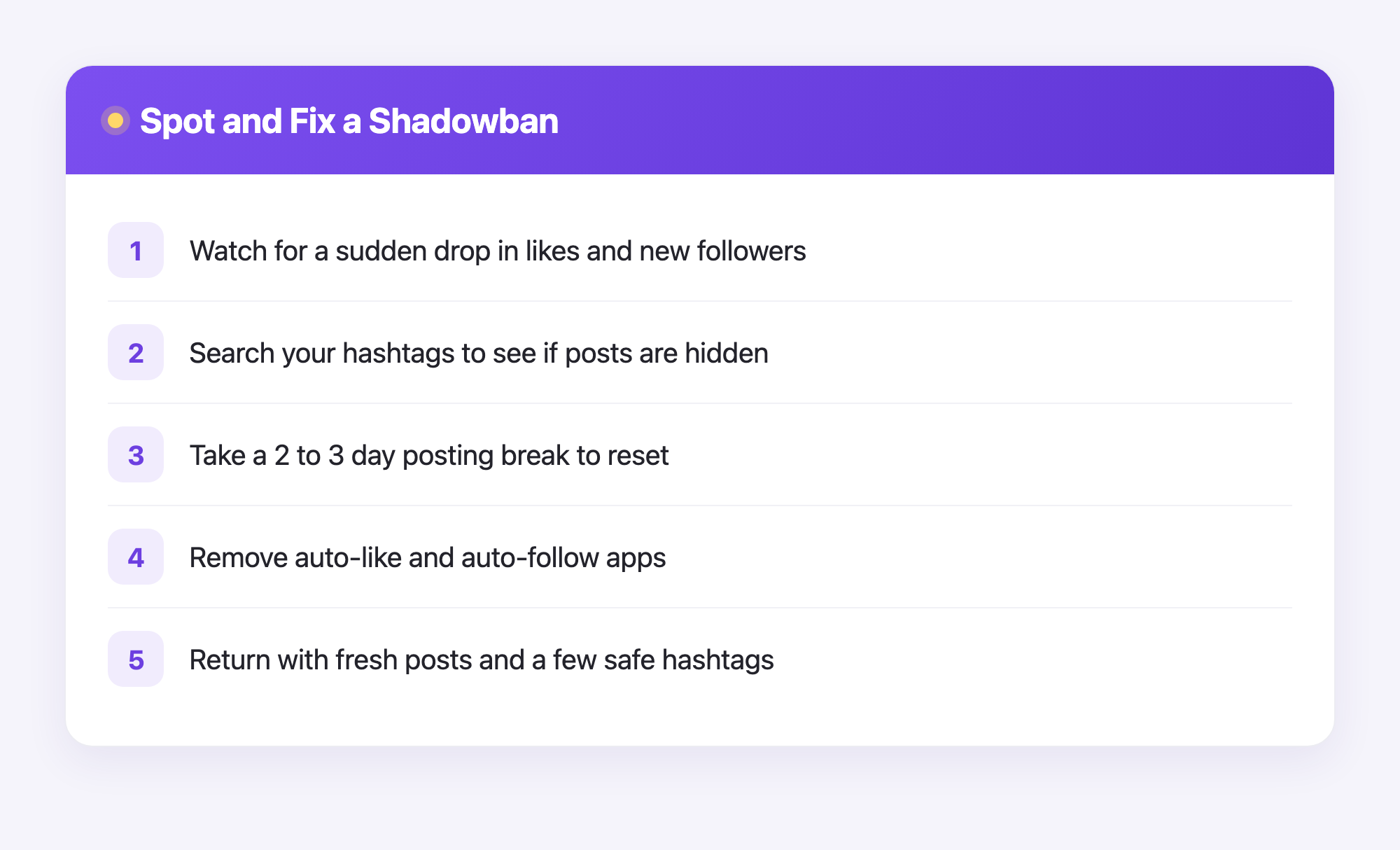
- Pause posting for 2 to 3 days. Take a short break. This gives Instagram time to reset how it sees your account.
- Check your hashtags. Search each hashtag you use. If a page says recent posts are hidden, stop using that one.
- Remove risky apps. Open your settings and remove any outside app that auto-follows or auto-likes for you.
- Update the Instagram app. Old versions can cause glitches. Get the newest one.
- Review the rules. Open Instagram's Community Guidelines and check that nothing you posted breaks them. Delete anything that does.
- Post fresh, original content. When you return, share a real photo or video with only a few safe hashtags.
Be patient. Most accounts bounce back within a week or two.
How Plumefy Helps You Stay Safe and Grow
Plumefy is a tool that helps creators plan posts and share them across many social platforms at once. Instead of rushing and posting in bursts, you can space things out on a calendar. Steady, planned posting looks natural to Instagram, and that lowers your shadowban risk.
For Instagram, Plumefy also shows you who unfollowed you. And here is the part people love: it is private and safe. You never give Plumefy your Instagram password, and you never log in to Instagram through it. Instead, you download your own data file from Instagram and upload it to Plumefy. Plumefy reads that file and shows you the changes. Your account stays protected the whole time.
This matters because unsafe "follower tracker" apps are one of the very things that can get you shadowbanned. Plumefy does it the clean way.
Frequently Asked Questions
How long does an Instagram shadowban last?
Most last a few days to two weeks. If you stop the behavior that caused it and post normally, it usually clears up on its own.
Is a shadowban real if Instagram never admits it?
Instagram does not use the word, but the drop in reach is real and widely reported by creators. Whatever you call it, the fixes above still help.
Can checking who unfollowed me cause a shadowban?
It can, if you use an unsafe app that asks for your password. Plumefy avoids this by using your own downloaded data file, so it never logs in to Instagram for you.
Will deleting my posts fix the shadowban?
Only delete posts that break the rules or use banned hashtags. You do not need to delete everything. Removing the problem post is usually enough.
How can I avoid getting shadowbanned again?
Post at a steady, human pace, use a few safe hashtags, skip auto-follow apps, and follow the Community Guidelines. Planning ahead with a scheduler makes all of this easy.
A shadowban feels scary, but now you know it is fixable. Take a breath, follow the steps, and keep sharing the content you love. Want a calm, safe way to plan your posts and track your followers without ever risking your password? Try Plumefy free →
Post everywhere, once.
Start your 7-day free trial — nothing charged today, cancel anytime.
Start free