Best Time to Post on Instagram (Beginner Guide)
Learn the best time to post on Instagram with this simple beginner guide. Find your own posting times, test them, and grow your account step by step.

Want more people to see your photos and reels? Then you need to know the best time to post on Instagram. When you post at the right moment, more of your followers are awake and scrolling. That means more likes, more comments, and more new fans. The best part? Finding your best time is easy, and this guide walks you through it one small step at a time.
Let's start simple. There is no single magic hour that works for everyone. Your best time depends on when your followers are online. But don't worry. We will give you a safe starting point, then show you how to find your own perfect time.
A simple starting point
If you are brand new and have no data yet, try these common posting windows first:
- Weekday mornings: 7 a.m. to 9 a.m. (people check their phones before work or school)
- Lunch break: 11 a.m. to 1 p.m.
- Evenings: 6 p.m. to 9 p.m. (people relax after their day)
These are not rules. They are just a place to begin, like training wheels. Once you learn more, you will take them off.
Pick one window and stick with it for two weeks. You can't learn what works if you change everything every day.
How to find the best time to post on Instagram for you
Your followers are unique. Maybe they live in a different time zone. Maybe they are night owls. Here is how to find out when they are really online.
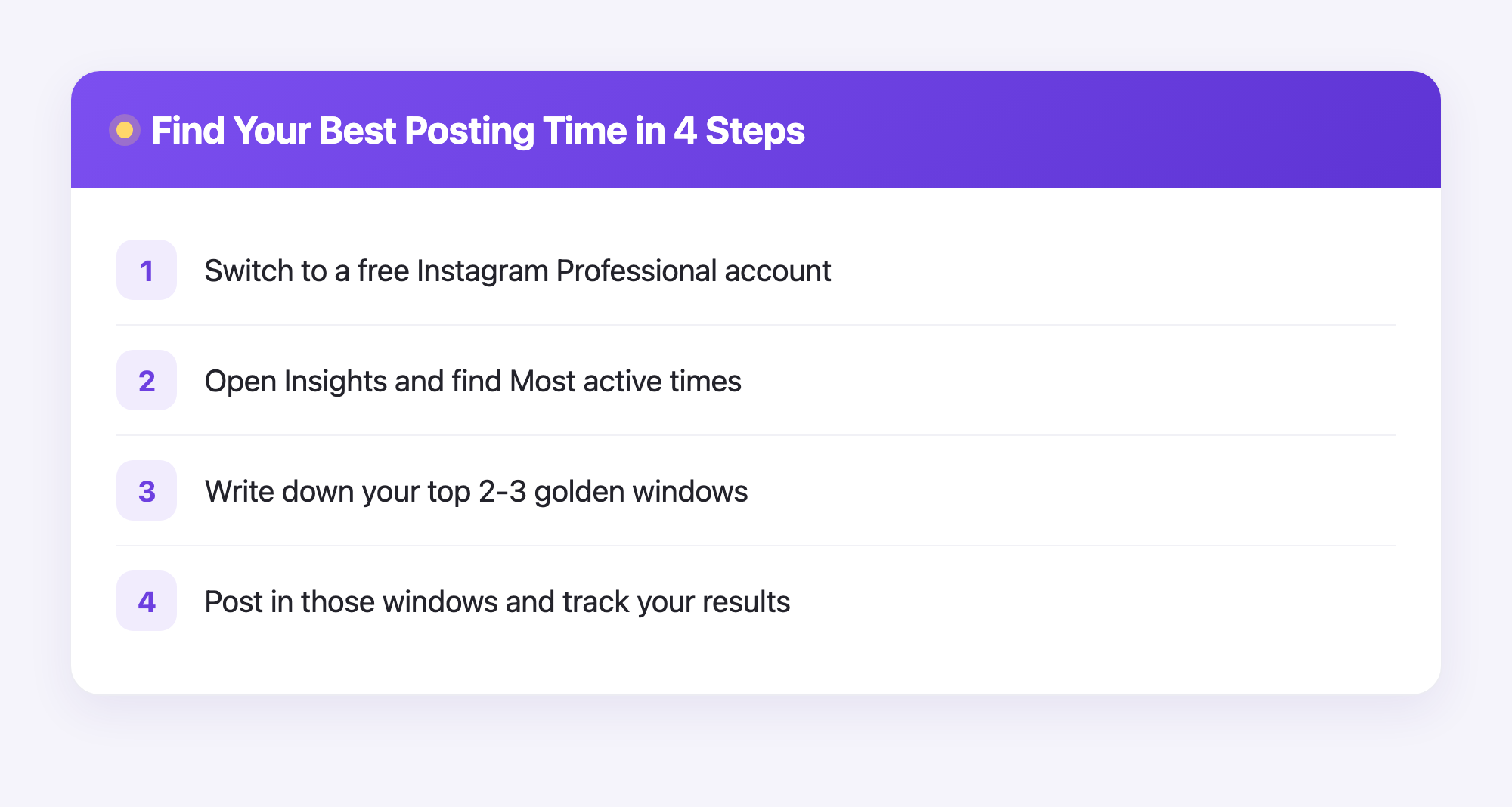
- Switch to a free Instagram Professional account. This unlocks a tool called Insights. It is free and safe.
- Open Insights and tap "Total followers." Then scroll down to "Most active times."
- Look at the days and hours. Instagram shows you the exact times your followers use the app most.
- Write down the top two or three times. These are your golden windows.
- Post during those windows for the next two weeks.
That's it. Instagram is handing you the answer. You just have to look.
Test, watch, and learn
Finding a good time is only half the job. Now you test it. Here is the easy loop to follow:
- Post at one of your chosen times.
- Wait one day. Check the likes, comments, and saves.
- Write the numbers in a notebook or a notes app.
- Try a different time next week.
- Compare the results. Keep the winners. Drop the losers.
After a few weeks, you will see a clear pattern. Maybe Tuesday at 8 a.m. always wins. Maybe Sunday night is your secret weapon. Trust the numbers, not your guesses.
Why scheduling makes this so much easier
Here is the tricky part. Your best time might be 7 a.m. on a Saturday. Do you really want to wake up early just to tap "Post"? Probably not.
This is where Plumefy helps. You write your post now and schedule it to go out automatically at your best time, even while you sleep. You can line up a whole week of posts in one sitting. Plumefy can also post the same content to other platforms, so you save even more time.
So your job becomes simple:
- Find your best times using Insights (above).
- Create your posts whenever you have free time.
- Schedule them in Plumefy to go out at the perfect moment.
No more rushing. No more missed windows. No more posting at a bad time just because you happened to be awake.
A few honest tips
- Posting time matters, but so does your content. A great photo at an okay time beats a boring photo at the perfect time. Always post your best work.
- Be patient. Growth is slow at first. Keep going.
- Stay consistent. Posting three good times a week beats posting ten times one week and zero the next.
- Watch your own followers, not other people. What works for a famous account may not work for you.
Frequently asked questions
Is there one best time to post on Instagram for everyone?
No. The best time depends on when your own followers are online. Use Instagram Insights to find your personal best times, then test them.
How do I see when my followers are online?
Switch to a free Professional account, open Insights, tap "Total followers," and scroll to "Most active times." Instagram shows you the exact hours.
How long should I test a posting time before I decide?
Give each time about two weeks. That gives you enough posts to spot a real pattern instead of one lucky day.
Does posting more often help?
Only if the posts are good. A few strong posts on a regular schedule beat flooding your account with weak ones.
Can Plumefy post for me automatically?
Yes. You create your post once, pick the time, and Plumefy publishes it for you. It can even send the same post to other platforms at the same time.
Do I need to give Plumefy my Instagram password?
No. Plumefy connects safely without asking for your login. Your account stays in your control.
Finding the best time to post on Instagram is not magic. It is just a little looking, a little testing, and a little patience. Start with a common window, check your Insights, and let scheduling do the heavy lifting. You've got this.
Post everywhere, once.
Start your 7-day free trial — nothing charged today, cancel anytime.
Start free