Instagram Hashtags: A Simple Guide for Beginners
Learn how Instagram hashtags work, how many to use, and how to pick the best ones. A friendly beginner guide to help your posts reach far more people.

Ever wondered how strangers find your posts on Instagram? A big part of the answer is Instagram hashtags. A hashtag is a word or phrase with a pound sign in front of it, like #coffee or #puppylove. When you add one to a post, it tells Instagram what your post is about. Then Instagram can show your post to people who like that topic. This guide explains what hashtags are and how to use them the easy way.
Think of a hashtag like a label on a box. Label a box "toys," and people looking for toys find it fast. Hashtags do the same thing for your photos and videos.
What Instagram hashtags really do
Tap any hashtag and Instagram opens a page that shows every public post using that tag. So a hashtag is like a tiny door. People walk through it to find new posts, including yours.
Here is the best part: you do not need lots of followers to get found. A good hashtag can bring brand new people to your post. That is why hashtags matter so much when you are just starting out.
But hashtags are not magic. They help, but your photo, video, and caption still need to be good. Hashtags open the door. Your content makes people stay.
How to pick good hashtags
Picking hashtags is easier than it sounds. Just answer one question: What is my post about? Then use words that match.
Here is a simple way to choose:
- Be clear. If your post is about baking cookies, use #baking and #cookies. Plain words work best.
- Mix big and small tags. Big tags like #food have millions of posts, so yours gets buried fast. Small tags like #homemadecookies have fewer posts, so yours stays visible longer. Use some of each.
- Match your audience. Think about what your dream follower would search for. Use those words.
- Add a few local tags. If you have a shop or live somewhere fun, try #chicagocoffee or your town name. Local tags reach nearby people.
Tip: Skip tags that have nothing to do with your post. Using #love on a photo of a car will not help. It can even make Instagram trust you less.
How many hashtags should you use?
Instagram lets you add up to 30 hashtags, but more is not always better. Many creators find that 5 to 15 good hashtags work great. The trick is quality, not quantity.
You can put hashtags right in your caption or down in the first comment. Both work fine. Putting them in the first comment keeps your caption clean and tidy.
Where Plumefy can help
Adding the right Instagram hashtags every time takes effort, especially if you post often or post to more than one app. This is where Plumefy makes life easier.
With Plumefy you can:
- Write your post once and schedule it for the best time, so you never forget to post.
- Save your favorite hashtag groups, so you do not type them out again and again.
- Cross-post to many platforms at once, which saves a ton of time.
Plumefy can also help Instagram creators see who unfollowed them, and it does this safely. You never give Plumefy your password, and it never logs into Instagram for you. Instead, you download your own data file from Instagram and upload it to Plumefy. Plumefy reads that file and shows you who left. Your account stays safe and in your control.
A simple hashtag routine
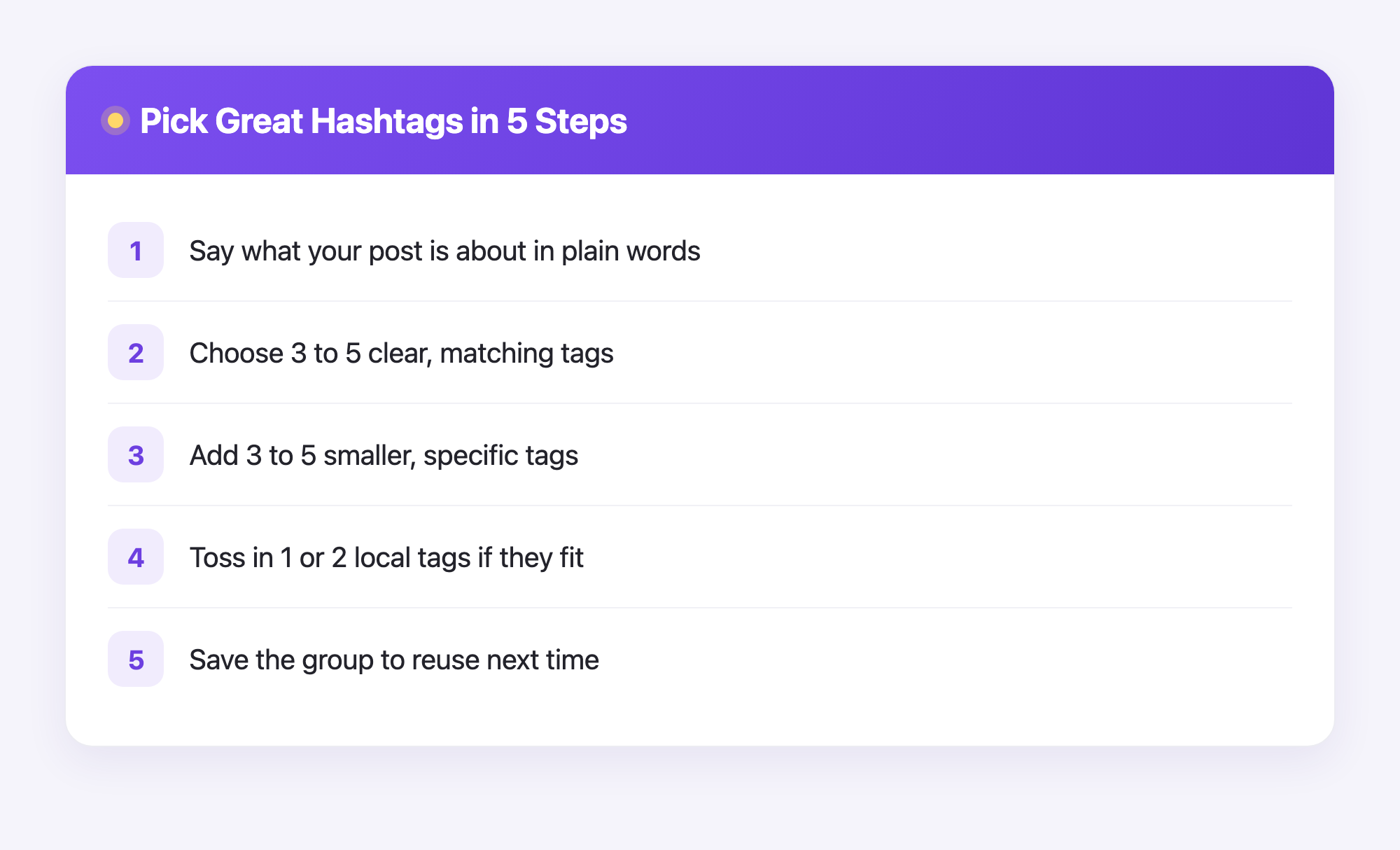
Want an easy plan you can follow forever? Try this:
- Look at your photo or video. Say what it is about in plain words.
- Pick 3 to 5 clear tags that match.
- Add 3 to 5 smaller, more specific tags.
- Toss in 1 or 2 local tags if they fit.
- Save this group so you can reuse it next time.
Do this a few times and it becomes second nature. Soon you will pick great hashtags without thinking hard.
Frequently asked questions
Do hashtags still work on Instagram?
Yes, they still help people find your posts. They are not the only tool, but they are a free and simple way to reach new viewers.
How many hashtags should a beginner use?
Start with 5 to 15 hashtags that truly match your post. You can always test more later and see what works best for you.
Should I put hashtags in the caption or the comments?
Both work the same for getting found. Many people put them in the first comment to keep the caption clean and easy to read.
Can using too many random hashtags hurt me?
Yes, a little. Tags that do not match your post can confuse Instagram and may lower how often it shows your work. Always stay on topic.
What is a banned hashtag?
A banned hashtag is one Instagram has hidden because people misused it. If you tap a tag and see almost no posts, skip it and pick a different one.
Does Plumefy need my Instagram password?
No. Plumefy never asks for your password and never logs into Instagram. For unfollower tracking, you upload your own Instagram data file, and Plumefy reads it safely.
Hashtags are one of the kindest helpers a new creator has. Pick clear words, mix big and small tags, stay on topic, and post often. With a simple routine and a little help, your posts can reach more people than you think. Try Plumefy free →
Post everywhere, once.
Start your 7-day free trial — nothing charged today, cancel anytime.
Start free