How to See Who Unfollowed You on LinkedIn
Want to know who unfollowed you on LinkedIn? Learn what LinkedIn shows about followers and connections, safe ways to track changes, and what a drop really means.
You noticed your LinkedIn follower count dipped, or a connection quietly vanished. It is natural to wonder who unfollowed you on LinkedIn. Here is the honest picture: LinkedIn sends no unfollow notifications and keeps no public “who left” list — but with a few built-in views and a simple habit, you can get most of the answer safely.
First, a quick distinction that trips everyone up. LinkedIn has connections (mutual, like a friendship) and followers (one-way, like a subscription). Someone can stay connected but unfollow your posts — you keep the connection, they just stop seeing your content. Both kinds of leaving are silent.
How to check your followers on LinkedIn
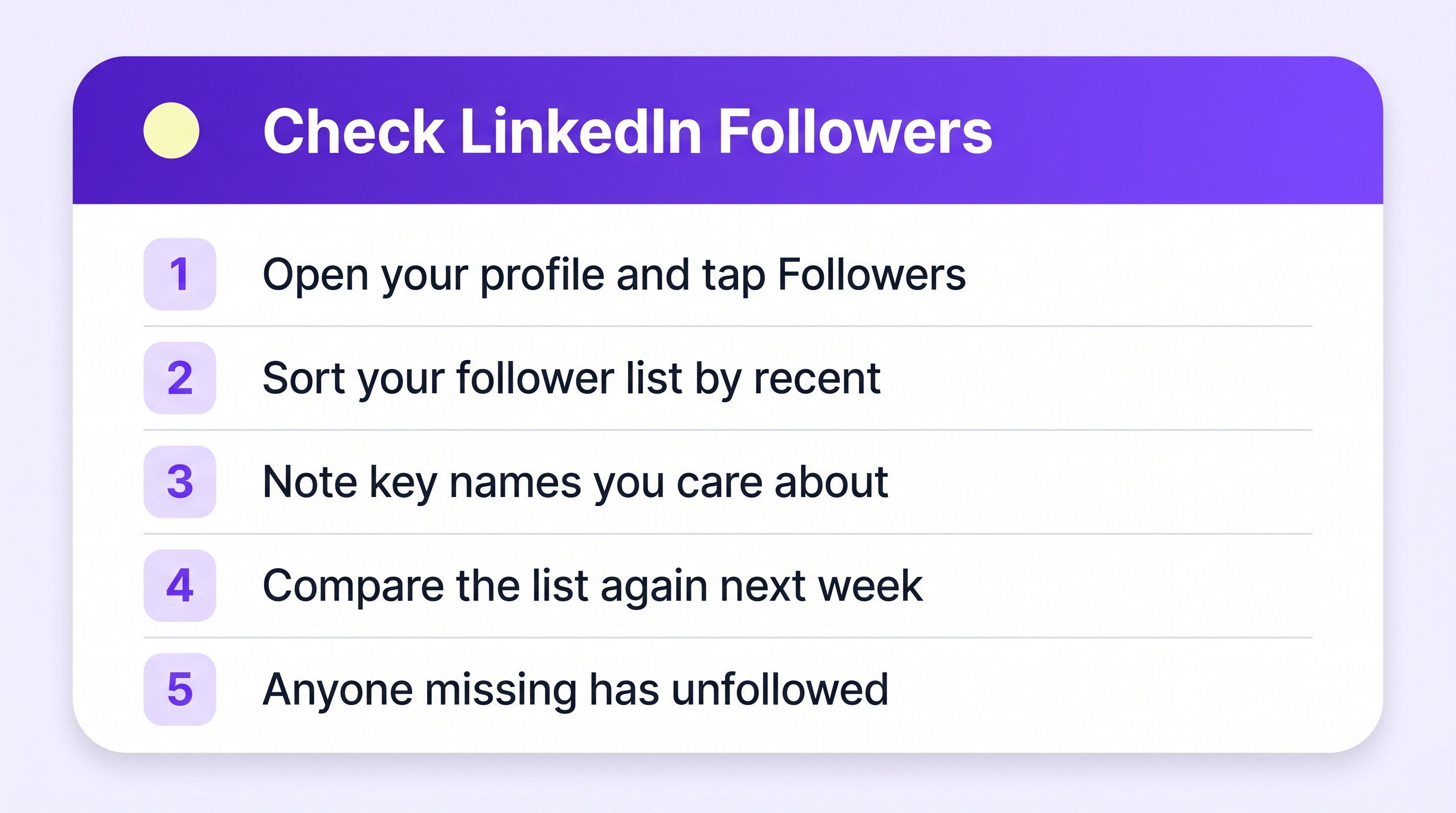
- Open your profile and go to your followers list — from your profile, tap your follower count, or visit your Analytics → Followers if you have creator mode on.
- Sort or scroll by most recent to see who joined lately.
- For one specific person: use the search within the list, or simply check whether their name still appears.
- Connections check: open My Network → Connections and search their name. If a former connection is missing, they removed the connection (or left LinkedIn).
LinkedIn's creator analytics also show your follower growth over time — a line chart with daily gains. Dips there tell you when people left, though not who.
The compare-over-time method
Since LinkedIn will not name unfollowers, the reliable manual method is the same one that works everywhere: compare your list on two different days.
- Once a month, open your followers or connections list.
- Note the total, and screenshot or jot down the names you care about (clients, collaborators, key contacts).
- Next month, check the same short list. Anyone missing has unfollowed, disconnected, or deactivated.
You can also request your own LinkedIn data export (Settings → Data privacy → Get a copy of your data) — the Connections file lists every connection with dates, which makes month-to-month comparison easy in a spreadsheet.
Focus on the handful of people who matter to your work, not the whole list. A watchlist of 20 names takes two minutes a month.
What a LinkedIn unfollow usually means
LinkedIn is a professional feed, and the most common reasons are boring:
- Posting frequency mismatch — you post daily, they wanted monthly.
- Topic drift — you moved from their industry to another.
- Feed cleanup — people trim aggressively on LinkedIn because the feed is small.
- Job change — someone who followed you for one role moves on with it.
A slow trickle is normal. A sharp drop after one post is feedback about that post.
Where Plumefy fits (the honest version)
Plumefy's unfollower tracker names exactly who left on TikTok and Instagram, because those platforms let you download your full follower lists — Plumefy compares two downloads and shows the difference, no password needed. LinkedIn's export includes your connections but not a full follower list, so unfollower tracking there stays manual for now.
What Plumefy does do for LinkedIn: scheduling and cross-posting. Write once, and publish to LinkedIn plus your other platforms in one go — a steady posting rhythm is exactly what keeps a LinkedIn audience from drifting away in the first place.
Frequently asked questions
Does LinkedIn notify someone when I unfollow them?
No. Unfollowing on LinkedIn is silent, and so is removing a connection. The other person would only notice by checking their lists.
Can I see who removed me as a connection?
LinkedIn will not tell you. Comparing your connections list (or your data export's Connections file) between two dates is the only reliable way.
Someone is still my connection but never sees my posts — did they unfollow me?
Possibly. Connections can unfollow your content while staying connected. There is no way to see that list; falling engagement from a person is the only hint.
Which platforms let me see exactly who unfollowed?
TikTok and Instagram — via your own data download compared over time. Plumefy does that comparison for you.
Keep a small watchlist, check monthly, and put the saved energy into posting consistently — that is what actually grows a LinkedIn audience.
Post everywhere, once.
Start on the free plan — no card needed, upgrade when you need scheduling.
Start free