How to Schedule Threads Posts (The Easy Way)
Want to schedule Threads posts ahead of time? Here is what native scheduling can do, where it falls short, and how to plan a full week in one sitting.
Threads moves fast. It is a text-first app, conversations pop up and fade in hours, and the people who win are the ones who show up every day. That is the hard part. Showing up every day is easy for a week. Then life happens.
Scheduling fixes this. You write your posts when you have energy, and they go out while you are busy, asleep, or off the app entirely. I will keep it simple. If you can write a text message, you can schedule a week of Threads in one sitting.
In this guide, we will cover what Threads gives you natively, where it falls short, and how to build a scheduling habit that actually sticks.
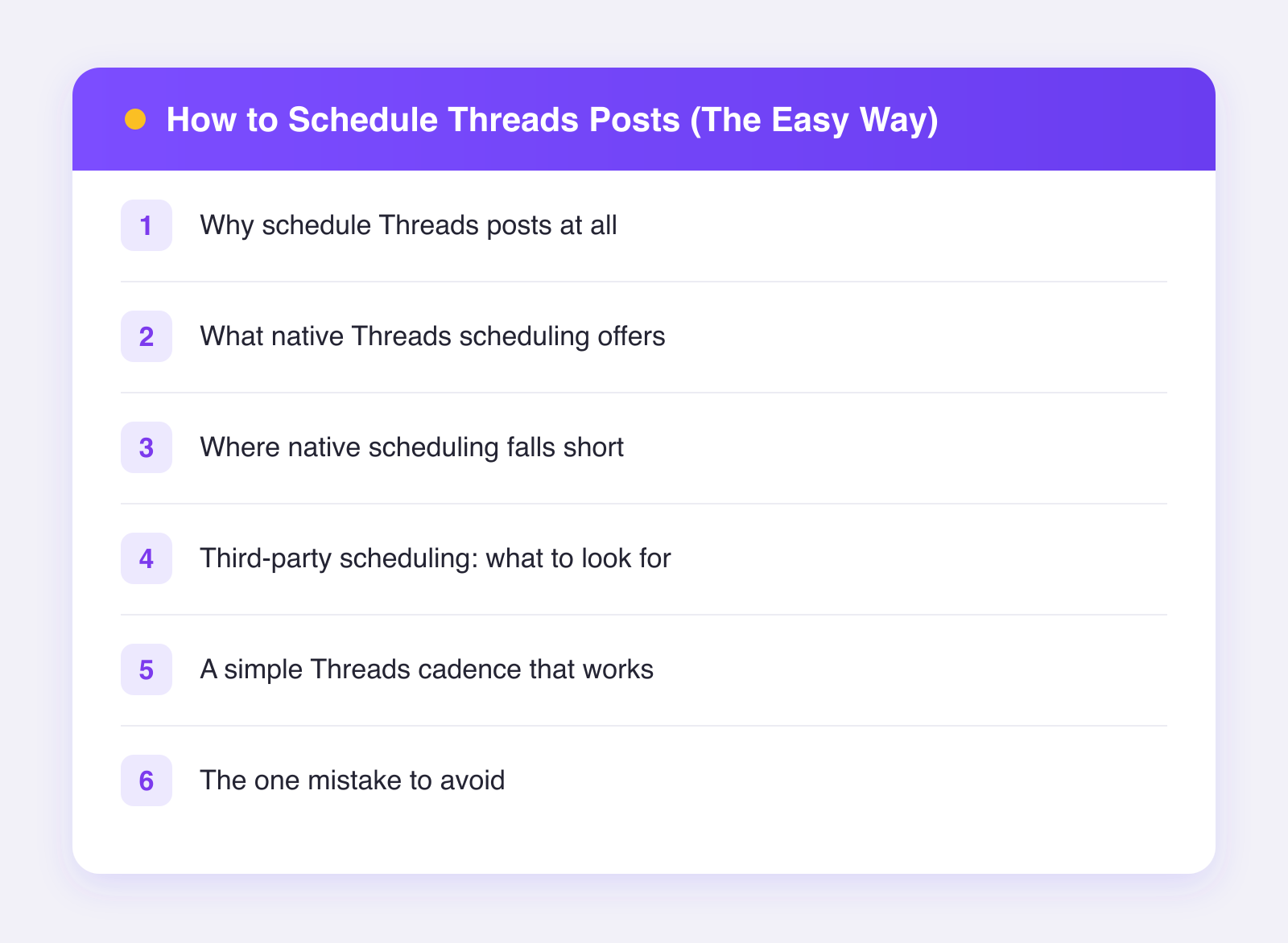
Why schedule Threads posts at all
Three reasons, all boring and all true:
- Consistency beats bursts. One post a day for a month beats ten posts on a random Tuesday. Threads rewards accounts that show up steadily.
- Your best writing does not happen on demand. Ideas come in clumps. Scheduling lets you capture a good writing session and spread it across the week.
- Timing matters a little. Posting when your audience is awake helps. Scheduling means you can hit a morning slot without waking up early.
We wrote a whole guide on building a posting schedule you can keep if you want to go deeper on cadence.
What native Threads scheduling offers
Good news first. As of 2026, Threads lets you schedule posts right inside the app. The flow is simple:
- Tap to write a new thread.
- Open the three-dot menu on the compose screen.
- Choose the schedule option and pick a date and time.
- Your post waits in your drafts area until it is time.
You can typically schedule posts up to about a month out, though the exact window can change, so treat that as rough. For a solo creator who posts once a day on Threads and nowhere else, this might be all you need. It is free, it is built in, and it works.
Where native scheduling falls short
Now the honest part. Native scheduling is fine, but it has real limits once you get serious:
- It is one platform at a time. If you also post to X, Bluesky, or Instagram, you are copying and pasting the same idea into three or four apps. Every day.
- Managing a queue is clunky. Scheduled posts live in a drafts-style list. There is no calendar view, so seeing your whole week at a glance is hard.
- No team access. If someone helps with your content, they cannot easily load your queue for you.
- Limited support for follow-ups. Planning a multi-post chain or a reply to your own post ahead of time is awkward or not supported.
- No combined analytics. You cannot see how your Threads posts performed next to your X or Bluesky posts, which makes it hard to learn what works where.
None of these are dealbreakers on day one. They become painful around the time you get consistent, which is exactly when you do not want friction.
Third-party scheduling: what to look for
Meta opened up a Threads API, which means proper scheduling tools can now publish to Threads for you. This is the official, safe route. The tool connects through Meta's own door, you approve it once, and you never hand over a password.
When picking a tool, look for:
- Official API access. If a tool asks for your Threads or Instagram password, close the tab.
- A calendar view. You want to see your week, not a flat list.
- Cross-posting. The same post should be able to go to Threads, X, and Bluesky in one step, ideally with small tweaks per platform.
- Sane pricing. You should be able to test the workflow before paying.
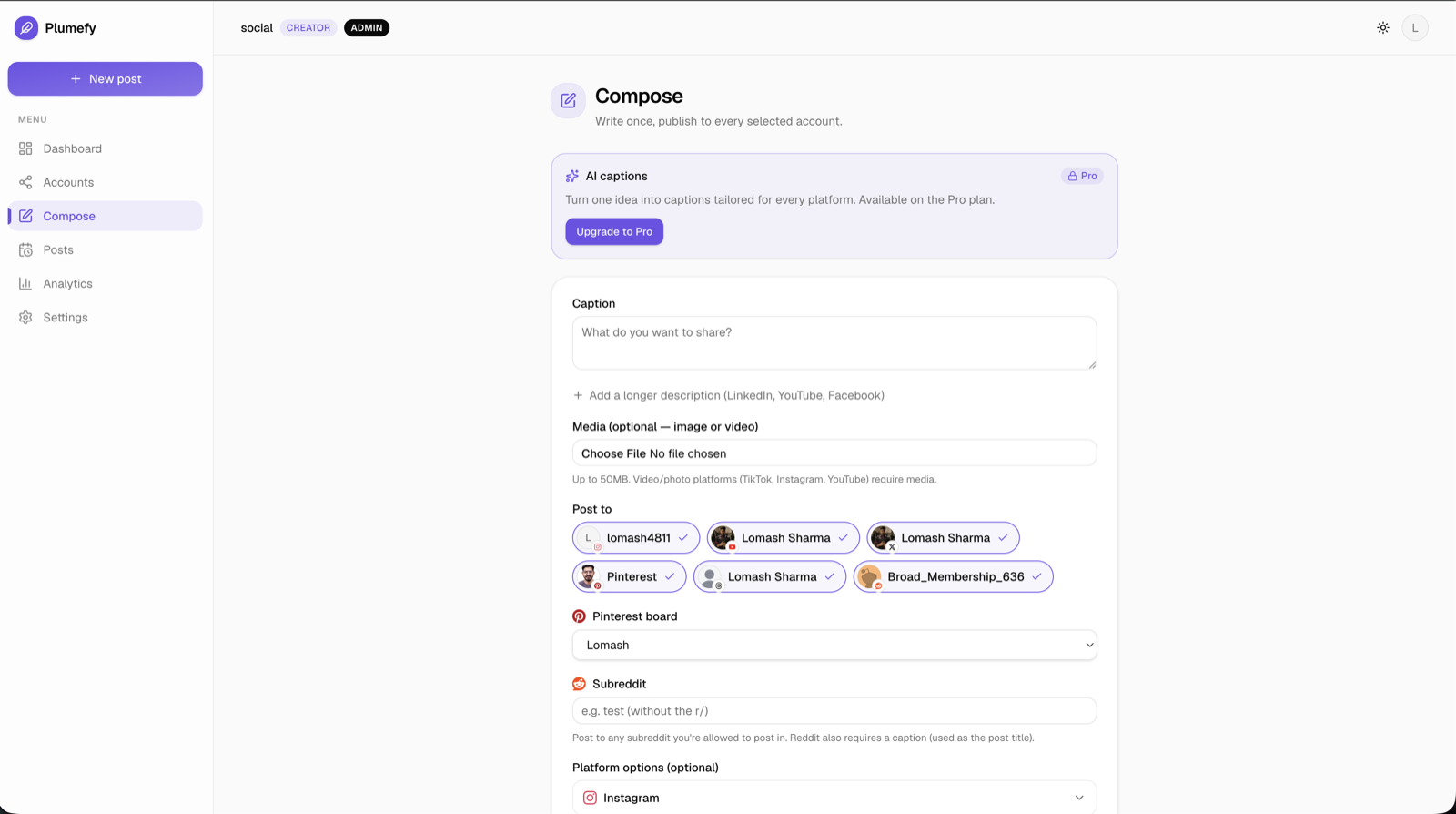
This is what we built Plumefy for. You write once, tweak the wording per platform if you like, and schedule to Threads plus up to 10 other networks from one calendar. There is a free plan with 2 connected accounts and 10 posts, so you can try Plumefy free and see if the habit sticks before spending anything.
A simple Threads cadence that works
You do not need a complicated system. Here is a starter plan:
- Pick a batch day. Sunday evening or Monday morning works for most people. Set aside 45 minutes.
- Write 7 to 10 short posts. Threads posts are capped at roughly 500 characters as of 2026, so think one idea per post. Observations, questions, small lessons, hot takes you can defend.
- Schedule one or two per day. Morning slots tend to do well, but your audience may differ. Our guide on the best time to post covers how to find your own windows.
- Leave room for live posts. Scheduling covers your baseline. When something timely happens, post in the moment too. The mix of planned and spontaneous is what keeps an account feeling human.
- Reply daily, even for five minutes. Threads is a conversation app. Scheduled posts start conversations; you still have to show up and finish them.
The one mistake to avoid
Do not schedule a month of posts and disappear. Threads, more than most platforms, rewards presence. A scheduled post that gets replies and silence from the author reads as a billboard, and people scroll past billboards.
Use scheduling to remove the daily blank-page problem, not to remove yourself from the app. Ten minutes of genuine replies on top of a scheduled queue is a strong combination, and it is sustainable.
FAQ
Can I schedule Threads posts natively?
Yes. As of 2026, the Threads app lets you schedule a post from the compose screen up to roughly a month ahead. It works, but it is basic: no calendar view, no cross-posting, and no combined analytics.
Do scheduled posts perform worse on Threads?
There is no good evidence for that. What hurts performance is posting and vanishing. A scheduled post that you come back to and reply on performs like any other post.
How often should I post on Threads?
One to three posts a day is a comfortable range for most creators. Consistency matters more than volume. Start with one a day, hold it for a month, then decide if you want more.
Is it safe to connect Threads to a scheduling tool?
Yes, if the tool uses the official API. You log in through Meta's own screen and can revoke access anytime. Plumefy works this way and never sees your password.
Post everywhere, once.
Start on the free plan — no card needed, upgrade when you need scheduling.
Start free