InstagramScheduling· February 6, 2026· 4 min read
How to Schedule Instagram Reels (And Cross-Post Them)
A step-by-step guide to scheduling Instagram Reels in advance — plus how to send the same Reel to TikTok and Shorts.
The Plumefy Team
February 6, 2026
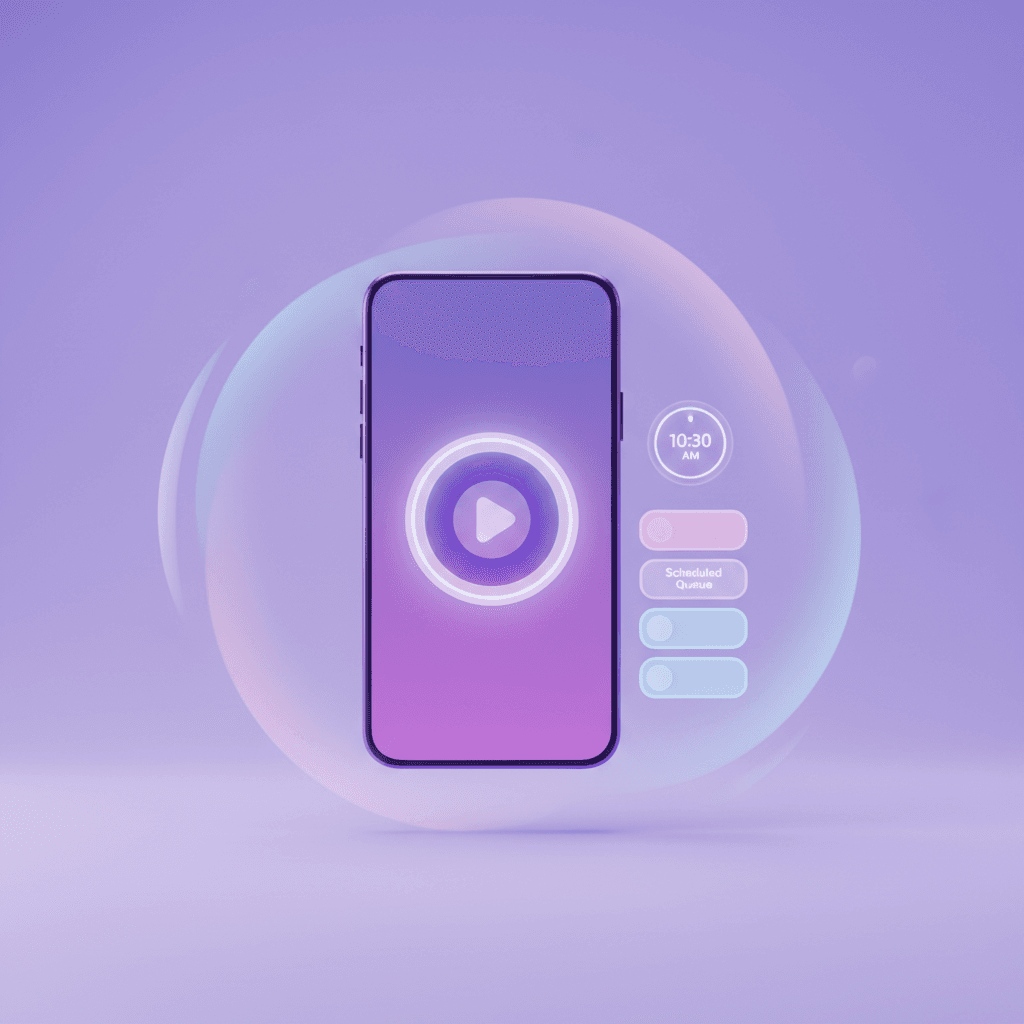
Scheduling Reels means you can batch-record and stop posting manually at odd hours. Here's how to do it — and how to get more from each Reel.
How to schedule a Reel
- Connect your Instagram (Business or Creator account).
- Upload your video and write the caption.
- Pick a date and time — ideally a window your audience is active.
- Let it publish automatically.
Get more from every Reel
The same vertical video almost always works on TikTok and YouTube Shorts too. Instead of re-uploading three times, cross-post it once with a caption tailored to each.
A heads-up: Instagram posting requires a Business or Creator account connected to a Facebook Page. Start scheduling free, or read cross-posting Instagram and TikTok the right way.
Post everywhere, once.
Start on the free plan — no card needed, upgrade when you need scheduling.
Start freeKeep reading
Your Q4 Holiday Content Calendar: Plan It Before the RushPlan October through December now: the key Q4 dates, how to batch holiday content before the rush, and the promo-to-value balance that keeps followers around.The 3-Phase Social Media Plan for a Product LaunchPlan a product launch on social in three phases: tease, launch week, and echo. Assign each platform a role and schedule the burst before the chaos starts.Plan a Month of Content in 30 Minutes With AIPlan a full month of social content in one 30-minute session. Use AI for the rough draft calendar, your content pillars for direction, and a human edit pass.How to Download Your TikTok Data (Step by Step)Learn how to download your TikTok data in a few taps. A free file from TikTok holds your follower lists — and it's the safe, no-password way to see who unfollowed you.